Photo to Laser Cut File. AI Background Removal Built In
Real phone photos have backgrounds, multiple subjects, and uneven lighting. A naive vectorizer chokes on all three. This tool segments the subject first, drops the rest, then traces. you get a recognizable cut file instead of confetti.
A photo-to-laser-cut-file pipeline tuned for the hardest case: a real phone photo with a real background. A trained segmentation model isolates the subject before any tracing happens, so the SVG and DXF carry the subject only. not the porch, the grass, or the people in the back. 3 free designs anon, 5 with a free signup, then 1 credit each. Output is auto-bridged for stencil cutting.
Subject isolation first
Background is removed before tracing. The cut file carries the subject only, not every shadow and leaf.
Pets and people both work
Dogs against grass, kids in school photos, partners in selfies. all segment well as long as the subject is the dominant element.
Auto-bridged for cutting
Floating cutouts (eye centres, gaps in fur, mouth holes) are bridged so the stencil cuts as one piece.
Three files in one DL
SVG, R12 DXF, and a PNG preview. All bundled in the same download at no extra cost.
How to use the photo to laser cut file. ai background removal built in
- 1
Upload the photo
JPG, PNG, WEBP, or HEIC up to 15 MB. Phone photos work as well as professional shots. the segmentation model cares about edge clarity, not depth-of-field.
- 2
AI removes the background
Subject segmentation runs in 5-10 seconds. You see the cutout preview and can re-run if the model missed an edge.
- 3
Pick a stencil style
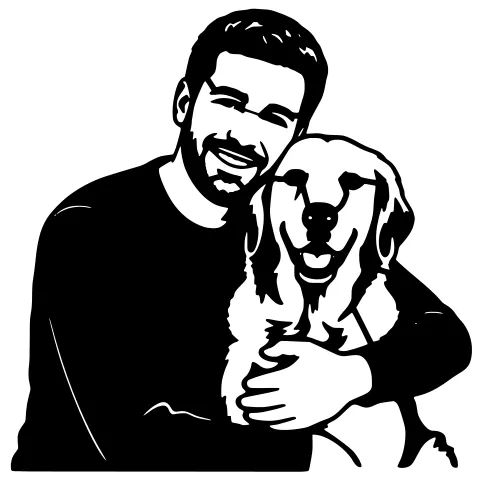
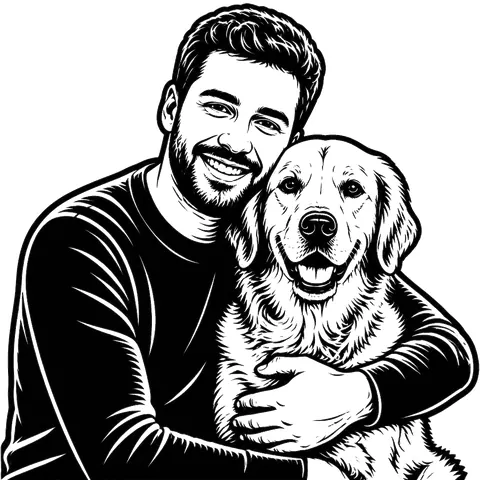
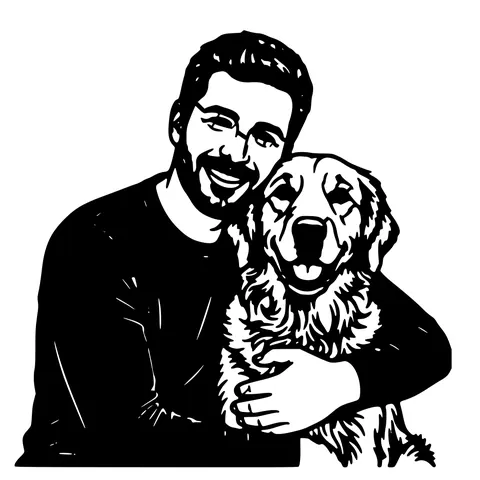
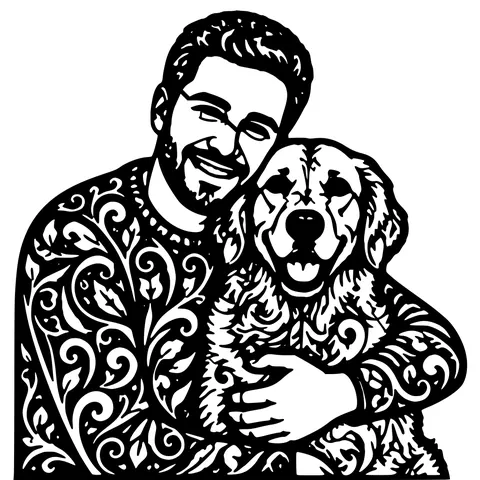
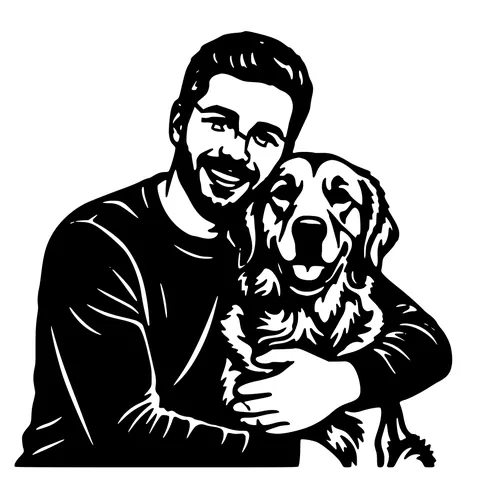
Solid silhouette for bold cuts, contour for outline-only, geometric for stylized designs. Each style renders the isolated subject differently.
- 4
Download SVG + DXF + PNG
SVG and R12 DXF for cutting, PNG preview for sharing. Auto-bridged, sized at 150 mm wide. Drop into LightBurn, the Glowforge App, xTool Creative Space, or RDWorks.
Why a photo needs a different pipeline than an image
A clean image (a logo, a scanned drawing, a screenshot of line art) has one shape on a flat background. A photo has continuous-tone subjects mixed into a real-world scene with uneven lighting and out-of-focus background detail. A naive vectorizer treats both the same and chokes on the photo. you get a noisy vector file with every shadow and leaf as a separate path. This tool detects "this is a photo" via segmentation first, isolates the subject, then traces only what matters. The output is recognizable instead of confetti.
What photo to bring
Best results come from a photo where the subject is the dominant element, the lighting puts a clear edge between subject and background, and you can fit the whole subject inside the frame. A pet sitting on a porch in daylight is ideal. A toddler running in long grass at dusk is harder but still workable. the segmentation will pick the largest subject and the contrast pass dims the rest. Out-of-focus background actually helps; the model uses the edge sharpness around the subject to find its boundary.
After segmentation: tracing and bridging
Once the subject is isolated, the tracing pipeline turns the silhouette into closed Bezier paths, then resamples those to closed polylines for the DXF. Auto-bridging runs last, inserting thin connectors between every floating island (eye centres, gaps in fur, mouth holes inside a snout) and the main outline. Default bridge width is 1 mm, adjustable. The result is a stencil that holds together as one piece during cutting and after.
Pets, people, products, logos
Pets are the most common input by volume. dogs, cats, horses, rabbits, birds, lizards. People are second most common. portraits, profile shots, wedding photos. Products work too. shoes, bags, bottles, plants, tools. and logos shot off product packaging or store signs. Multi-subject photos pick the largest single subject; group photos can be re-run with the subject cropped if you want a specific one.
Sizing and machine compatibility
Default output is 150 mm wide. resize freely in your laser program, both SVG and DXF are lossless under scaling. Compatible with every laser cutter that reads SVG or DXF: Glowforge (App and Premium), xTool (Creative Space), LightBurn-driven machines (OMTech, Boss, Atomstack, Ortur, Sculpfun, NEJE), CO2 lasers on Ruida controllers, and CNC routers and plasma tables that accept DXF.
Pricing
Three free designs to try without an account, five with a free signup, then 1 credit per generation. Credit packs are pay-as-you-go and credits never expire. Re-rendering the same photo with a different style costs another credit because the model re-runs. If you have a clean image (no background to remove), the free image to laser cut file tool may be all you need.
See it in action
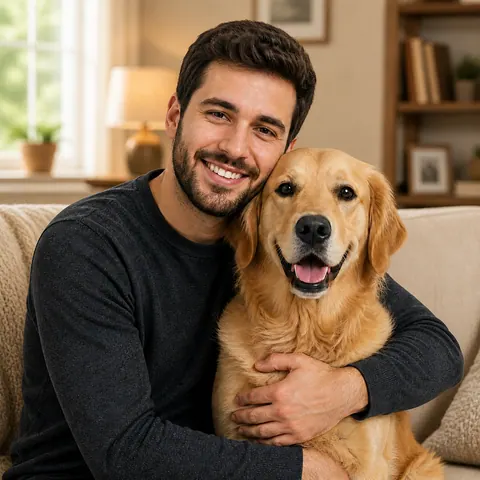
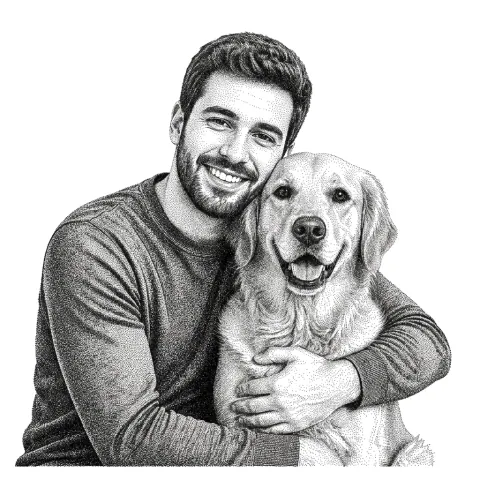
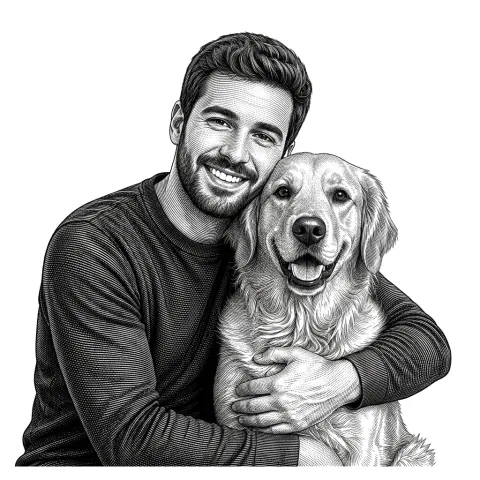
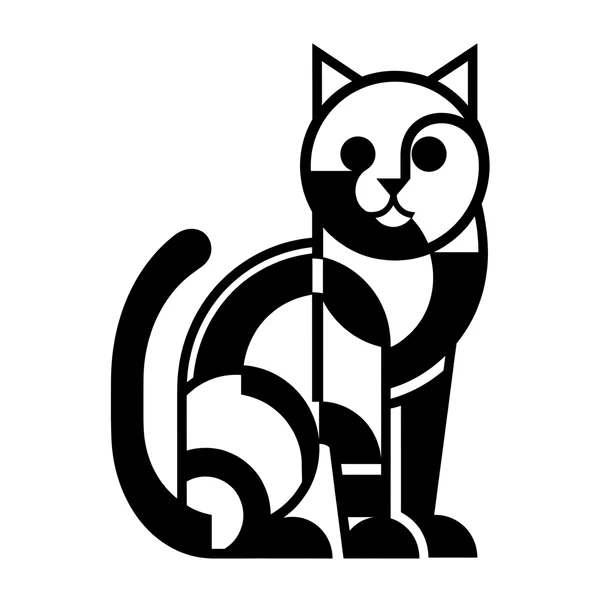
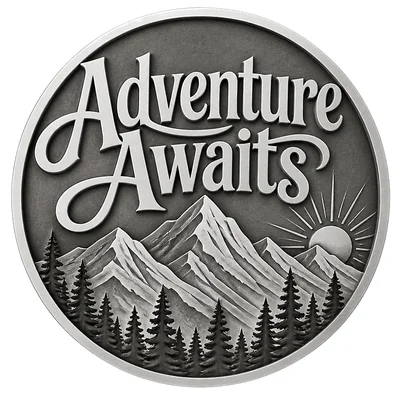
The same photo in every style. Swipe through or let it play.

Frequently Asked Questions
Does it work on photos of dogs or cats?
Yes. Pets are the highest-volume input. Dogs against grass or sky segment almost perfectly. Cats indoors with cluttered backgrounds still work; just shoot in daylight if you can.
What about photos of people?
Yes. Portraits come out as silhouettes or contours that stay recognisable from outline plus hair, glasses, and beard. Profile shots tend to read better than front-facing for stencils.
Can I use a phone photo or do I need a professional shot?
Phone photos work as well as professional shots most of the time. The segmentation model cares about edge clarity around the subject, not bokeh or studio lighting.
What if the subject has thin or floating parts (eye centres, holes)?
Auto-bridging handles them. Every floating piece is connected to the main outline with a thin 1 mm bridge so the cut piece stays in one piece during cutting.
What files do I download?
Three: an SVG (vector), an R12 DXF (vector), and a PNG (preview). All bundled in the same download. SVG and DXF are auto-bridged and sized at 150 mm wide.
Will it work on my Glowforge or xTool?
Yes. Glowforge App accepts the SVG natively; Glowforge Premium also accepts the DXF. xTool Creative Space accepts both. LightBurn imports the DXF as a Cut layer automatically.
How much does it cost?
3 free anon, 5 free with a free signup, then 1 credit per generation. Credit packs never expire.
How long does it take?
Usually 30 to 60 seconds end to end. Segmentation (5-10s), tracing (10-30s), bridging (1-2s).
Related tools
Image to Laser Cut File. Direct Path, No AI Step Needed
When your image is already clean (logo, scanned drawing, icon), you don't need background removal or style swapping. just a fast vectorizer that produces a laser-ready SVG and DXF. This is that tool.
Photo to Stencil Generator. AI Background Removal Built In
Photos are the hardest input for a stencil maker. busy backgrounds, soft edges, multiple subjects. This tool removes the background, isolates the subject, adds bridges, and hands you a one-piece laser-ready cutout.
Photo to Laser Engraving. Tonal Output From Real Photos
Photos carry uneven lighting, blown-out highlights, and busy backgrounds. all of which scorch as artefacts on a laser bed. This tool re-balances exposure, removes the background, and applies a material-tuned tonal curve before the engrave file is rendered.
Image to DXF Converter. R12 Output, Auto-Bridged
A DXF you can drop straight into LightBurn, RDWorks, Fusion 360, or AutoCAD. R12 / AC1009 flavour for universal compatibility, sized at 150 mm wide, auto-bridged for stencil cutting.