
 Cut
Cut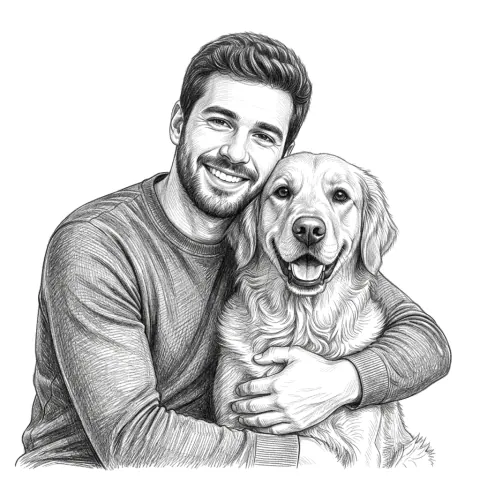 Engrave
Wall art, gifts, and signs
Master Mode
Turn a photo or idea into cut or engraved art, gifts, signs, and more.
Made for real material
Create connected stencils and engraving designs. Export SVG and DXF files for your laser software.
Start here
Pick one. You add your photo on the next screen.
CutEngraveWall art, gifts, and signs
Turn a photo or idea into cut or engraved art, gifts, signs, and more.
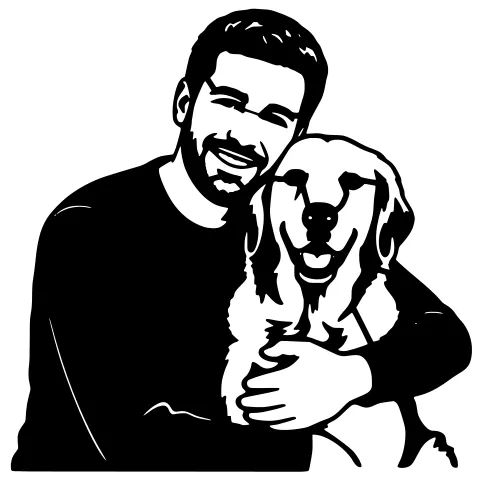
 PhotoCut result
A one-piece stencil
Connected shapes your laser cuts through.
PhotoEngrave resultA photo burned onto material
Detailed artwork your laser burns onto a surface.
 Ready-made layout
A personalized coaster
Combine a photo, words, shape, and border in one guided layout.
Watch a short walkthrough first.
Try 3 designs without an account. New accounts start with 5 credits. No credit card required.
See a real customer cutWorks with Glowforge, xTool, LightBurn, OMTech, and any laser cutter.
Built for laser hobbyists. No design skills needed.
JPG or PNG from your phone or computer. No prep needed.
Background removed, contrast tuned, bridges added, file checked.
Get an SVG and DXF that opens in LightBurn, Glowforge, or xTool.
Nicola used StencilCut, saved the SVG to LightBurn, adjusted the size, and cut the piece on her own laser.
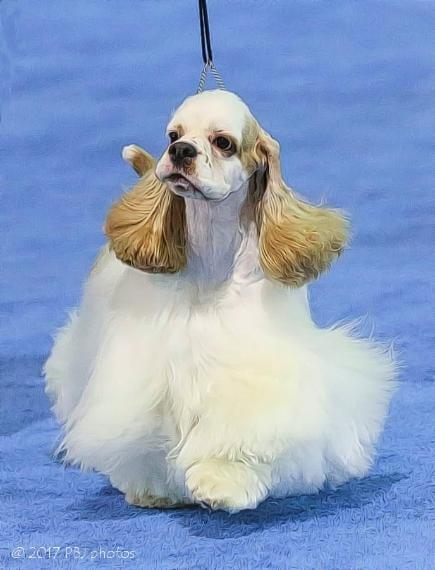
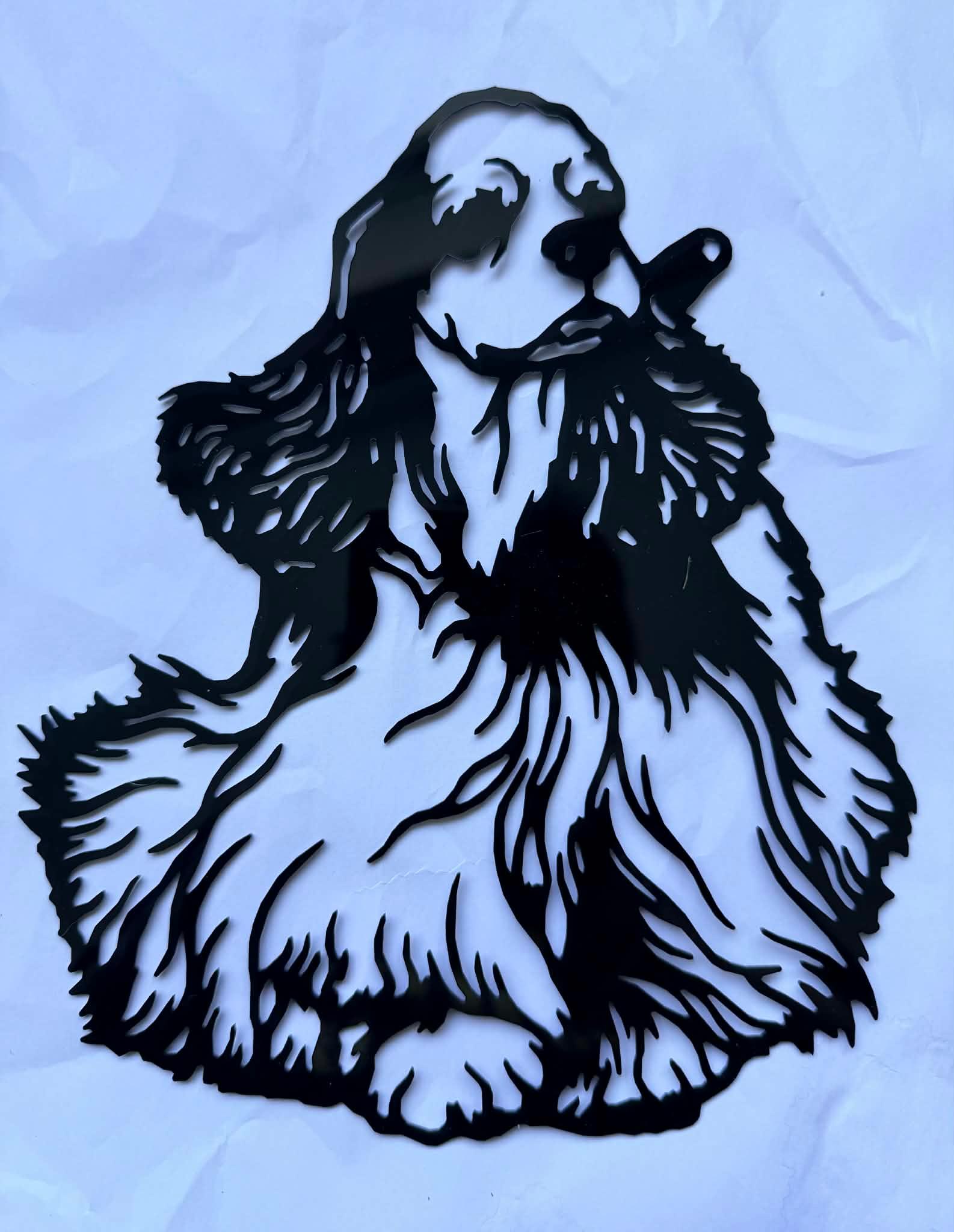
“I’m just so happy someone has made a site for this kind of laser cutting. Saved the SVG to LightBurn, adjusted size, and cut. Very easy.”
Nicola, United Kingdom
Start with six representative Cut and Engrave looks. The full builder has more styles when you are ready to explore.
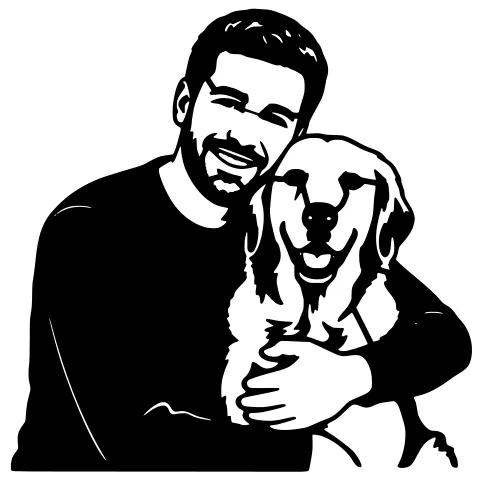
Bold connected artwork for a physical cut.
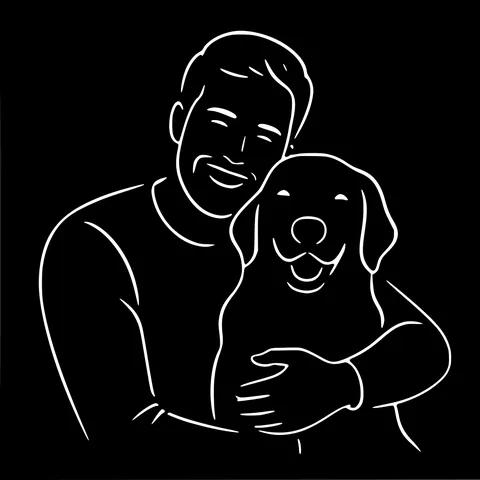
Clean contours with a lighter visual weight.
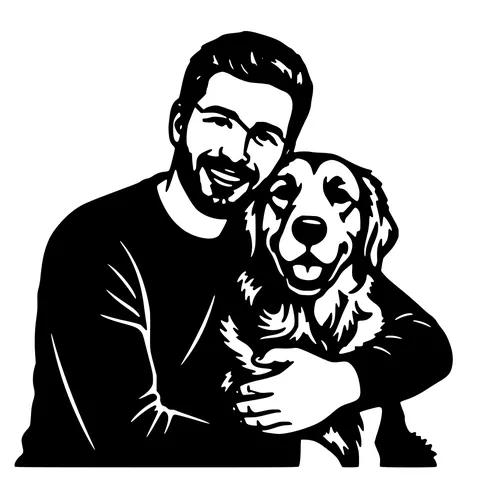
Large graphic shapes for statement pieces.
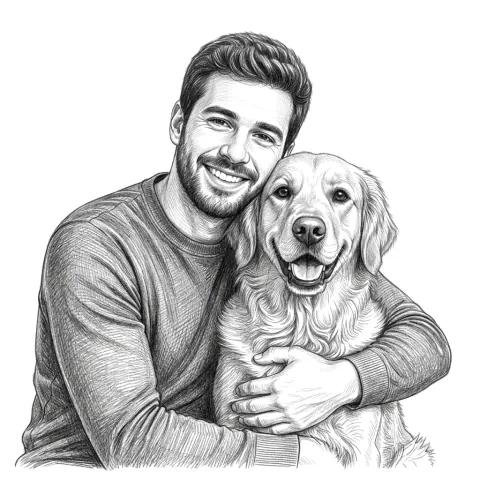
Soft tonal detail for wood and other surfaces.
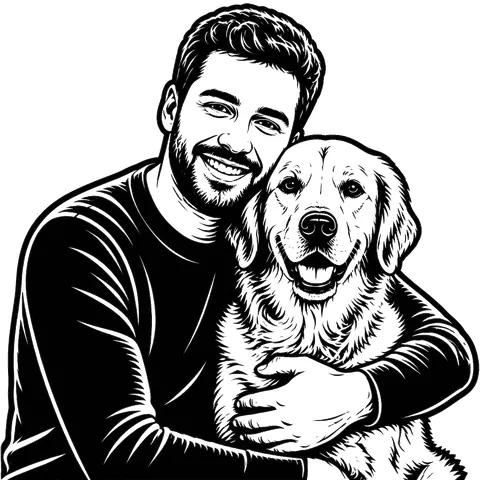
High-contrast carved-print character.
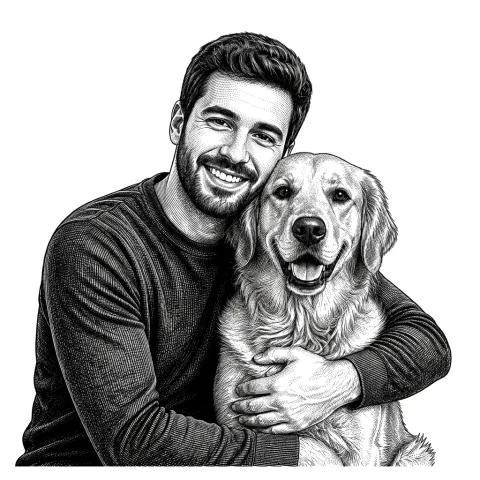
Fine linework with an old-print feel.
Payments are processed securely by Stripe. Failed AI generation and refinement jobs return any credit charged automatically.
DXF (polyline and spline) and SVG. Both work with LightBurn, RDWorks, and every major laser and CNC software.
Every major brand: Glowforge, xTool, OMTech, Epilog, Trotec, Boss Laser, and any machine that opens SVG or DXF. CNC routers and plasma cutters work too.
Temporary job uploads are scheduled for deletion after they are more than 2 hours old. If you enable design history, generated outputs are saved separately for the retention shown in your account. We never use your images to train our own AI models.
Auto-bridging connects them automatically. You can also fix them manually in the bridge editor.
A standard AI design costs 1 credit. Wall Art costs 2 credits. The first refinement of a paid design is free for 48 hours. Further refinements cost 1 credit each. SVG and DXF downloads are free. One-time pack credits and bonus credits do not expire. Subscription credits reset each billing month and do not roll over.
A credit charged for an AI generation or refinement is automatically returned when that job fails on our side. Completed results use the stated credits even if you decide not to use them.
The main builder stays the starting point. These focused tools handle patterns and common format conversions.
Try 3 designs free with no account. New accounts start with 5 credits. No credit card.
Create a free design