Image to Laser Cut File. Direct Path, No AI Step Needed
When your image is already clean (logo, scanned drawing, icon), you don't need background removal or style swapping. just a fast vectorizer that produces a laser-ready SVG and DXF. This is that tool.
A direct image-to-laser-cut-file converter for images that are already clean. no AI background removal, no style generation. Just upload a PNG, JPG, WEBP, or GIF and get back an auto-bridged SVG plus an R12 DXF, sized at 150 mm wide for laser cutting. Free up to 5 conversions per IP per day, no signup. For photos with real backgrounds, use photo-to-laser-cut-file instead.
Fast direct path
No AI generation step, no GPU queue. Vector trace runs in 10-30 seconds for most images.
Auto-bridged cuts
Floating islands inside the design are connected so the stencil cuts as one piece without parts dropping.
SVG + DXF in one go
Both files bundled in every download. SVG for modern laser software, R12 DXF for older controllers and CAD.
Free 5/day per IP
No card, no signup. Five conversions per IP per day. signed-in users get 30/day, then 1 credit each.
How to use the image to laser cut file. direct path, no ai step needed
- 1
Upload your image
PNG, JPG, WEBP, or GIF up to 15 MB. Best when the image is already clean. logo, scanned drawing, icon, line art.
- 2
Format-aware cleanup
PNG keeps its alpha, JPG gets a denoise + deblock pre-pass, WEBP detects lossy vs lossless. The pre-pass picks itself.
- 3
Trace, close, auto-bridge
Edges traced as Beziers, resampled to closed polylines for DXF. Floating islands bridged so the stencil cuts as one piece.
- 4
Download SVG + DXF
Both files sized at 150 mm wide. Open in LightBurn, the Glowforge App, xTool Creative Space, RDWorks, or any laser software that reads vector.
When to pick the direct path over the AI path
If your image is already a clean vector candidate (logo, scanned sketch, icon, screenshot of line art, simple high-contrast design), the direct image-to-laser-cut-file path is faster and produces better results than running it through the AI builder. The AI is built to handle photos with messy backgrounds. running a clean image through it adds unnecessary GPU time and can introduce stylistic changes you didn't ask for. The direct path skips both: raster in, vector out, no creative interpretation.
Format-aware cleanup
The converter is not format-agnostic in a lazy way. it detects what kind of raster you uploaded and applies the right pre-pass. PNG: alpha-aware tracing so transparent backgrounds become real cutout boundaries. JPG: denoise + deblock to remove 8x8 compression seams. WEBP: detects lossy vs lossless and routes accordingly. GIF: handles palette quantization. Same output format (auto-bridged SVG + R12 DXF) regardless.
Cut, score, and engrave layers
The converter outputs all paths as a single Cut-class layer. closed filled paths. If you want a separate Score or Engrave layer (e.g. an outline cut plus an interior engrave), do that step inside your laser software after import. LightBurn lets you assign per-shape; Glowforge App and xTool Creative Space have the same pattern. Or run the design through the AI Builder where multi-layer output is part of the style options.
Compatible with every laser that reads vector
SVG opens in the Glowforge App (all models), xTool Creative Space, LightBurn 1.4+, RDWorks, LaserGRBL, Lightburn-driven Ruida machines, Cricut Design Space, and Silhouette Studio. The bundled R12 DXF opens in everything above plus AutoCAD, Fusion 360, Vectric VCarve, Aspire, Carveco, FreeCAD, and most plasma-table CAM packages.
Sizing and kerf
Default size is 150 mm wide with the original aspect ratio preserved. SVG and DXF are both lossless under scaling. Kerf compensation is left to your laser software because the right value depends on lens, power, material, and feed rate. For a CO2 cutting 3 mm plywood, 0.15 mm kerf offset is a common starting point. verify with a test cut on your specific machine and material.
Free, no signup, files stay yours
5 conversions per IP per day with no account. 30 per day with a free signup. Past that, 1 credit per extra conversion and credit packs never expire. Uploaded images are processed in memory and binaries are deleted from our servers within 24 hours.
See it in action
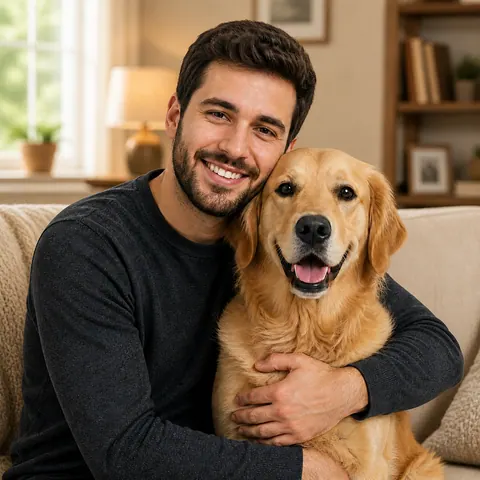
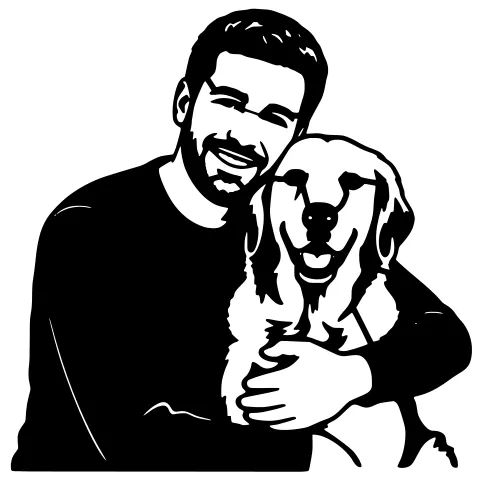
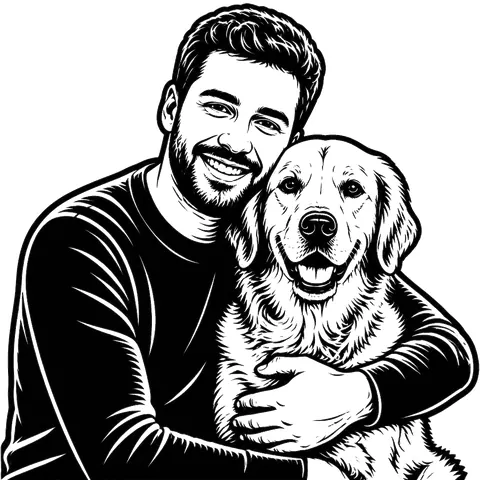
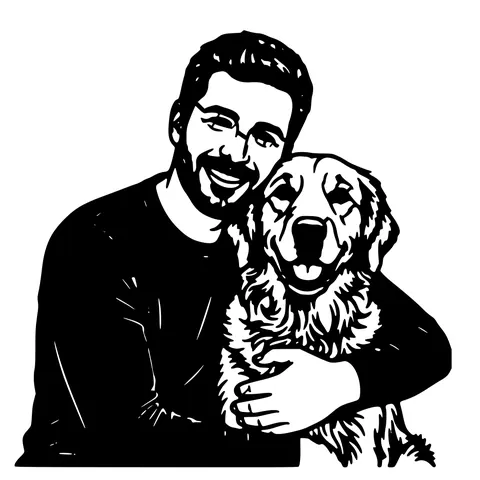
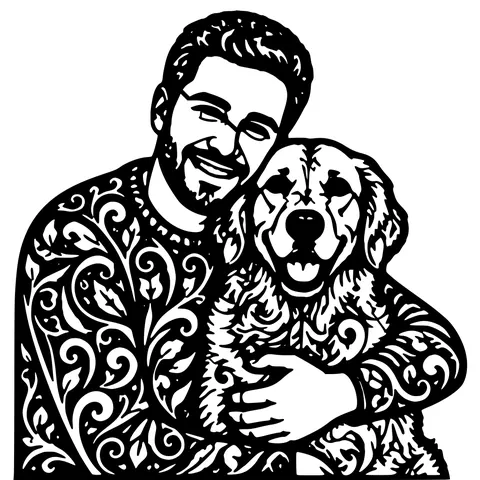
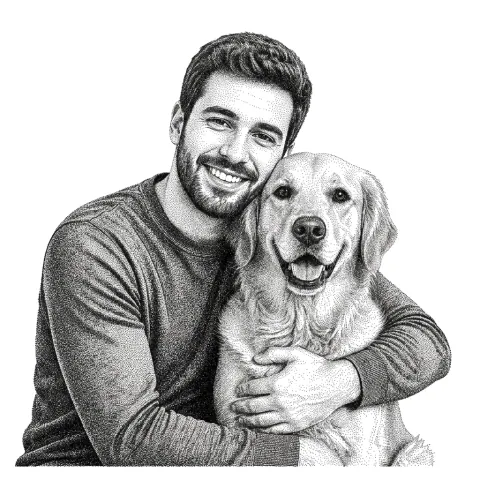
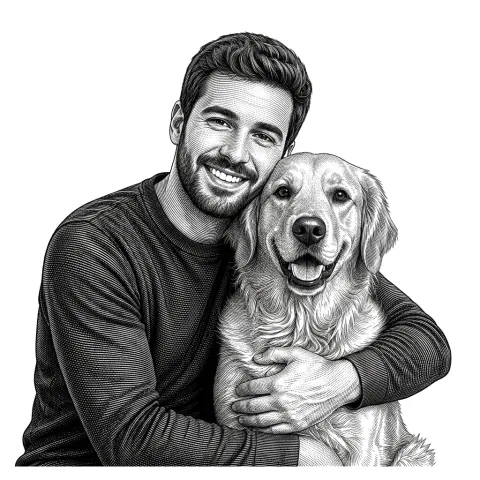
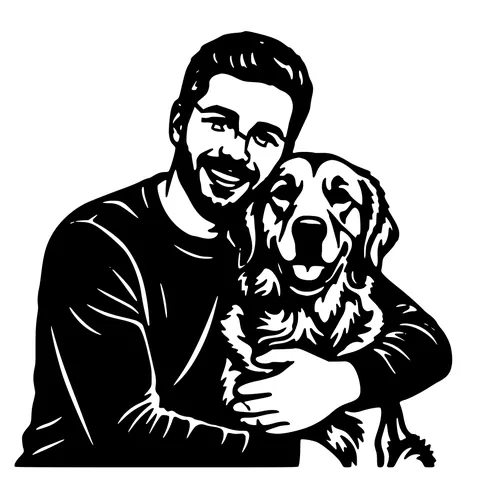
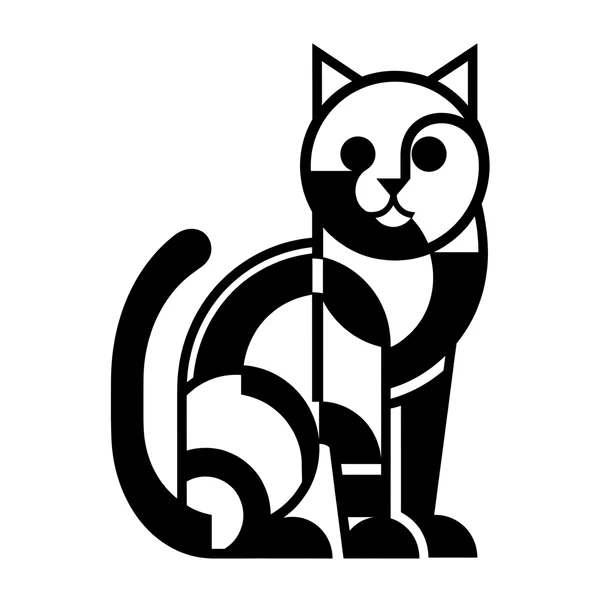
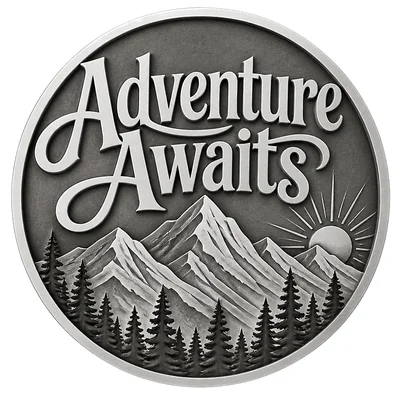
The same photo in every style. Swipe through or let it play.

Ready to convert?
Drop in your file and download a laser-ready vector in seconds.
Open the Converter →Frequently Asked Questions
When should I use this vs the AI photo tool?
Use this when your image is already a clean vector candidate (logo, icon, scanned sketch, screenshot of line art). Use photo-to-laser-cut-file when the input is a real photo with a background that needs removing.
What formats can I upload?
PNG, JPG/JPEG, WEBP, GIF, and existing SVG (for re-simplification). Max 15 MB per file.
Is the SVG one combined layer or separated?
One Cut-class layer with closed filled paths. For multi-layer designs (cut + engrave), assign per-shape inside your laser software after import.
Will it work for Cricut or Silhouette?
Yes. The SVG output imports cleanly into Cricut Design Space and Silhouette Studio. Use the SVG, not the DXF, for those programs.
Does it work for CNC routing or plasma cutting?
Yes. The R12 DXF imports into Vectric VCarve, Aspire, Carveco Maker, Fusion 360 Manufacturing, and most plasma-table CAM tools.
Do you watermark the output?
No. Output is clean and yours to use commercially.
How big a file can I upload?
Up to 15 MB and roughly 4000 px on the longest side. Larger images are downscaled automatically before tracing.
Is it really free?
5 per IP per day with no account. 30 per day with a free signup. Past that, 1 credit per extra conversion. No watermark, no recurring charge.
Related tools
Photo to Laser Cut File. AI Background Removal Built In
Real phone photos have backgrounds, multiple subjects, and uneven lighting. A naive vectorizer chokes on all three. This tool segments the subject first, drops the rest, then traces. you get a recognizable cut file instead of confetti.
Image to Laser Engraving. Any Raster, Right Pipeline
Different inputs need different prep before the tonal map. A logo wants threshold-clean output; a photo wants exposure rebalance; a scanned drawing wants noise cleanup. The converter detects which and runs the right one.
Image to DXF Converter. R12 Output, Auto-Bridged
A DXF you can drop straight into LightBurn, RDWorks, Fusion 360, or AutoCAD. R12 / AC1009 flavour for universal compatibility, sized at 150 mm wide, auto-bridged for stencil cutting.
Image to SVG Converter. One Tool For Every Format
Drop in a PNG, JPG, WEBP, or even a screenshot and get a clean scalable SVG back. The converter auto-tunes itself to the input format, so you don't pick threshold sliders or trace settings.