Image to Laser Engraving. Any Raster, Right Pipeline
Different inputs need different prep before the tonal map. A logo wants threshold-clean output; a photo wants exposure rebalance; a scanned drawing wants noise cleanup. The converter detects which and runs the right one.
An image-to-laser-engraving converter that picks the right pre-processing pipeline based on what you uploaded. Logos go straight to threshold + tonal map; JPGs get a deblock + denoise pass first; scanned drawings get noise cleanup; photos get background removal. Output is a tonal PNG and an SVG wrapper, tuned per material. Free up to 5 conversions per IP per day, no signup.
Input-aware pipeline
Logos, JPGs, scanned drawings, photos each get the right pre-processing. No one-size-fits-all trace.
7 engrave styles
Pencil depth, carbon trace, classic etching, artisan relief, copperplate, pointillism, hatching. Pick the texture that fits your design.
7 materials
Wood, leather, slate, acrylic, glass, anodized aluminum, cardstock. Each gets a different contrast curve at engrave time.
PNG + SVG output
Transparent PNG for LightBurn Image layer or Glowforge engrave. SVG wrapper for vector-only workflows.
How to use the image to laser engraving. any raster, right pipeline
- 1
Upload any raster
PNG, JPG, WEBP, GIF up to 15 MB. The converter detects the input type and picks the right pipeline.
- 2
Format-aware prep
Logo: high-contrast threshold. JPG: deblock + denoise. Scanned drawing: speckle removal. Photo: background removal + exposure rebalance. Each runs only when relevant.
- 3
Pick material and style
Material picks the contrast curve (wood, leather, slate, acrylic, glass, anodized aluminum). Style picks the tonal pattern (pencil depth, etching, pointillism, hatching, etc.).
- 4
Tonal output rendered
The model applies the material-tuned curve and produces a tonal PNG plus an SVG wrapper.
- 5
Download
Drop the PNG into LightBurn as an Image layer or into the Glowforge App as an engrave layer. SVG wraps it for vector-only workflows.
Why raw raster doesn't engrave well
Laser engraving converts pixel brightness to laser power. dark pixels burn deep, light pixels skip. A raw photo or image has mid-tone backgrounds, blown highlights, anti-aliased edges, and compression noise. all of which scorch as artefacts when sent directly to the laser. The result is a muddy engrave with no clear subject and lots of noise around the edges. An image-to-engraving converter remaps the tones into a curve that scorches cleanly on the material you're engraving on, and removes the artefacts before the tonal map applies.
Different inputs, different prep
A logo is already high-contrast; the right prep is a clean threshold and the tonal map preserves it. A JPG carries 8x8 compression seams; the right prep is a denoise + deblock pass before the tonal map. A scanned drawing has paper grain and ink bleed; the right prep is a speckle-removal pass. A photo has a real-world background; the right prep is segmentation + exposure rebalance. The converter detects the input type and routes through the right pipeline so the tonal map sees a clean source either way.
Logo and line-art inputs
Logos and high-contrast line art are the easiest inputs. The pipeline applies a threshold, the tonal map preserves the binary, and you get a clean engrave file that reads beautifully on wood and slate. For a logo with text, choose Classic Etching style for the cleanest line definition; Pencil Depth softens text slightly which can look better on rustic wood but worse on slate.
Scanned drawings and sketches
Scanned hand-drawings come with paper grain, ink bleed, and sometimes faint pencil under the inked lines. The pre-pass runs noise cleanup first so the tonal map doesn't engrave every speck of paper texture. If light pencil lines fall out, raise the contrast in your phone's Photos app before upload. For tattoo-flash-style line art, Carbon Trace style produces a particularly clean engrave because it preserves line thickness through the tonal map.
When to use engraving vs cutting
Use image-to-laser-engraving when you want surface detail: a portrait, a quote, a logo burned into a plaque, fine artwork. Use image-to-laser-cut-file when you want to cut a shape all the way through. Some projects want both: a portrait engraved inside a coaster shape, a logo engraved on a name tag with the silhouette cut. Toggle "Engrave + cut outline" in the result step for those combined-pass designs.
Free, no signup, files stay yours
5 free anon engravings to start (5 per IP per day), 30 per day with a free signup, then 1 credit per generation. Credit packs never expire. Uploaded images are processed in memory and binaries are deleted from our servers within 24 hours.
See it in action
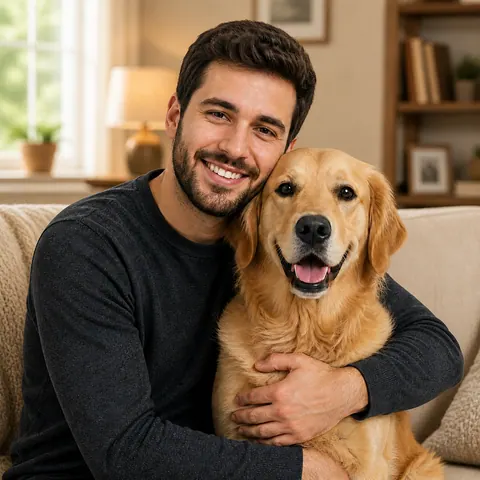
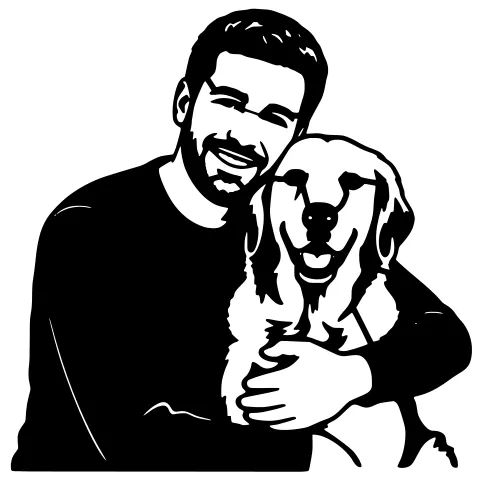
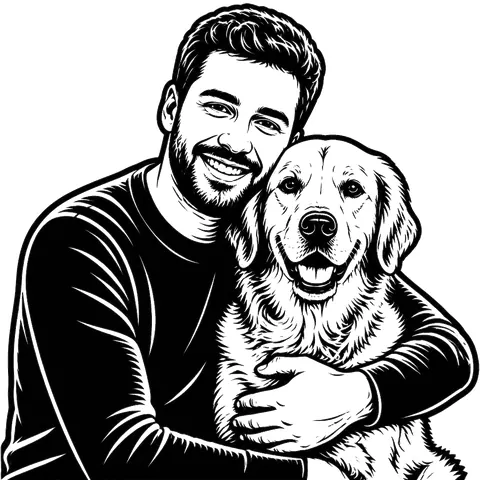
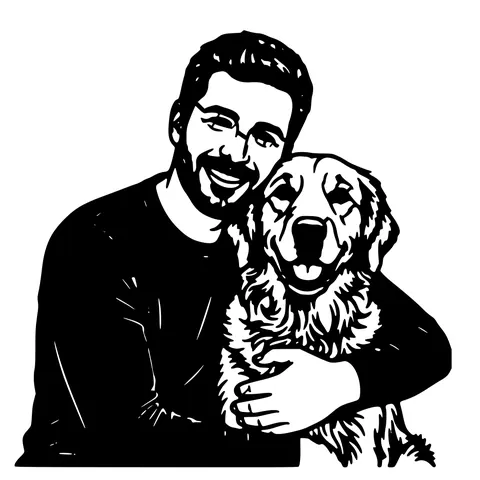
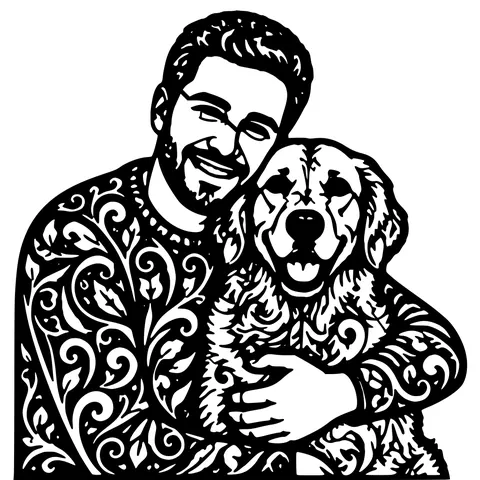
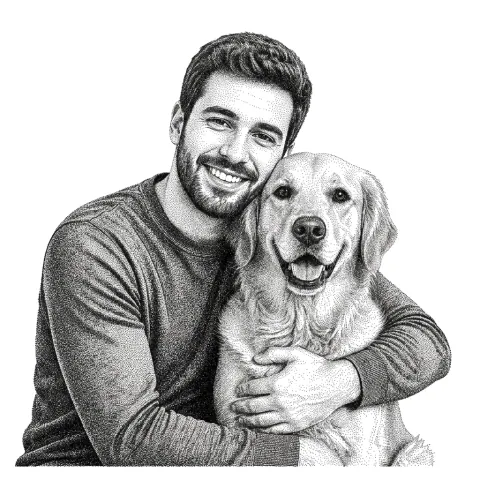
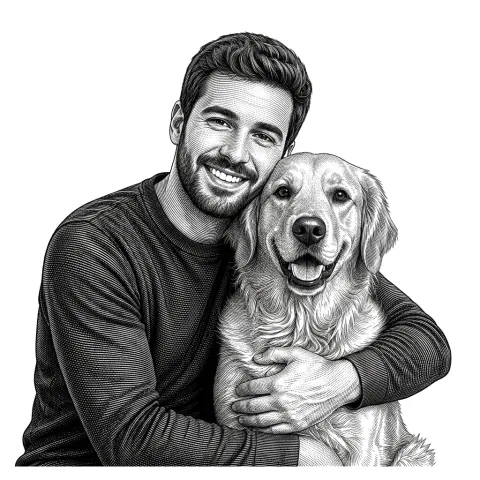
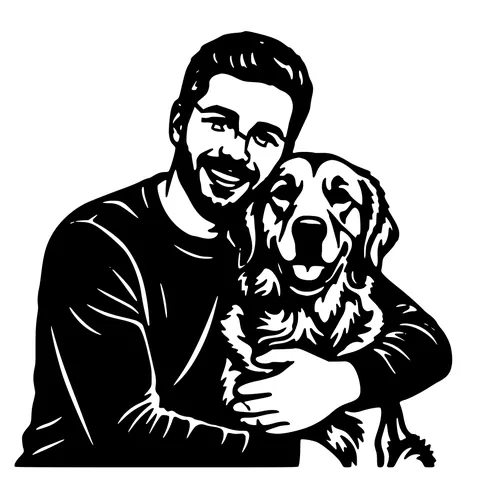
The same photo in every style. Swipe through or let it play.

Frequently Asked Questions
What does "image to laser engraving" mean?
Converting a raster image (PNG, JPG, WEBP) into a tonal file the laser can engrave cleanly. with the right contrast curve for your material, no muddy background, and artefacts removed.
Does it work for logos, line art, and photos?
Yes. The converter detects which one you uploaded and picks the right pre-processing pipeline. Logos: threshold-clean. Line art: noise removal. Photos: background removal + exposure rebalance.
Which materials are supported?
Wood (basswood, plywood, walnut, cherry, maple), leather, slate, acrylic, glass, anodized aluminum, and cardstock. Each has its own contrast curve at engrave time.
Will it work on my Glowforge or xTool?
Yes. The output PNG drops straight into Glowforge App as an engrave layer. xTool Creative Space accepts both PNG and SVG. LightBurn imports the PNG as an Image layer for engraving.
Can I engrave on metal?
Anodized aluminum is supported as a material option. Bare metal needs a marking compound (Cermark, Markolaser). pick the closest material option (anodized) for the right tonal curve.
Difference between this and the photo-to-engraving tool?
Same engine. this page is the catch-all (any raster input). Photo to laser engraving is photo-specific with lighting guidance.
Will it work on a Chromebook or phone?
Yes. The whole tool is browser-based; mobile browsers work as well as desktop.
How much does it cost?
5 free anon per IP per day, 30 per day with a free signup, then 1 credit per generation. Credits never expire.
Related tools
Convert Image to Laser Engraving. A Walk Through
The step-by-step version: pick a material, drop in your image, the AI applies a material-tuned contrast curve, and you download a tonal PNG plus an SVG wrapper that LightBurn imports as an Image layer.
Photo to Laser Engraving. Tonal Output From Real Photos
Photos carry uneven lighting, blown-out highlights, and busy backgrounds. all of which scorch as artefacts on a laser bed. This tool re-balances exposure, removes the background, and applies a material-tuned tonal curve before the engrave file is rendered.
Image to Laser Cut File. Direct Path, No AI Step Needed
When your image is already clean (logo, scanned drawing, icon), you don't need background removal or style swapping. just a fast vectorizer that produces a laser-ready SVG and DXF. This is that tool.
LightBurn DXF Converter. R12, Closed, mm-Unit
A DXF you can drop into LightBurn without the "unclosed paths" warning. R12 / AC1009 with closed POLYLINE entities, written in millimetres so "Use file units" lands at the correct physical size.