Convert Image to Laser Engraving. A Walk Through
The step-by-step version: pick a material, drop in your image, the AI applies a material-tuned contrast curve, and you download a tonal PNG plus an SVG wrapper that LightBurn imports as an Image layer.
A step-by-step image-to-engraving converter, written for makers who haven't engraved before and want to know what each setting does. Pick a material (wood, leather, slate, acrylic, glass, anodized aluminum, cardstock), pick a shading style (pencil depth, carbon trace, classic etching, artisan relief, copperplate, pointillism, or hatching), and the AI applies the right contrast curve for the combination. Output is a transparent PNG and an SVG wrapper. 3 free engravings anon, 5 with signup, then 1 credit each.
Material-tuned
Wood scorches differently than slate. The contrast curve adjusts per material so the same image looks right on each.
7 shading styles
Pencil depth, carbon trace, classic etching, artisan relief, copperplate, pointillism, hatching. Each engraves with a different texture.
PNG + SVG output
Transparent PNG for LightBurn Image layer or Glowforge engrave; SVG wrapper for vector-only workflows.
Optional cut outline
Toggle "Engrave + cut outline" to get a single SVG that engraves the design and cuts the silhouette in one pass.
How to use the convert image to laser engraving. a walk through
- 1
Pick your material
Wood (basswood, plywood, walnut, cherry, maple), leather, slate, acrylic, glass, anodized aluminum, or cardstock. Each gets a different contrast curve at engrave time.
- 2
Upload your image
Photo, drawing, scan, or downloaded image up to 15 MB. Phone photos work as well as professional shots.
- 3
Pick a shading style
Pencil depth for sketch-like results, classic etching for high-detail, pointillism for stippled tones. Seven options total, each rendering the same image differently.
- 4
AI tunes contrast and shade
The model applies the material-tuned curve, removes background detail that would scorch as artefacts, and produces a tonal output.
- 5
Download PNG + SVG
Transparent PNG goes straight into LightBurn or Glowforge as an Image layer. SVG wraps it for vector-only workflows.
What "engraving-ready" actually means
Laser engraving works by varying the power per pixel: dark pixels burn deep, light pixels burn shallow, white pixels skip. An engraving-ready file is a black-and-white tonal image (or a vector wrapper around one) with the contrast curve already tuned for your material. Send the wrong contrast curve to your laser and you get either a featureless dark blob (over-burn) or barely-visible scuffs (under-burn). The AI applies a curve trained per material so the first attempt usually lands close.
Why material matters
Wood and leather scorch from heat. they go from natural to dark brown as power increases, and the contrast curve needs to make the darkest pixels just-deep-enough without burning through. Slate engraves white-on-black by removing surface coating. the curve inverts. Acrylic and glass etch by frosting. lower power, sharper contrast jumps. Anodized aluminum removes the anodized layer and the colour shifts depend on the original anodization. Each material gets its own curve; the AI picks the right one once you tell it the material.
Choosing a shading style
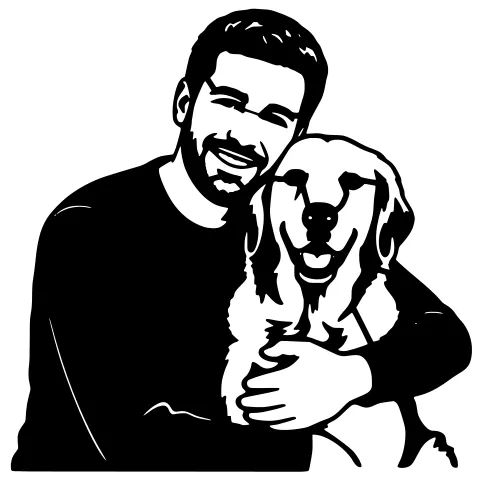
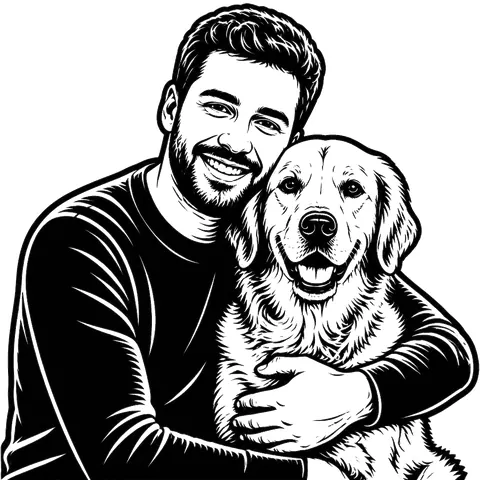
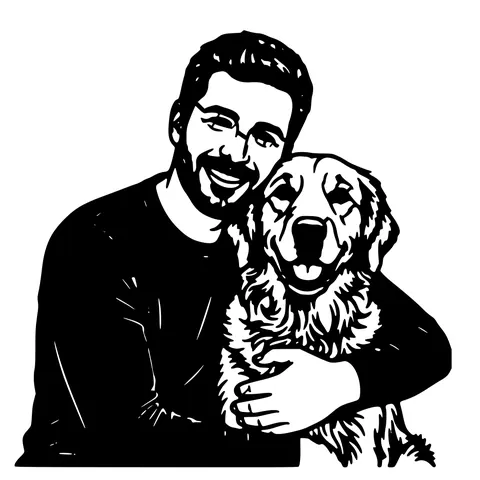
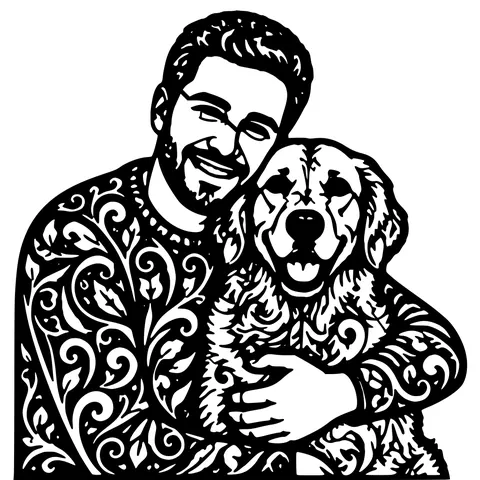
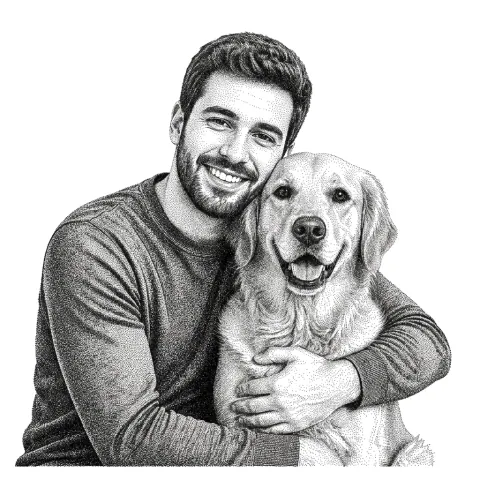
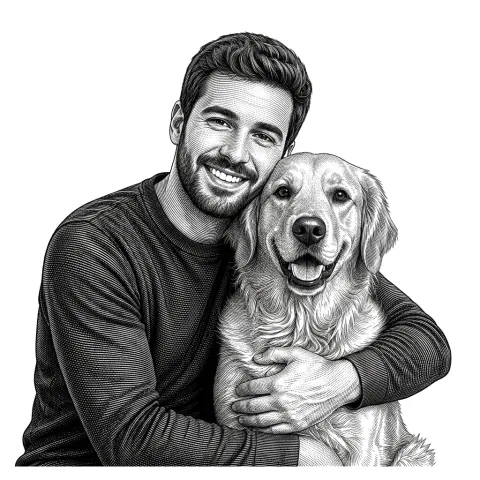
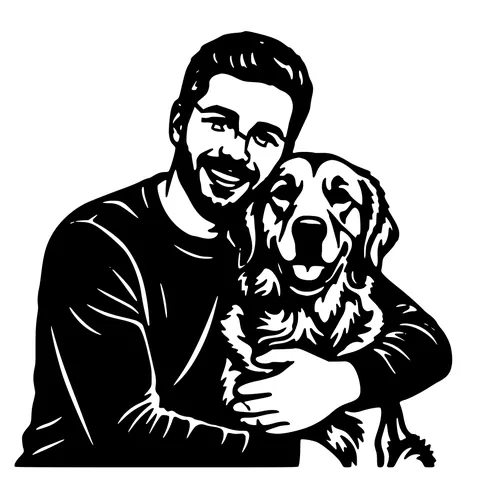
Same source image renders very differently across the seven styles. Pencil depth produces sketch-like hatching. classic etching produces fine-line dot grids. pointillism produces stippled tone (great for slate). hatching produces overlapping line shading. artisan relief produces smooth tonal gradients. Each takes the same source and emits a different tonal pattern. Try two or three; each re-render costs 1 credit because the model re-runs.
When to also cut the silhouette
For a portrait engraved on a wood plaque you cut from the same stock, toggle "Engrave + cut outline" before download. The output is a single SVG with two layers: the engrave layer (the tonal portrait) and a red cut outline around the silhouette. LightBurn auto-assigns the red outline to the cut sub-layer. one file, two operations in one pass.
Common engraving problems and fixes
Engraving comes out too dark: drop the AI's "scorch intensity" advanced setting, or lower power on the machine. Comes out too light: raise scorch intensity or increase power. Faint shadows look like dirt: increase the "background suppression" advanced setting. Lines look too pixelated: increase output resolution (default 300 DPI; try 600). Engraving has hot spots: enable "tone normalization" in advanced settings.
Pricing
Three free engravings to try anon, five with a free signup, then 1 credit per generation. Re-rendering the same image with a different style or material costs another credit because the model re-runs. Credit packs are pay-as-you-go and credits never expire.
See it in action
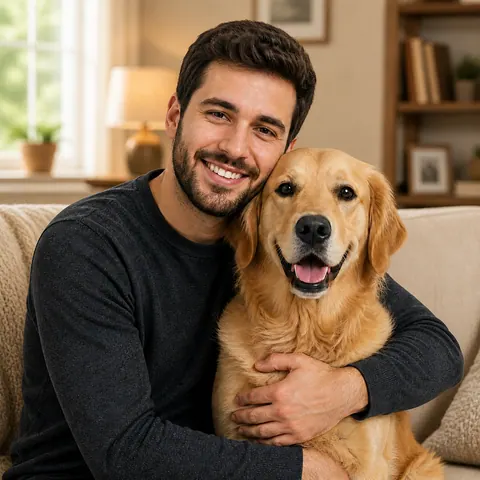
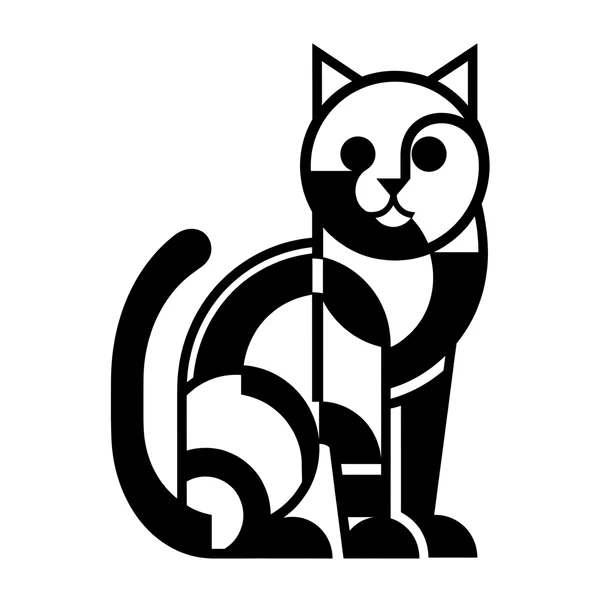
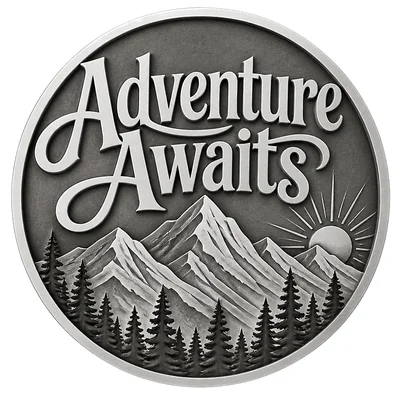
The same photo in every style. Swipe through or let it play.

Frequently Asked Questions
What's the difference between this and photo-to-laser-engraving?
Same pipeline, this page is written as a step-by-step walkthrough for makers new to engraving. The photo-to-laser-engraving page assumes you know the basics and dives into photo-specific guidance.
Which materials work?
Wood (basswood, plywood, walnut, cherry, maple), leather, slate, acrylic, glass, anodized aluminum, and cardstock. Each has its own contrast curve.
What output do I download?
A transparent PNG (LightBurn Image layer or Glowforge engrave layer) plus an SVG wrapper for vector-only workflows. Optionally an SVG with an engrave layer and a red cut outline together.
Can I engrave on slate?
Yes. Slate is popular. the AI applies a contrast curve that produces white-on-black engraving from the dark slate substrate. Pointillism style works particularly well on slate.
Will it work on a diode laser, or only CO2?
Both. CO2 lasers handle wood, leather, slate, acrylic, glass, cardstock natively. Diode lasers handle wood, leather, anodized aluminum, and dark-on-light materials but struggle on glass and clear acrylic.
How do I avoid burning through thin material?
Run a small test square on the corner of your stock at the lowest power setting and dial up until the engrave is the depth you want. The AI sets the tonal pattern; your laser settings control the power per pixel.
Can I cut the outline at the same time?
Yes. Toggle "Engrave + cut outline" before download. You get a single SVG with engrave + red cut layers that LightBurn imports as two separate operations.
How much does it cost?
3 free anon, 5 free with a free signup, then 1 credit per generation. Credits never expire.
Related tools
Photo to Laser Engraving. Tonal Output From Real Photos
Photos carry uneven lighting, blown-out highlights, and busy backgrounds. all of which scorch as artefacts on a laser bed. This tool re-balances exposure, removes the background, and applies a material-tuned tonal curve before the engrave file is rendered.
Image to Laser Engraving. Any Raster, Right Pipeline
Different inputs need different prep before the tonal map. A logo wants threshold-clean output; a photo wants exposure rebalance; a scanned drawing wants noise cleanup. The converter detects which and runs the right one.
Image to Laser Cut File. Direct Path, No AI Step Needed
When your image is already clean (logo, scanned drawing, icon), you don't need background removal or style swapping. just a fast vectorizer that produces a laser-ready SVG and DXF. This is that tool.
Photo to Stencil Generator. AI Background Removal Built In
Photos are the hardest input for a stencil maker. busy backgrounds, soft edges, multiple subjects. This tool removes the background, isolates the subject, adds bridges, and hands you a one-piece laser-ready cutout.