AI Image to SVG. Detects the Subject Before Tracing
A traditional vectorizer traces every edge it sees, including every shadow and background object. This one isolates the subject first using a trained segmentation model, then traces. Cleaner SVG, fewer stray paths, less cleanup.
An AI image-to-SVG converter that adds a subject-detection step before any tracing happens. A trained segmentation model finds the main subject in the photo (pet, person, object, logo) and the tracer only sees the foreground. Output is auto-bridged SVG plus R12 DXF. 3 free designs to try without an account, 5 with a free signup, then 1 credit per generation.
Subject-aware
The tracer never sees the background. only what the AI detected as the main subject. No more leaves and shadows showing up as SVG paths.
10 AI styles
Same subject, different visual personality. Solid silhouette, minimalist contour, geometric facets, woodcut, monoline, and more.
Auto-bridged output
Floating cutouts in the styled result are connected so the SVG cuts as one piece on laser, vinyl, or CNC.
SVG + DXF bundled
Editable SVG and R12 DXF in the same download. No extra credit for the second format.
How to use the ai image to svg. detects the subject before tracing
- 1
Upload your image
Photo, scan, screenshot, or any raster image. JPG, PNG, WEBP, HEIC up to 15 MB.
- 2
Subject detection
A trained model isolates the main subject. You see the cutout preview and can re-run if it missed an edge.
- 3
Style selection
Pick from ten AI styles (solid silhouette, contour, pet portrait, monoline, etc.). Each renders the isolated subject differently.
- 4
Trace and download
The styled result is vectorized as closed SVG paths and bundled with an R12 DXF. Auto-bridged for stencil cutting.
How AI image-to-SVG differs from plain vectorization
A plain image-to-SVG converter (like the free Image to SVG tool) traces every closed shape it finds in the image. If your photo has a subject plus a background plus shadows plus three out-of-focus people in the back, all of those become SVG paths. For a logo on white, this is fine. For a phone photo of your dog at the park, it's confetti. AI vectorization adds a segmentation step before tracing so the tracer only sees the subject. The styled output is built from that isolated mask, not the raw photo.
When AI image-to-SVG is the right tool
Pick the AI flow when: your image has a real background (anything but pure white or pure transparent), the subject is a person or pet, lighting is uneven, or you want a stylized look (silhouette, geometric, woodcut) rather than a literal trace. The AI handles all four. plain tracing handles none well. For clean logo art, screenshots, and high-contrast line art, the plain free converter is faster and just as good.
Style selection lives at the AI step
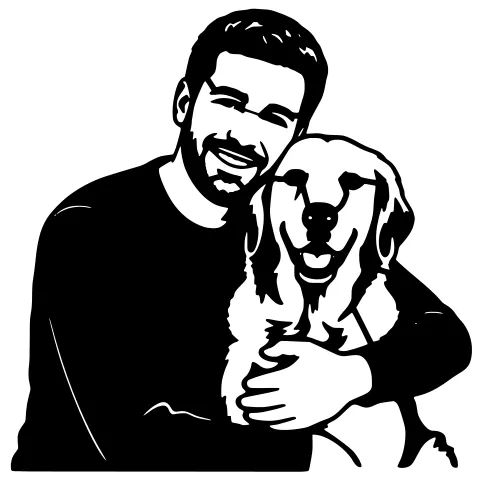
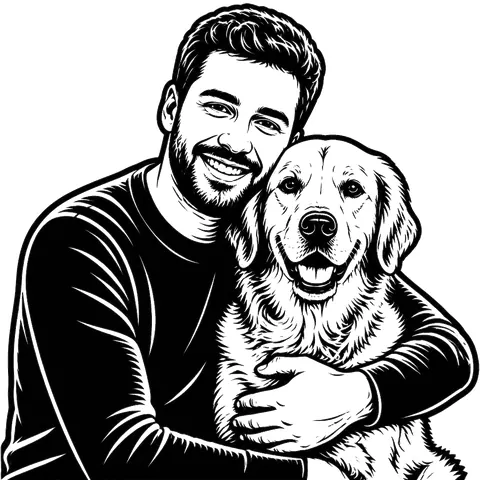
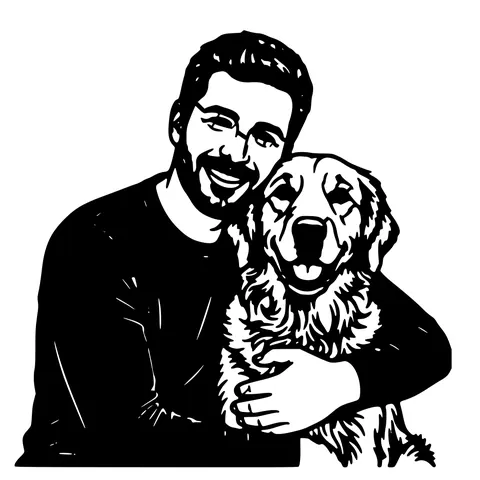
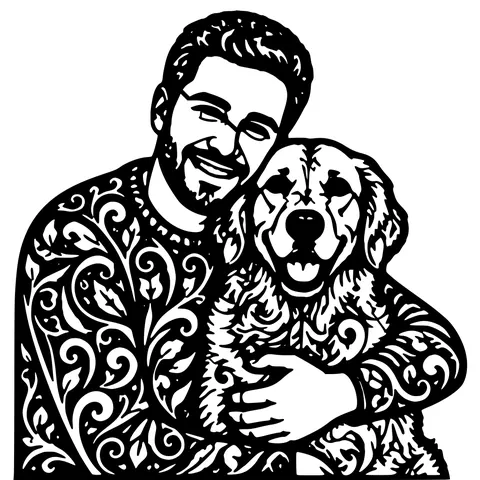
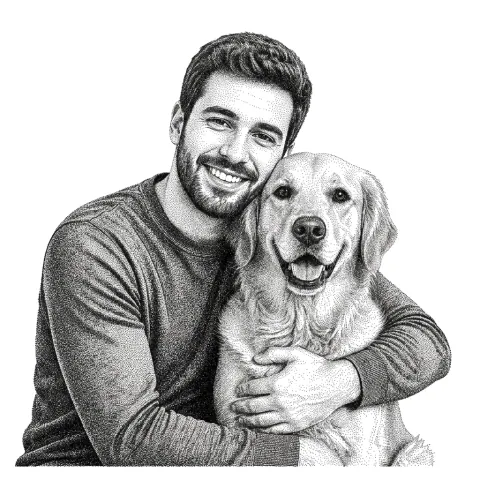
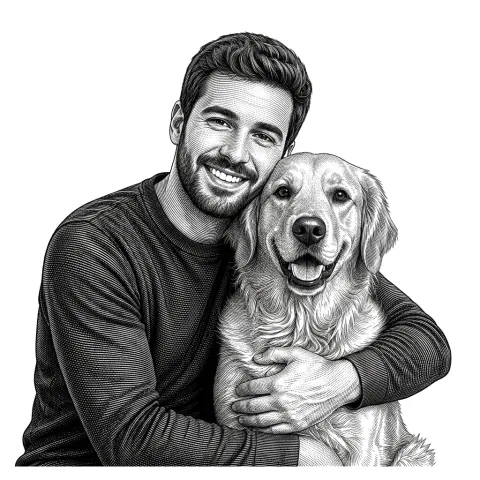
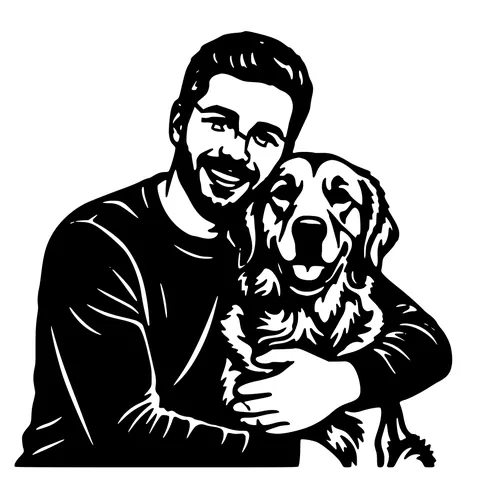
Once the subject is isolated, ten styles offer different visual interpretations. Solid silhouette is the densest. it produces a single black-on-white cutout that holds together well on a laser. Minimalist contour is the lightest. it produces an outline-only design that's great for engraving. Pet portrait, geometric, and nordic woodcut all sit in between. Each style is a different prompt to the generative model, so each re-run costs 1 credit because the model runs again.
AI vs. AI SVG generator
AI Image to SVG (this tool) takes an image as input. you have something you want vectorized, AI cleans it up first. AI SVG Generator takes a text prompt as input. you want a new design with no source image. Same vectorization output stage on both. different upstream pipeline.
Output details
SVG is standard, closed filled paths, opens in every browser, Inkscape, Illustrator, Figma, Cricut Design Space, Silhouette Studio, and the Glowforge App. R12 DXF uses POLYLINE + VERTEX entities and opens in every CAD package and laser controller. Both files are auto-bridged for stencil cutting and default to 150 mm wide.
Pricing and ownership
3 free designs to try without an account, 5 with a free signup, then 1 credit per generation. Credits never expire. You own the output. we don't claim any rights, watermark, or resell user designs. Uploaded photos are processed and deleted from our servers within 24 hours.
See it in action
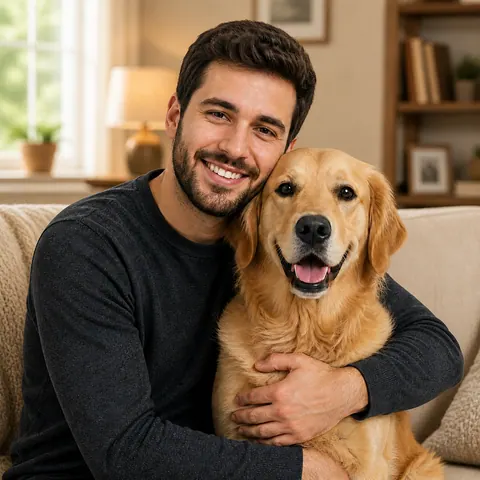
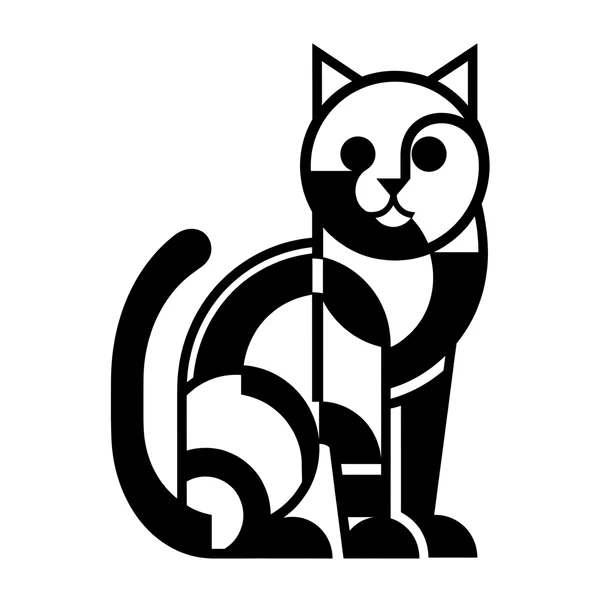
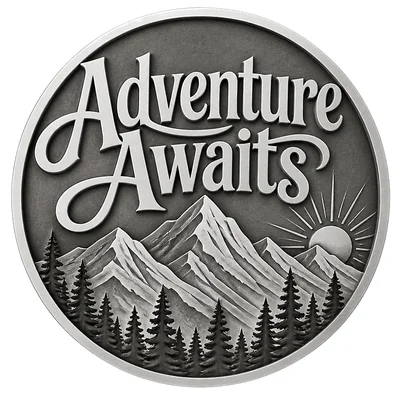
The same photo in every style. Swipe through or let it play.

Frequently Asked Questions
How is AI image-to-SVG different from plain image-to-SVG?
The plain converter traces whatever you give it pixel by pixel. AI image-to-SVG runs subject detection first, removing the background before tracing. For photos with real backgrounds, the AI output is much cleaner. For clean logo art, the plain converter is just as good and faster.
Will it work on a phone photo?
Yes. Phone photos are the most common input. The segmentation model handles soft edges and natural lighting well as long as the subject is reasonably distinguishable from the background.
Can it handle group photos or multiple subjects?
The model picks the largest single subject and ignores the rest. For two-subject designs, generate each subject separately and combine them in Inkscape afterward.
How many AI styles are there?
Ten core styles. solid silhouette, minimalist contour, pet portrait, precision path, enamel pin, gothic clay, nordic woodcut, stencil monoline, oil painting, and pencil depth. Each renders the same subject with a different visual personality.
Does it work for logos?
It works, but the plain Image to SVG is usually faster and cleaner for logos because they're already high-contrast with no background to remove.
How much does it cost?
3 free as anon, 5 free with a free signup, then 1 credit per generation. Re-styling the same image costs another credit because each style re-runs the model.
Will it open in Cricut, Glowforge, LightBurn?
Yes to all three. Output is standard SVG plus R12 DXF, auto-bridged for stencil cutting. No special import settings needed.
What happens to my photo after I upload it?
Processed in memory, binaries deleted from our servers within 24 hours. We don't train AI models on user uploads.
Related tools
AI SVG Generator. Type a Prompt, Get a Vector
Describe what you want in plain English. the AI invents the design, then vectorizes it as closed SVG paths. Skip the "find a stock SVG, edit it, vectorize, fix paths" loop entirely.
Image to SVG Converter. One Tool For Every Format
Drop in a PNG, JPG, WEBP, or even a screenshot and get a clean scalable SVG back. The converter auto-tunes itself to the input format, so you don't pick threshold sliders or trace settings.
Photo to Stencil Generator. AI Background Removal Built In
Photos are the hardest input for a stencil maker. busy backgrounds, soft edges, multiple subjects. This tool removes the background, isolates the subject, adds bridges, and hands you a one-piece laser-ready cutout.
Image to DXF Converter. R12 Output, Auto-Bridged
A DXF you can drop straight into LightBurn, RDWorks, Fusion 360, or AutoCAD. R12 / AC1009 flavour for universal compatibility, sized at 150 mm wide, auto-bridged for stencil cutting.