Glowforge File Converter. Standard SVG, Drops Into the App
A vectorizer tuned to produce SVGs the Glowforge App reads without complaint. Closed filled paths, no rendering tricks, sized at 150 mm so it lands inside the Basic, Plus, Pro, or Aura bed at a sane scale.
A converter for makers who skip Glowforge's built-in Trace because it can't handle anything beyond simple line art. Upload any image, get back a standard SVG plus an R12 DXF. The SVG opens in the Glowforge App and is laid out so you can configure cut, score, and engrave operations after import. Free up to 5 conversions per IP per day, no signup.
Clean standard SVG
Closed filled paths with no rendering hacks. The Glowforge App reads it on the first upload, no "this file has issues" warning.
Sized for the bed
150 mm wide by default. Fits inside Basic, Plus, Pro, and Aura beds at a sane scale. Resize freely in the App without losing quality.
Auto-bridged stencils
Floating islands inside the design are connected to the main outline so your stencil cuts as one piece instead of dropping parts during cutting.
Plus DXF for Premium
R12 / AC1009 DXF bundled in every download for Glowforge Premium subscribers who prefer the DXF import path.
How to use the glowforge file converter. standard svg, drops into the app
- 1
Upload your image
PNG, JPG, WEBP, or GIF up to 15 MB. Most Glowforge users start from a phone photo, a downloaded image, or a scanned drawing. all accepted.
- 2
Trace and auto-bridge
The image is vectorized as closed filled paths. Floating cutouts (centre of an O, dot on an i) are bridged so the cut piece stays in one piece.
- 3
Download SVG + DXF
Open the SVG directly in the Glowforge App or upload it through your dashboard. Premium subscribers can use the DXF instead.
- 4
Configure cut and score
Once the SVG is in the App, set each path to Cut, Score, or Engrave. The App previews how the operations will run before you press the button.
Why a dedicated Glowforge converter beats the built-in Trace
Glowforge's built-in Trace tool is fine for very simple line art on a flat background. for anything else (photos, scanned sketches with noise, logos with anti-aliased edges) the result is either over-traced or under-traced, and you're left cleaning it up in Inkscape or starting over. This converter handles the messy real-world cases: photos get a denoise pre-pass, JPGs get deblocked, PNGs respect their alpha channel, and the final SVG comes out as a single coherent design instead of a thousand tiny paths.
What "works in Glowforge" means in practice
The Glowforge App accepts standard SVG. It opens browser SVG, Inkscape SVG, and Illustrator SVG cleanly. What it doesn't open cleanly is SVG with embedded raster images masquerading as vector, SVG with thousands of overlapping micro-paths from a poor vectorizer, or SVG with unsupported filters and gradients. The converter outputs the kind of SVG the App likes: closed filled paths, no embedded raster, no filters. Drop it into the App and you can start assigning Cut / Score / Engrave operations to each shape immediately.
Operations: Cut, Score, Engrave
After the App imports the SVG it shows the design with each path as a separate object. From there you decide what each one does. Cut goes all the way through the material, Score leaves a surface line, and Engrave burns the filled area at lower power. The converter doesn't guess what you want. you choose per-path in the App. For simple silhouette stencils, set everything to Cut and you're done. For two-layer designs (cut outline + engrave details), import the file and assign each path manually.
Works on every Glowforge model
Basic, Plus, Pro, Aura. all four use the same Glowforge App and accept the same SVG format. Aura is the most size-constrained (12 in x 12 in bed) so designs scaled larger than that need to be resized in the App before printing. Default 150 mm output fits comfortably inside every model.
When DXF is better than SVG for Glowforge
Glowforge Premium subscribers can also import DXF, which is useful when you're sharing files with a non-Glowforge laser shop or moving between Fusion 360 and Glowforge. The bundled R12 DXF in every download opens in both. for personal use on Glowforge alone, SVG is the simpler path.
Free, no signup, not affiliated with Glowforge
Five conversions per IP per day with no account. 30 per day with a free signup. After that, 1 credit per extra conversion. StencilCut is independent. we make output compatible with Glowforge but aren't affiliated with Glowforge Inc. or the Glowforge App.
See it in action
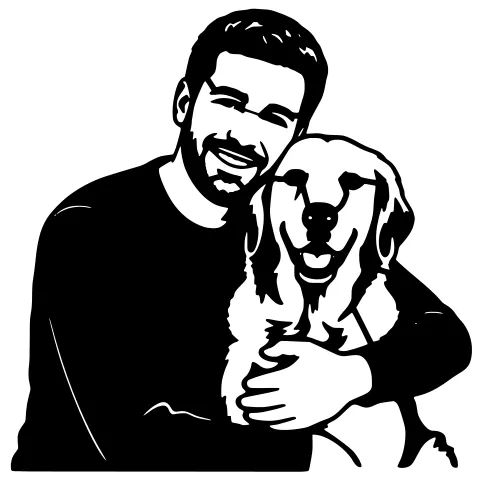
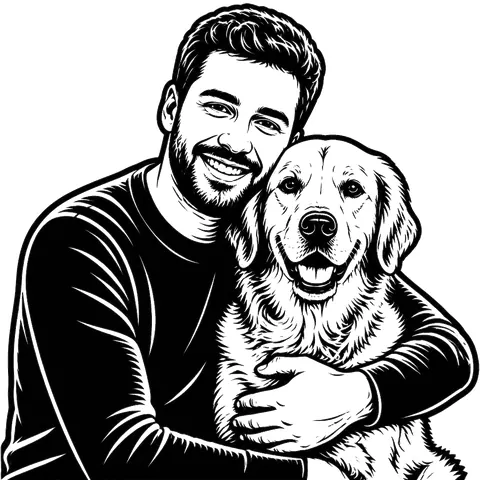
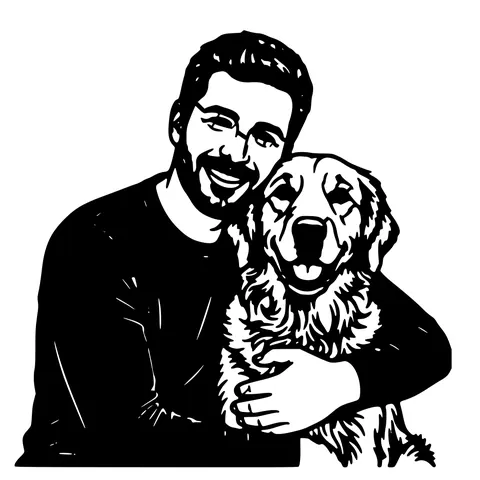
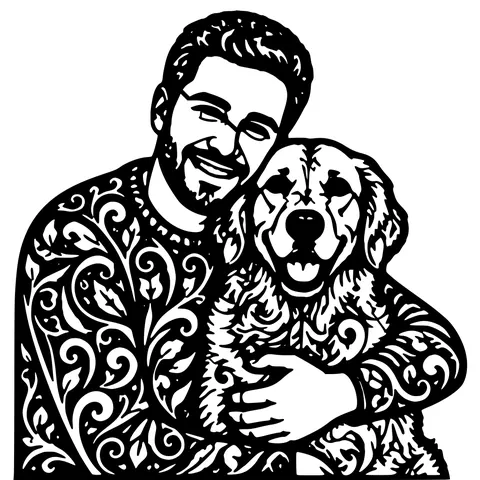
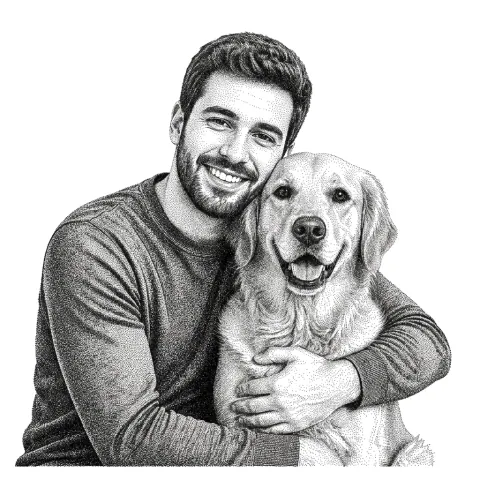
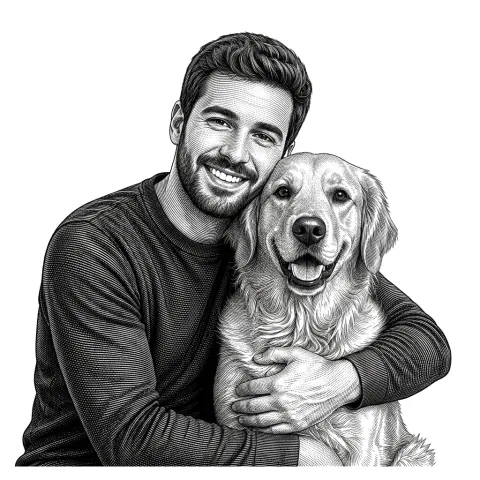
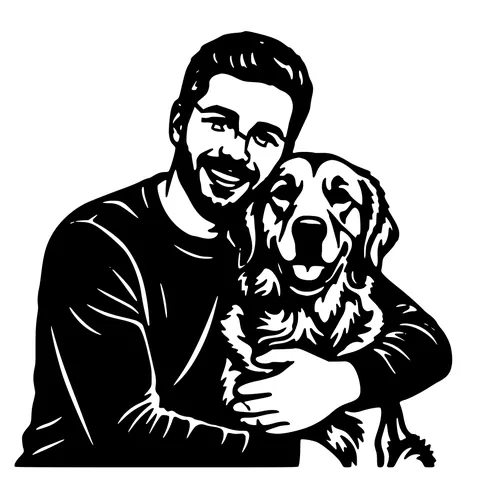
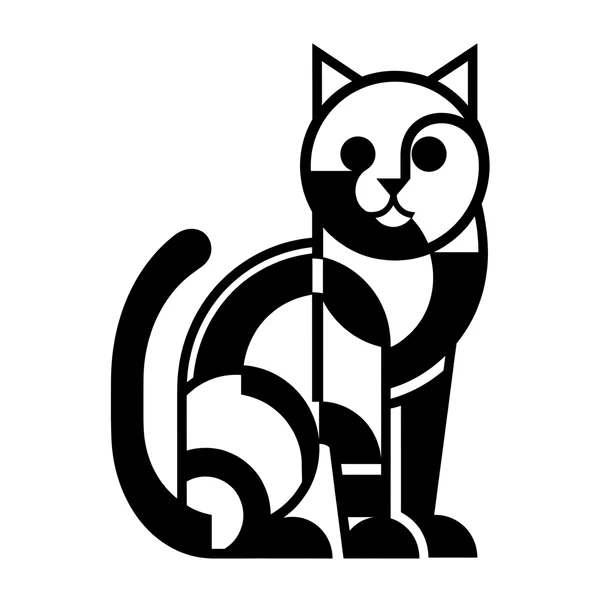
The same photo in every style. Swipe through or let it play.


Ready to convert?
Drop in your file and download a laser-ready vector in seconds.
Open the Converter →Frequently Asked Questions
Does the output really work in the Glowforge App?
Yes. The SVG uses closed filled paths and no rendering hacks, so the App imports it without "this file has issues" warnings. Re-test on your account if your App version is very old.
Does it work on Glowforge Aura, Basic, Plus, and Pro?
Yes to all four. They share the same Glowforge App and accept the same SVG. Default 150 mm width fits inside even Aura's smaller bed.
Can I configure Cut, Score, and Engrave operations?
Yes, but you do it inside the Glowforge App after importing the SVG. The converter outputs shapes; you assign operations per shape in the App.
Why not just use Glowforge's built-in Trace?
Trace is fine for simple line art. For photos, scanned drawings with noise, or anything with anti-aliased edges, this converter produces a cleaner result because it runs format-aware cleanup before tracing.
Should I import the SVG or the DXF?
For Glowforge alone, SVG is simpler. it's the App's native format. Use the bundled DXF when sharing with a non-Glowforge laser shop or importing into CAD.
Does the SVG include auto-bridging?
Yes. Floating islands inside the design are connected to the main outline so your stencil cuts as one piece. Solid shapes pass through unbridged.
Is this an official Glowforge tool?
No. StencilCut is independent. We produce SVG and DXF output that's compatible with the Glowforge App but we're not affiliated with Glowforge Inc.
How much does it cost?
5 conversions per IP per day with no account. 30 per day with a free signup. Past that, 1 credit per extra conversion. No watermark, no recurring charge.
Related tools
PNG to SVG Converter. Built for Transparent Logos and Icons
Drop in a PNG, get back a scalable SVG that keeps the alpha exactly where it was. Best for logos, icons, line art, and screenshots where the transparent background is part of the design.
JPG to SVG Converter. Built for Compressed Photos
JPGs carry a layer of compression noise PNG doesn't. This converter does a JPEG-aware cleanup pass before tracing, so photo logos and scanned sketches come out as crisp paths instead of confetti.
Image to DXF Converter. R12 Output, Auto-Bridged
A DXF you can drop straight into LightBurn, RDWorks, Fusion 360, or AutoCAD. R12 / AC1009 flavour for universal compatibility, sized at 150 mm wide, auto-bridged for stencil cutting.
Photo to Stencil Generator. AI Background Removal Built In
Photos are the hardest input for a stencil maker. busy backgrounds, soft edges, multiple subjects. This tool removes the background, isolates the subject, adds bridges, and hands you a one-piece laser-ready cutout.