JPG to SVG Converter. Built for Compressed Photos
JPGs carry a layer of compression noise PNG doesn't. This converter does a JPEG-aware cleanup pass before tracing, so photo logos and scanned sketches come out as crisp paths instead of confetti.
A JPG to SVG converter that treats the source as what it actually is: a lossy, blocky raster. The pre-trace stage smooths out 8x8 JPEG block artifacts and high-frequency noise, then the vectorizer picks edges based on cleaned-up structure rather than chasing every compression seam. Five free conversions per IP per day, no signup. Output is standard SVG and a companion DXF for laser cutters.
Photo-aware tracing
Denoise + deblock pre-pass removes JPEG compression seams before edges are detected.
Scanned sketch ready
Hand-drawn line art scanned to JPG comes out smooth, no jagged stair-stepping along strokes.
Two files, one click
SVG for editing and web, R12 DXF for CAD and older laser controllers. Both auto-bridged.
Free 5/day per IP
Five JPG to SVG conversions per IP per day with no account. signed-in users get 30/day.
How to use the jpg to svg converter. built for compressed photos
- 1
Upload your JPG
JPG and JPEG (same format, different extension) up to 15 MB. Phone photos, scans, exports from social media. all accepted.
- 2
JPEG cleanup pass
Before tracing, the image runs through a denoise + deblock stage that flattens JPEG's 8x8 compression seams. Without this step, low-quality JPGs become a forest of tiny extra paths.
- 3
Trace and bridge
Edges are detected on the cleaned mask, then traced as smooth Bezier paths. Auto-bridging for stencils is on by default for laser-cut workflows.
- 4
Download SVG and DXF
Standard SVG opens in Inkscape, Illustrator, Figma, and every browser. The companion DXF is R12 / AC1009 for the broadest CAD and laser-software compatibility.
Why a JPEG-aware converter beats a generic one
A generic raster-to-vector tool treats JPG and PNG identically. that's a mistake. JPG splits the image into 8x8 pixel blocks and compresses each one independently, which leaves visible seams between blocks. If you trace those seams, you get a forest of tiny extra paths along every edge, sometimes hundreds of them. This converter runs a denoise pass tuned for JPEG's specific failure mode first, then traces the cleaned mask. The output has fewer paths, smoother edges, and a much smaller file size for the same source image.
JPG to SVG for scanned drawings
Scanned sketches saved as JPG are the most common input type. People scan a hand drawing, save it as JPG (because the printer-driver defaulted to JPG), then try to vectorize it for laser cutting or Cricut. Two things tend to go wrong: scan noise gets traced as little speckles, and faint pencil lines get dropped entirely. The converter handles the first with the cleanup pre-pass and the second by adjusting the threshold so light grey pencil lines survive as paths.
JPG to SVG for photo logos
If you have a JPG of a logo because the original SVG is lost, vectorizing it back is a real recovery operation. Best results come from high-resolution JPGs (2000 px or more on the long side) with high contrast between the logo and its background. Low-resolution JPGs (under 500 px) won't produce clean vectors no matter what tool you use. there isn't enough information in the source. For brand-critical work, regenerate the logo from the original artwork if you can find it.
What this converter is not good at
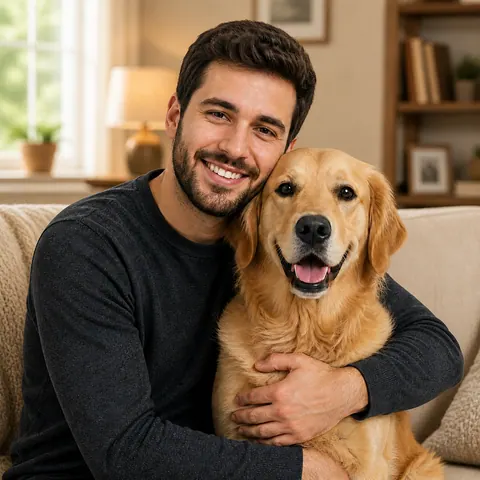
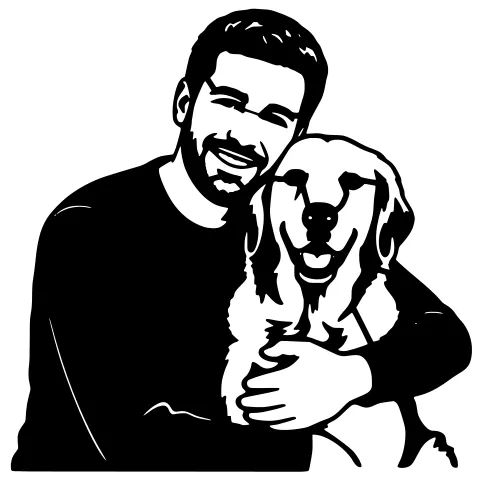
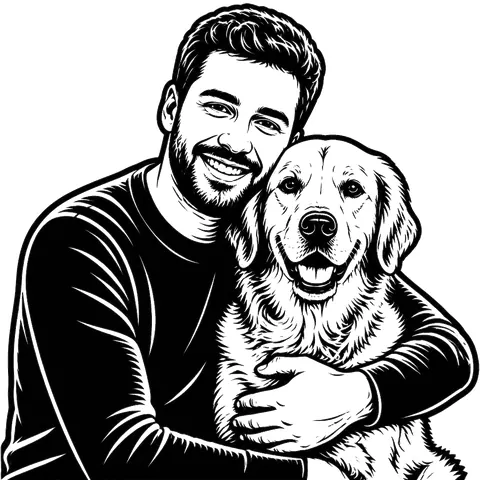
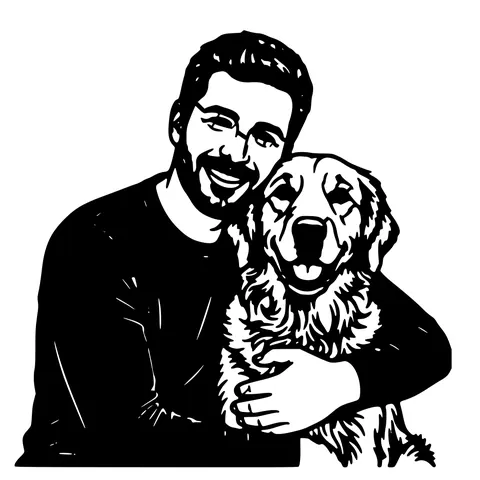
JPG photos of real-world scenes (people, pets, landscapes) saved straight from a camera are not great inputs for direct vectorization. The result is technically a vector file but it's a continuous-tone shape mess, not a usable design. For photo subjects you want as stencils or engravings, the AI photo to stencil pipeline gives a far cleaner result because it isolates the subject first.
JPG to SVG for laser cutting
The output SVG is laser-ready. paths are closed, holes are bridged so the cut piece stays in one piece, and the design is sized to 150 mm wide by default. Drop straight into LightBurn, RDWorks, the Glowforge App, xTool Creative Space, or import the DXF into AutoCAD or Fusion for further machining. Resize freely. SVG and DXF are both lossless under scaling.
Free, no signup, your files stay yours
Five JPG to SVG conversions per IP per day. Sign in (free) for 30 per day. After that, 1 credit per extra conversion and credit packs never expire. Uploaded JPGs are processed and deleted from our servers within 24 hours. we do not train AI on user uploads and don't claim any rights to your output.
See it in action
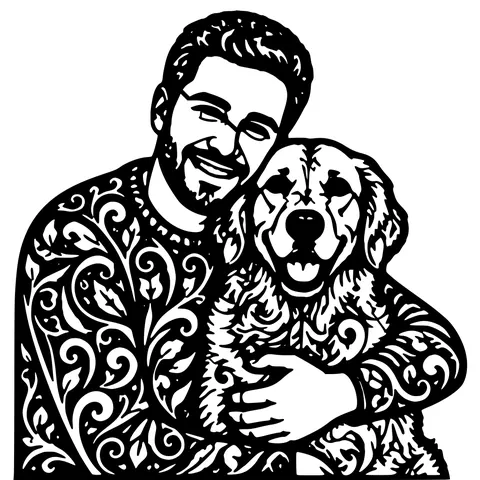
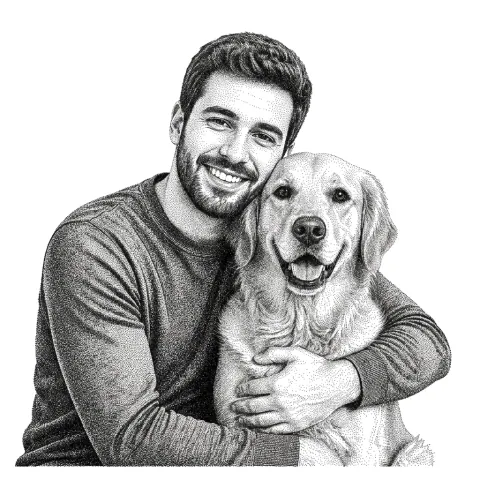
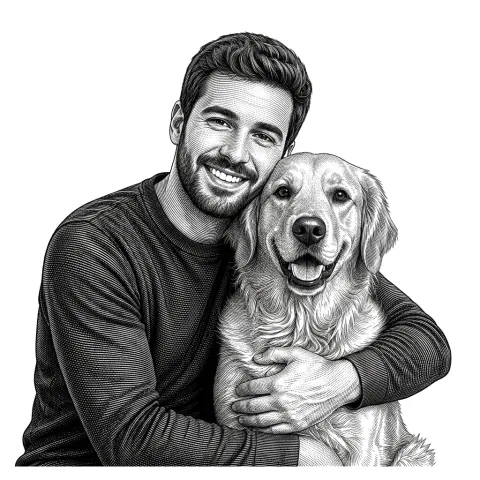
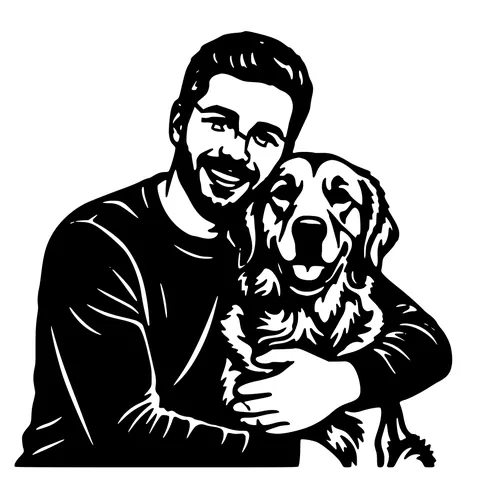
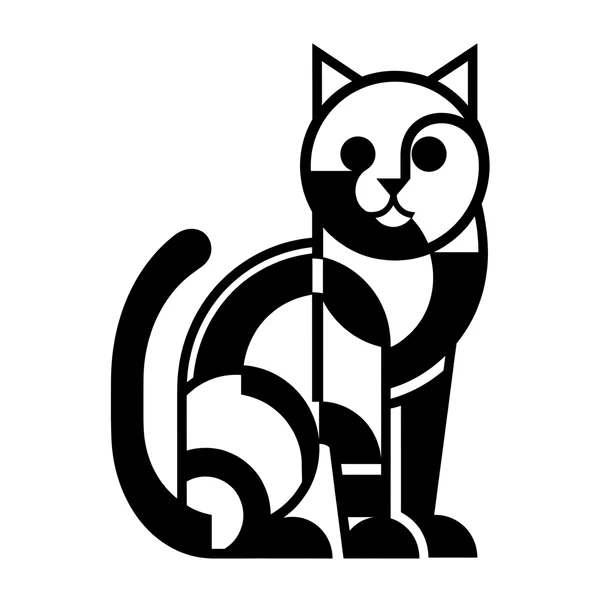
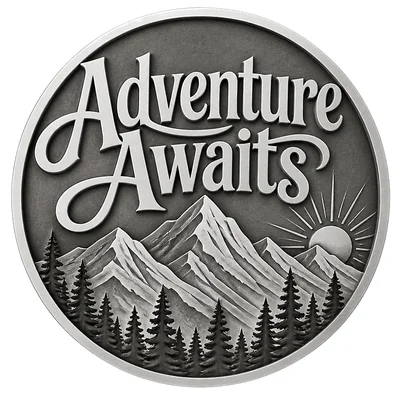
The same photo in every style. Swipe through or let it play.

Ready to convert?
Drop in your file and download a laser-ready vector in seconds.
Open the Converter →Frequently Asked Questions
What is the difference between JPG and JPEG?
Nothing. They are the same file format with two extensions. Early Windows used three-character extensions (.jpg); other systems used the full .jpeg. Both work in this converter.
Why does my JPG output have so many extra paths?
Almost always JPEG compression noise being traced as design detail. This converter pre-cleans for that, but a very low-quality source (saved at 30% quality or less) can still bleed through. If the result looks too busy, re-save the source from the original at higher quality and try again.
What's the max JPG file size?
Up to 15 MB and roughly 4000 px on the longest side. Larger images are downscaled automatically before tracing.
Can I vectorize a JPG photo of a person or pet?
Direct vectorization usually produces a noisy result. Use the AI photo-to-stencil tool instead. it removes the background, isolates the subject, and produces a clean stencil-style vector.
Does the SVG open in Cricut Design Space and Silhouette Studio?
Yes. Output is standard SVG with closed filled paths, which is what those programs expect. No special editing needed after import.
Why are some of my pencil lines missing in the result?
Very faint pencil or pen marks fall under the trace threshold. Either darken the original scan (re-scan with higher contrast, or run the JPG through a contrast boost in Photos / Preview / Snapseed first) or send it through our AI Builder which auto-tunes contrast.
What about EXIF data and metadata?
Discarded. Your JPG's EXIF (camera model, GPS, date) is stripped during processing and not stored. The output SVG carries no metadata from the source.
Is the output really free?
5 conversions per IP per day with no account. 30 per day after a free signup. Past that, 1 credit per extra conversion. No watermark, no recurring charge, no card to start.
How long do you keep my uploaded JPG?
Files are processed in memory and binaries are deleted from our servers within 24 hours. We don't train AI models on uploads.
Related tools
PNG to SVG Converter. Built for Transparent Logos and Icons
Drop in a PNG, get back a scalable SVG that keeps the alpha exactly where it was. Best for logos, icons, line art, and screenshots where the transparent background is part of the design.
JPG to DXF Converter. Compression-Aware Vectorizer
JPGs come with 8x8 block-compression noise that confuses generic tracers. This converter runs a JPEG-aware cleanup pass before tracing, so the R12 DXF you download has real edges and not compression seams.
Picture to SVG Converter. Works Straight From Your Phone
No Inkscape, no Trace Bitmap, no laptop required. Open the page on your phone, tap to upload from your camera roll, and download the SVG when it's done. Same converter as desktop, mobile-first interface.
Photo to Stencil Generator. AI Background Removal Built In
Photos are the hardest input for a stencil maker. busy backgrounds, soft edges, multiple subjects. This tool removes the background, isolates the subject, adds bridges, and hands you a one-piece laser-ready cutout.