JPG to DXF Converter. Compression-Aware Vectorizer
JPGs come with 8x8 block-compression noise that confuses generic tracers. This converter runs a JPEG-aware cleanup pass before tracing, so the R12 DXF you download has real edges and not compression seams.
A JPG to DXF converter that treats the input like the lossy format it is. The denoise + deblock stage runs first; only then does the vectorizer pick edges. Output is R12 (AC1009) DXF for the broadest CAD and laser-controller compatibility, plus a bundled SVG. Five free conversions per IP per day, no signup.
Photo-aware
Denoise + deblock pre-pass removes JPEG compression seams before edges are detected.
R12 / AC1009 DXF
POLYLINE + VERTEX entities. opens in every CAD package and laser controller including 20-year-old K40 firmware.
Auto-bridged closed paths
Every polyline is closed and stencils are bridged so they cut as one piece without parts falling out.
Free 5/day per IP
No card, no signup. Five JPG-to-DXF conversions per IP per day. signed-in users get 30/day.
How to use the jpg to dxf converter. compression-aware vectorizer
- 1
Upload your JPG
Up to 15 MB. Phone photos, scanned sketches, web exports, social-media downloads. all accepted.
- 2
JPEG-aware cleanup
A denoise + deblock pre-pass flattens JPEG's 8x8 compression seams before the tracer sees them. Without this step, low-quality JPGs become a forest of extra polylines.
- 3
Trace and close paths
Edges traced as Beziers first, resampled to closed polylines for DXF. Auto-bridging keeps stencils in one piece.
- 4
Download DXF + SVG
Drop the R12 DXF into LightBurn, RDWorks, AutoCAD, or Fusion 360. SVG bundled in the same download.
Why a JPEG-aware DXF converter beats a generic one
A generic vectorizer doesn't know it's looking at JPG. It traces every edge it sees, including the seams between JPEG's 8x8 compression blocks. The result is a DXF with hundreds of tiny extra polylines along every shape edge. that runs slower on cutting, looks messy in CAD, and produces visible artefacts in the cut part. This converter inspects the input, applies a denoise + deblock pre-pass tuned for JPEG's specific failure mode, then traces the cleaned mask. Fewer paths, smoother edges, smaller file.
JPG to DXF for scanned drawings
Scanning a sketch and saving as JPG is the most common JPG-to-DXF workflow. Scanner drivers default to JPG because it's smaller, but the conversion to JPG introduces noise that becomes design detail when traced. The cleanup pre-pass handles this. Faint pencil lines are the second common issue: they fall under the tracer's threshold. If your output loses light pencil strokes, darken the original scan first (contrast boost in Preview, Photos, or Snapseed) and re-run.
JPG to DXF for logos and product photos
If you have only a JPG of a logo because the original SVG is gone, the converter can recover a vector version. Best results come from high-resolution JPGs (2000 px or more) with strong contrast. Low-resolution JPGs (under 500 px) won't produce usable vectors. there's not enough information in the source. For brand-critical work, find the original artwork. for one-off projects, the recovered DXF is usually good enough.
What R12 DXF means for compatibility
R12 (AC1009) is the lowest-common-denominator DXF flavour. AutoCAD has been able to read it since 1992; every CAD and CAM tool released since then reads it too. POLYLINE + VERTEX entities (the entity pair this converter uses) are part of R12 core, supported by even the oldest laser-controller firmware. Newer DXF versions add SPLINE, LWPOLYLINE, MTEXT, ELLIPSE, and helix entities. powerful, but not universally supported. By exporting R12 we trade some compactness for the guarantee that the file opens in every machine's software.
When to use AI Builder instead
For photos of pets, people, or complex real-world scenes, direct vectorization (this tool) usually produces noisy output. The AI photo-to-stencil pipeline gives a much cleaner stencil from the same photo because it removes the background and isolates the subject before tracing. Same SVG and DXF outputs at the end. just a different upstream pipeline.
Free, no signup, files stay yours
5 conversions per IP per day with no account. 30 per day with a free signup. Past that, 1 credit per extra conversion and credit packs never expire. Uploaded JPGs are processed in memory and binaries are deleted from our servers within 24 hours. We don't train AI on uploads.
See it in action
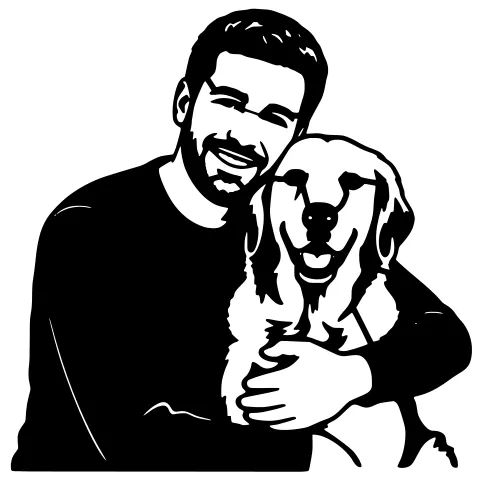
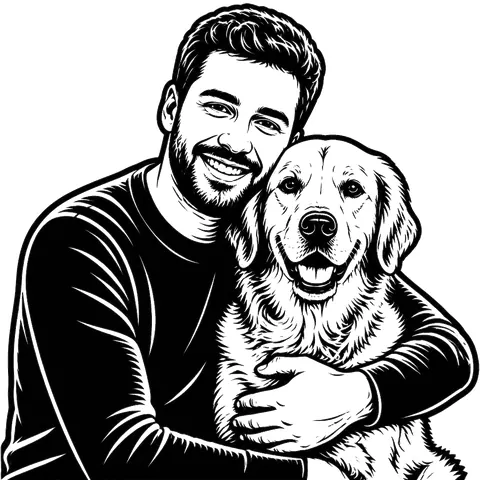
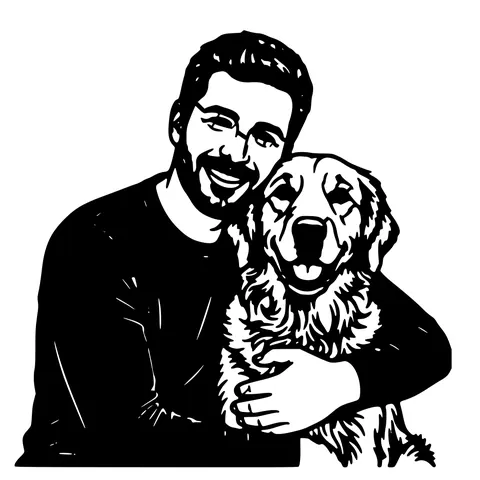
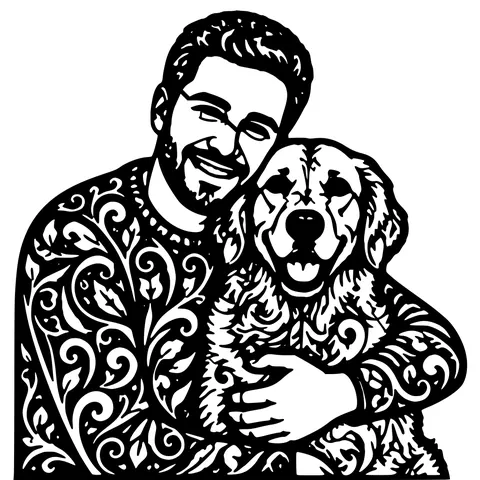
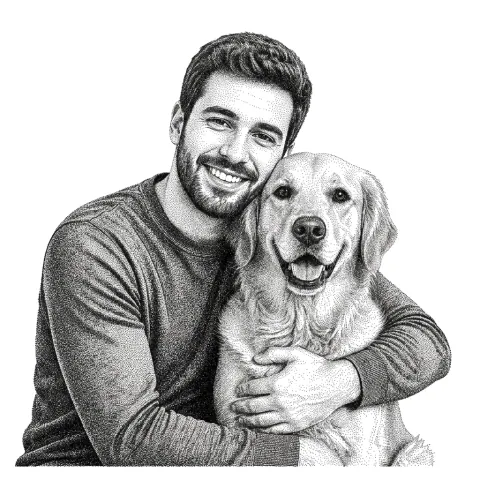
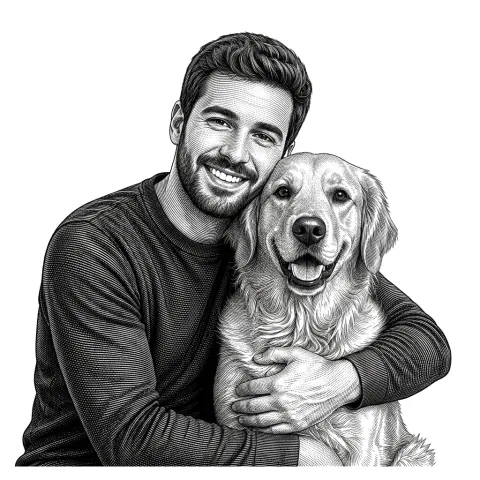
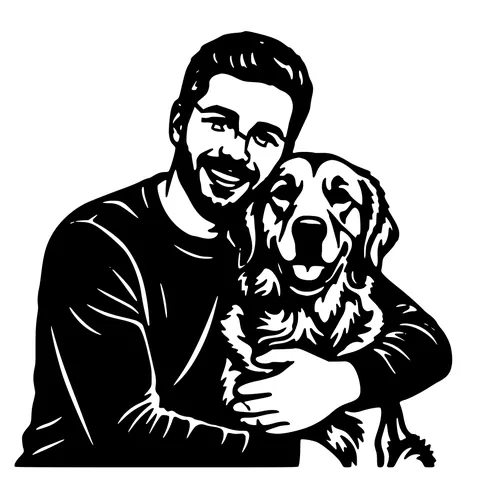
The same photo in every style. Swipe through or let it play.



Ready to convert?
Drop in your file and download a laser-ready vector in seconds.
Open the Converter →Frequently Asked Questions
Why does JPG produce a messier DXF than PNG?
JPG compresses the image in 8x8 pixel blocks, which leaves seams between blocks. Generic tracers pick up those seams as edges. This converter runs a denoise + deblock pre-pass to flatten them before tracing, so the result is much cleaner. but PNG with the same source content will still be slightly tidier because PNG has no block compression.
What DXF version do you output?
R12 (AC1009), the broadest-compatibility flavour. Uses POLYLINE + VERTEX entities. opens in AutoCAD, LightBurn, RDWorks, Fusion 360, Vectric, Carveco, and every laser-controller firmware we've tested.
Does it work with .jpeg or just .jpg?
Both. JPG and JPEG are the same format, different extension. Either uploads cleanly.
Can I vectorize a JPG photo of my dog?
Direct vectorization will produce a noisy DXF because photos have continuous-tone backgrounds. Use the AI photo-to-stencil tool instead. it removes the background first.
Does heavy JPG compression hurt the result?
Yes. JPGs saved at 30% quality or lower have significant block artefacts that bleed through even with the cleanup pre-pass. Use the highest-quality JPG available, or convert your source to PNG first if you can.
What's the file size limit?
15 MB and roughly 4000 px on the longest side. Larger images are downscaled before tracing.
Are the polylines closed?
Yes. Every polyline in the output is closed explicitly, so LightBurn auto-assigns the import as a Cut layer.
Does the DXF include auto-bridging?
Yes. Floating islands inside the design are bridged to the main outline so the cut piece stays in one piece during cutting.
Is it really free?
5 per IP per day with no account. 30 per day with a free signup. Past that, 1 credit per extra conversion. No watermark, no recurring charge.
Related tools
JPG to SVG Converter. Built for Compressed Photos
JPGs carry a layer of compression noise PNG doesn't. This converter does a JPEG-aware cleanup pass before tracing, so photo logos and scanned sketches come out as crisp paths instead of confetti.
PNG to DXF Converter. The Cleanest Source for DXF
PNG is the best raster format to feed a vectorizer. lossless, alpha-aware, no compression seams. This converter produces a closed-path R12 DXF that drops into LightBurn, RDWorks, or AutoCAD with no extra prep.
Image to DXF Converter. R12 Output, Auto-Bridged
A DXF you can drop straight into LightBurn, RDWorks, Fusion 360, or AutoCAD. R12 / AC1009 flavour for universal compatibility, sized at 150 mm wide, auto-bridged for stencil cutting.
Photo to Stencil Generator. AI Background Removal Built In
Photos are the hardest input for a stencil maker. busy backgrounds, soft edges, multiple subjects. This tool removes the background, isolates the subject, adds bridges, and hands you a one-piece laser-ready cutout.