PNG to DXF Converter. The Cleanest Source for DXF
PNG is the best raster format to feed a vectorizer. lossless, alpha-aware, no compression seams. This converter produces a closed-path R12 DXF that drops into LightBurn, RDWorks, or AutoCAD with no extra prep.
A PNG to DXF converter that takes advantage of PNG's biggest property over JPG: every pixel is exact. No compression noise to trace as fake edges. Combined with alpha-aware silhouette detection and a closed-path output, PNG to DXF is the cleanest possible path from raster to laser. Free up to 5 conversions per IP per day, no signup. R12 (AC1009) output for maximum compatibility.
Alpha-aware
Transparent PNG pixels become the cutout boundary so logos with transparent backdrops produce a clean silhouette.
R12 / AC1009 DXF
POLYLINE + VERTEX entities, written in mm. Reads in every CAD and laser-controller package, including old K40 firmware.
Closed paths
Every polyline is closed explicitly so LightBurn auto-assigns the import as a Cut layer instead of Scan.
Free 5/day per IP
No signup, no card. Five PNG-to-DXF conversions per IP per day. signed-in users get 30/day.
How to use the png to dxf converter. the cleanest source for dxf
- 1
Upload your PNG
Up to 15 MB. Transparent backgrounds, indexed colour, 8-bit and 16-bit PNGs all accepted.
- 2
Alpha-aware silhouette
Transparent pixels are treated as the cutout boundary. so a logo on a transparent backdrop becomes a real outline, not a rectangle plus a logo inside it.
- 3
Trace and close paths
Edges traced as Bezier paths, then resampled to closed polylines for DXF. Auto-bridging connects floating islands so stencils stay in one piece.
- 4
Download DXF + SVG
Drop the DXF into LightBurn, RDWorks, LaserGRBL, Fusion 360, or AutoCAD. Bundled SVG opens everywhere else.
Why PNG is the best DXF source
A vectorizer's job is to find edges. PNG hands them edges directly, because every pixel is stored exactly as it was saved. JPG, on the other hand, ships with 8x8 block-compression seams that look like edges to a tracer but aren't real design boundaries. Run the same image through PNG-to-DXF and JPG-to-DXF and the PNG output will have fewer paths, cleaner geometry, and a smaller file size. If you have the choice between exporting your source as PNG or JPG, PNG always wins for DXF work.
What R12 DXF actually means
DXF has been revised many times since 1982. R12 is the 1992 release, AutoCAD's baseline format. It uses two simple entity types for shapes: POLYLINE (the line of vertices) and VERTEX (each point on the polyline). Newer DXF versions added LWPOLYLINE, SPLINE, ELLIPSE, helix, and surface entities. some old laser controllers refuse to parse anything newer than R12. By writing R12, this converter guarantees the file opens in everything: AutoCAD, LightBurn, RDWorks, LaserGRBL, Fusion 360, Vectric, Carveco, FreeCAD, BobCAD, and any CAM tool that mentions DXF support.
PNG to DXF for stencils and laser cutting
A stencil is a single connected piece with cutout holes. The "single connected" part is what trips up most converters. without auto-bridging, the dot above an i, the centre of an O, and the inside of a star all fall out of the material when you cut. This converter inserts thin bridges (default 1 mm) between every floating island and the main outline, so the stencil cuts as one solid piece. You can preview the bridges before download and re-run with a wider or narrower bridge if needed.
PNG to DXF for CAD and CNC
If you're routing the file on a CNC instead of laser-cutting, the same DXF works directly. CNC CAM packages (VCarve, Aspire, Carveco Maker, Fusion 360 Manufacturing) read R12 POLYLINE as the toolpath profile. Bridges still serve a purpose. they keep parts from dropping into spoilboards or bed slats mid-cut. For plasma tables, the same advice applies. R12 is the format every plasma-table CAM tool reads, and bridges save you from chasing parts around the cut bed.
When to pick PNG to SVG instead
If your downstream tool reads SVG natively (LightBurn 1.4+, Glowforge App, xTool Creative Space, Cricut Design Space, Silhouette Studio), the PNG to SVG converter is the better fit. SVG preserves Bezier curves as splines, which stay perfectly smooth at any scale. DXF flattens curves into polylines, which is lossless for cutting but produces slightly larger files. Both files come bundled in either conversion, so you can always switch.
Free, no signup, your file is yours
5 PNG-to-DXF conversions per IP per day with no account. 30 per day with a free signup. Past that, 1 credit per extra conversion and credit packs never expire. PNGs are processed in memory and the binaries are deleted from our servers within 24 hours. We don't train AI on user uploads, don't watermark, and don't claim any rights to your DXF output.
See it in action
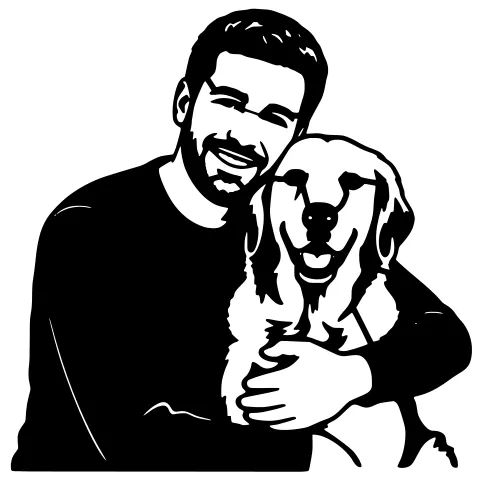
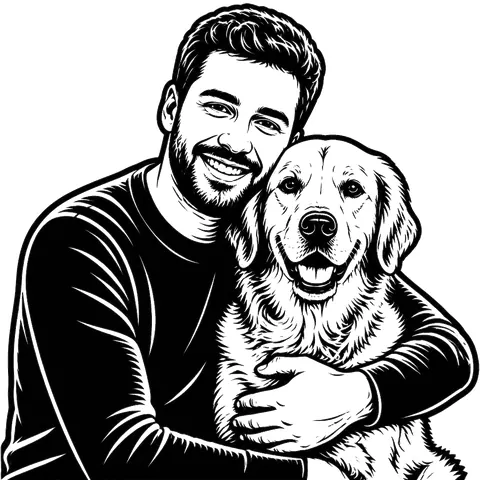
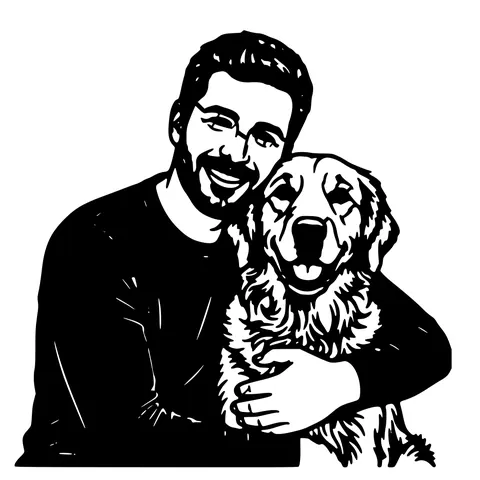
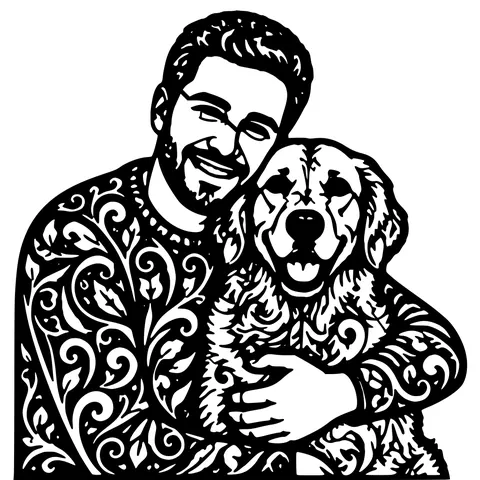
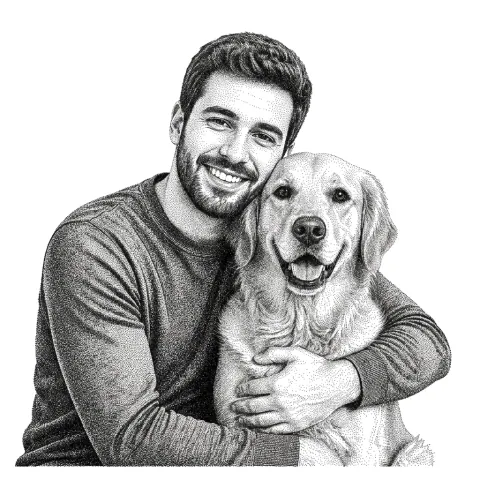
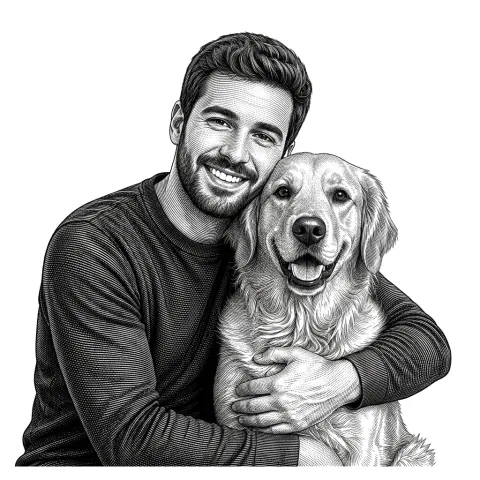
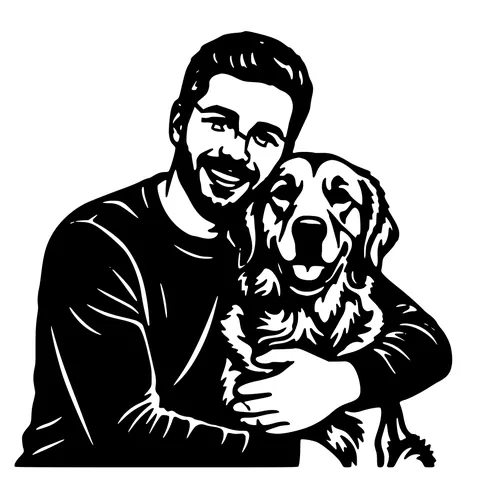
The same photo in every style. Swipe through or let it play.


Ready to convert?
Drop in your file and download a laser-ready vector in seconds.
Open the Converter →Frequently Asked Questions
What DXF version do you output?
R12 (AC1009), with POLYLINE and VERTEX entities. It's the most universally readable DXF flavour. anything that opens DXF opens R12.
Will it open in LightBurn?
Yes. LightBurn auto-detects R12 imports as Cut layer and respects the mm units written in the header. Keep "Use file units" enabled on import to land at the correct physical size.
Will transparent PNG work?
Yes, and it works better than a solid-background PNG. Transparent pixels become the cutout boundary, so a logo on a transparent backdrop comes out as a clean silhouette without a white rectangle around it.
What about indexed-colour PNGs (8-bit palette)?
Accepted. The image is normalised to a black-and-white mask before tracing, so colour depth doesn't change the output.
Are paths in the DXF closed?
Yes. every polyline is closed explicitly so import tools auto-assign the file as a Cut layer (in LightBurn) or as cutting profiles (in CAD CAM tools).
How big a PNG can I upload?
Up to 15 MB and roughly 4000 px on the longest side. Larger images are downscaled automatically.
Does the DXF include auto-bridging?
Yes. Floating islands are connected to the main outline so the stencil cuts as one piece. Solid shapes without floating parts pass through unchanged.
Do you also export SVG?
Yes. Every conversion bundles a matching SVG at no extra cost. Useful when you want to edit further in Inkscape or Illustrator.
Is it free?
5 per IP per day with no account. 30 per day with a free signup. After that, 1 credit per extra conversion. No watermark, no recurring charge.
Related tools
Image to DXF Converter. R12 Output, Auto-Bridged
A DXF you can drop straight into LightBurn, RDWorks, Fusion 360, or AutoCAD. R12 / AC1009 flavour for universal compatibility, sized at 150 mm wide, auto-bridged for stencil cutting.
PNG to SVG Converter. Built for Transparent Logos and Icons
Drop in a PNG, get back a scalable SVG that keeps the alpha exactly where it was. Best for logos, icons, line art, and screenshots where the transparent background is part of the design.
JPG to DXF Converter. Compression-Aware Vectorizer
JPGs come with 8x8 block-compression noise that confuses generic tracers. This converter runs a JPEG-aware cleanup pass before tracing, so the R12 DXF you download has real edges and not compression seams.
Glowforge File Converter. Standard SVG, Drops Into the App
A vectorizer tuned to produce SVGs the Glowforge App reads without complaint. Closed filled paths, no rendering tricks, sized at 150 mm so it lands inside the Basic, Plus, Pro, or Aura bed at a sane scale.