PNG to SVG Converter. Built for Transparent Logos and Icons
Drop in a PNG, get back a scalable SVG that keeps the alpha exactly where it was. Best for logos, icons, line art, and screenshots where the transparent background is part of the design.
A PNG to SVG converter built around what makes PNG different from JPG or WEBP: the alpha channel. The vectorizer treats transparent pixels as the cutout boundary, so a logo with a transparent backdrop comes out with a clean outer silhouette instead of a fake white box. Five free conversions per IP per day, no signup needed.
Alpha-aware tracing
Transparent pixels become the shape boundary, not a white rectangle. Your logo keeps its real outline.
Pixel-precise edges
Crisp output even on 1-pixel-wide lines. icons, UI sprites, and pixel art keep their character.
Indexed PNG supported
GIF-style indexed-colour PNGs, 8-bit palette PNGs, and 16-bit greyscale all convert without manual prep.
Free up to 5/day
No card, no trial, no watermark. Five PNG-to-SVG conversions per IP per day. signed-in users get 30.
How to use the png to svg converter. built for transparent logos and icons
- 1
Upload your PNG
Drag in any PNG up to 15 MB. Transparent backgrounds, indexed colour, RGBA, 8-bit, 16-bit. all accepted. Indexed and palette PNGs are flattened automatically before tracing.
- 2
Let the AI vectorise
The image is thresholded with alpha respected (transparent pixels become the outside of the shape), edges are detected, and the result is traced as smooth Bezier paths.
- 3
Preview and tweak
Inspect the path count, tweak the detail level if needed, and run it again. Auto-bridging for stencils is on by default for laser-cut workflows.
- 4
Download SVG + DXF
Get the SVG plus a DXF companion file. Both open natively in Inkscape, Illustrator, Figma, LightBurn, Glowforge App, xTool Creative Space, and RDWorks.
Why a dedicated PNG to SVG converter
A generic image-to-vector tool treats PNG the same as JPG, which throws away the most useful thing PNG carries: transparency. PNGs from designers, dribbble exports, app icons, and brand kits almost always have a transparent backdrop, and you usually want that backdrop preserved as the cutout boundary of your vector. This converter reads the alpha channel before any tracing happens, so a logo on a transparent background comes out as a silhouette with the right outer shape. no extra step to remove a white box that was never really there.
How alpha gets turned into a vector
For each pixel the converter looks at alpha first. Fully transparent pixels are treated as background. Fully opaque pixels are treated as the design. Semi-transparent pixels (anti-aliased edges) are folded into the design when they’re above a threshold so the outer rim of the shape stays smooth instead of getting eaten away. After that the remaining black-or-white mask is traced as smooth Bezier paths with auto-simplification. The output is one closed path per island, ordered correctly so SVG fill-rules render exactly what was on screen.
What kinds of PNG vectorise cleanly
Logos, app icons, web icons, SVG-style illustrations exported as PNG, line art, calligraphy, tattoo flash, stencil masters, sprite sheets, scanned signatures, and screenshots of UI elements all convert with very little loss. Anything with sharp edges and limited colour separation does well. Even 16-colour pixel art comes through clean because the algorithm respects horizontal and vertical pixel boundaries when it lays paths.
What kinds of PNG are harder
Photographs saved as PNG (the file is huge and the content is continuous-tone, not line art) work but produce dense vector output. soft gradients turn into stacked stepped paths. anti-aliased small text below about 12 pixels tall comes out chunky. If the PNG you have is really a photo wearing a PNG hat, drop it into our photo to stencil tool instead. it strips the background first, then runs the converter, which gives a much cleaner result.
PNG to SVG for laser cutting
Laser cutters, vinyl plotters, and CNC routers all need vector input. Feed a PNG to LightBurn or Glowforge directly and they’ll either refuse it or rasterise it back into engraving lines (no good if you wanted to cut). Converting to SVG first gives the machine real paths to follow. For stencils. anything where the design has floating bits like the centre of an O or the dot above an i. turn on auto-bridging at preview time, and the converter inserts thin connectors so the cut comes out as one piece. The companion DXF imports cleanly into LightBurn, RDWorks, Lasergrbl, Fusion 360, and AutoCAD.
PNG to SVG vs PNG to DXF
SVG is the vector format for browsers, design tools, and most cutting software. DXF is the vector format CAD packages and older laser controllers grew up on. They describe the same geometry in different syntax. We export both in the same conversion so you don’t have to choose, and so you can re-open the SVG in Inkscape or Illustrator later if you want to edit. If you’re strictly a CAD user and never going back to a vector editor, use the PNG to DXF tool directly to skip the SVG step.
Free, fast, and your file is yours
Five PNG-to-SVG conversions per IP address per day with no signup. Sign in for 30 per day. After that it’s 1 credit per extra conversion, and credit packs never expire. Uploaded PNGs are processed and deleted from our servers within 24 hours. we don’t store them long-term, don’t train models on them, and don’t claim any rights to your output.
See it in action
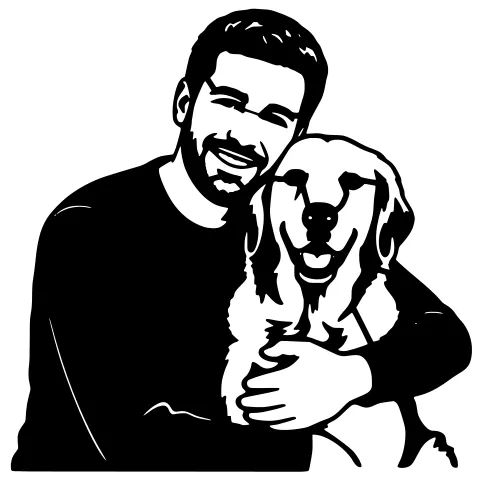
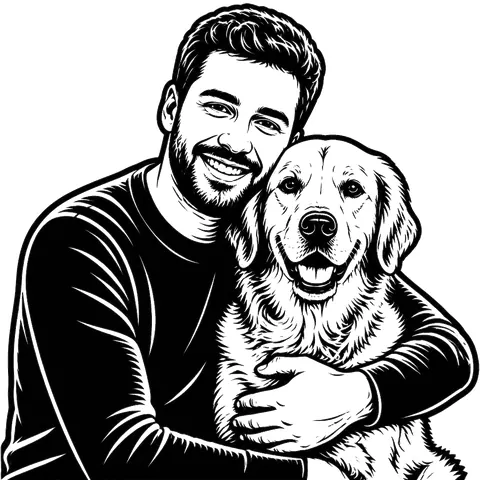
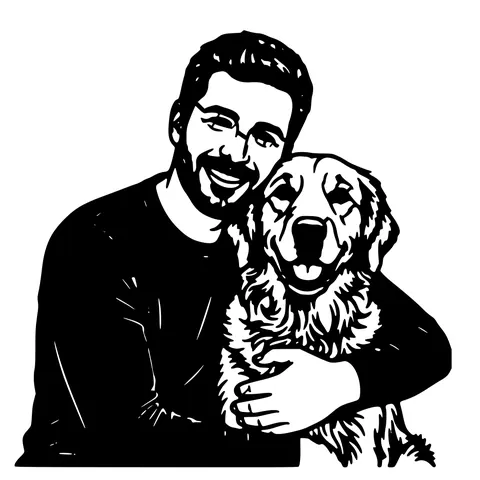
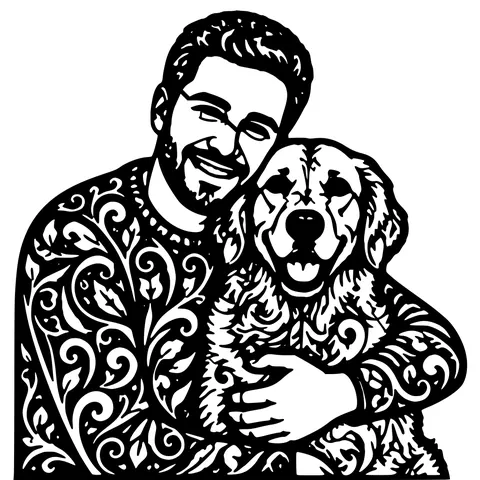
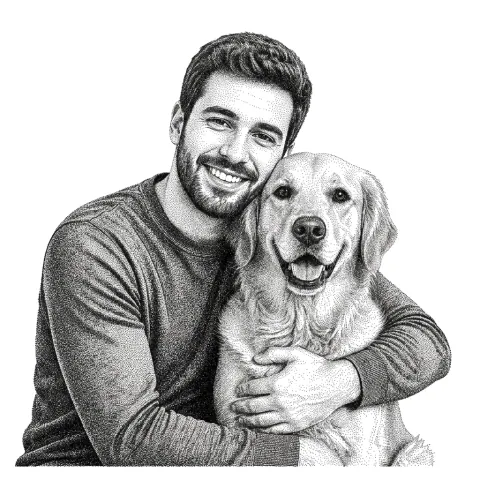
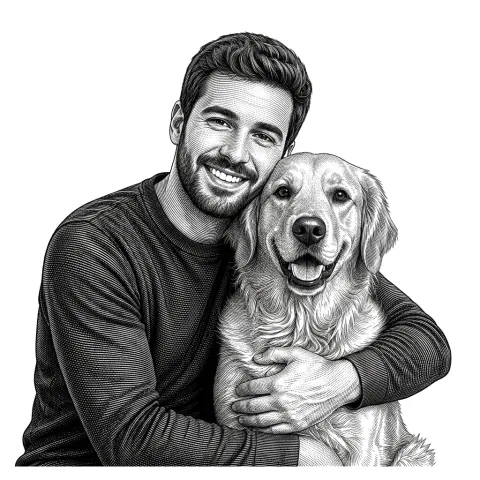
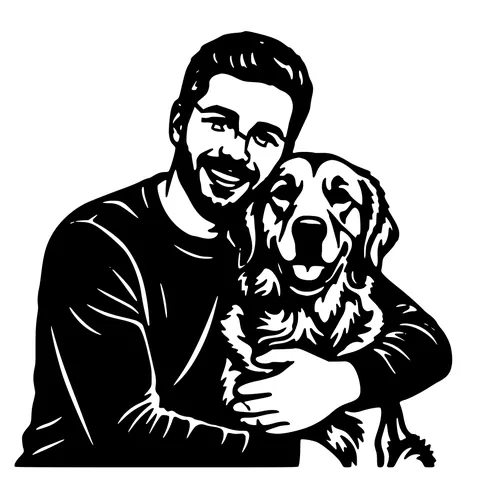
The same photo in every style. Swipe through or let it play.


Ready to convert?
Drop in your file and download a laser-ready vector in seconds.
Open the Converter →Frequently Asked Questions
Does PNG to SVG keep the transparent background?
Yes. Transparent pixels in your PNG become the outside of the SVG shape. so a logo on a transparent backdrop comes out as a silhouette with the right outer outline, no white rectangle around it.
What’s the max PNG size you accept?
Up to 15 MB and roughly 4000 pixels on the longest side. Bigger PNGs are downscaled automatically. for very high-res scans, downsize to 2000–3000 px wide before uploading and you’ll get faster conversions with no visible quality drop.
Will indexed-colour or 8-bit PNGs work?
Yes. Indexed, palette, 8-bit greyscale, and 16-bit PNGs are all accepted. The image is normalised to a black-and-white mask before tracing, so source colour depth doesn’t change the output.
How accurate is the trace compared to Inkscape Trace Bitmap?
Comparable on simple line art and noticeably cleaner on noisy or aliased PNGs, because the alpha pre-pass removes background detail Trace Bitmap would otherwise pick up as paths. For pixel-perfect retro pixel art the converter uses an integer-aligned tracer that beats general-purpose vectorisers.
Why does my converted SVG look chunky on small text?
Tracing anti-aliased text below ~12 px tall is a known limitation of every raster-to-vector tool. workaround: upscale the PNG to 2– 3x first (any free upscaler), then convert. Or grab the original vector if you have access to it.
Can I use the output SVG commercially?
Yes. You retain full rights to the output. We don’t watermark, don’t claim rights, and don’t resell user output. You’re responsible for any rights tied to the source PNG you uploaded.
Does it open in Cricut, Silhouette, Glowforge, LightBurn?
Yes to all four. The SVG conforms to the standard subset every cutting program reads, and the bundled DXF imports into the laser-only programs that don’t parse SVG well (older RDWorks builds, K40 controllers).
Is the output really free, or is this freemium-with-a-trick?
Free up to 5 conversions per IP per day, no signup. Free up to 30 per day after a free signup. Past that you pay 1 credit each. no recurring charge, no card needed to start.
How long do you keep my uploaded PNG?
Files are processed in memory and the binaries are deleted from our servers within 24 hours. We don’t train AI on uploads and we don’t share them. The output SVG and DXF are yours to keep.
Related tools
JPG to SVG Converter. Built for Compressed Photos
JPGs carry a layer of compression noise PNG doesn't. This converter does a JPEG-aware cleanup pass before tracing, so photo logos and scanned sketches come out as crisp paths instead of confetti.
PNG to DXF Converter. The Cleanest Source for DXF
PNG is the best raster format to feed a vectorizer. lossless, alpha-aware, no compression seams. This converter produces a closed-path R12 DXF that drops into LightBurn, RDWorks, or AutoCAD with no extra prep.
Image to SVG Converter. One Tool For Every Format
Drop in a PNG, JPG, WEBP, or even a screenshot and get a clean scalable SVG back. The converter auto-tunes itself to the input format, so you don't pick threshold sliders or trace settings.
AI Image to SVG. Detects the Subject Before Tracing
A traditional vectorizer traces every edge it sees, including every shadow and background object. This one isolates the subject first using a trained segmentation model, then traces. Cleaner SVG, fewer stray paths, less cleanup.