Picture to SVG Converter. Works Straight From Your Phone
No Inkscape, no Trace Bitmap, no laptop required. Open the page on your phone, tap to upload from your camera roll, and download the SVG when it's done. Same converter as desktop, mobile-first interface.
A picture-to-SVG converter built around the casual workflow: you have a picture, you want it as an SVG, you don't want to download Inkscape and learn Trace Bitmap settings. Upload from desktop or phone, the AI picks sensible tracing parameters automatically, and you get a standard SVG plus an R12 DXF in the same download. Five free conversions per IP per day, no signup.
Mobile-first
Works in any phone browser. Upload from camera roll, generate, download. No app install required.
Auto-tuned tracing
No settings to pick. The AI detects what kind of picture it's looking at and applies the right pre-pass before tracing.
Auto-bridged for cutting
Floating cutouts (the inside of an O, dot above an i) are bridged automatically. The SVG cuts as one piece on a laser or vinyl cutter.
Free 5/day per IP
Five conversions per IP per day with no account. signed-in users get 30/day.
How to use the picture to svg converter. works straight from your phone
- 1
Open the page on any device
Phone, tablet, laptop, Chromebook. all work. No app to install, no plugin, no command line.
- 2
Upload your picture
Tap or drag to upload. JPG, PNG, WEBP, HEIC (iPhone), or GIF up to 15 MB. Straight from camera roll on phone.
- 3
Auto-tuned conversion
No threshold sliders to fiddle with. The converter inspects the picture and picks tracing parameters automatically.
- 4
Download SVG + DXF
Save to your phone or laptop. Open in any browser, Inkscape, Illustrator, Cricut Design Space, LightBurn, or the Glowforge App.
The casual picture-to-SVG workflow
Most picture-to-SVG tutorials assume you have a desktop, a copy of Inkscape, and an hour to learn the Trace Bitmap dialog. Real people usually have: a phone, a picture they need to vectorize for a Cricut project or a laser-cut gift, and twenty spare minutes. This converter fits that workflow. Open the page on your phone, tap to upload, wait under a minute, save the SVG to your camera roll or share it directly to Cricut Design Space.
What "picture" means here
A "picture" can be anything: a phone photo, a screenshot from a tutorial, a scanned drawing, a logo image saved off a website, a piece of clip art. The converter handles each kind with the right pre-pass. PNGs with transparency keep their alpha as the cutout boundary. JPGs from a phone get a denoise + deblock cleanup first. HEIC files (iPhone's default format) are converted to RGB before tracing.
What works well, what doesn't
Pictures with clear silhouettes and high contrast vectorize cleanly: a logo on a flat background, a black-marker drawing on white paper, an icon downloaded from a design site, a screenshot of a UI element. Pictures of real-world scenes (your dog at the park, a sunset, a busy room) produce noisy SVGs because the converter can't tell what you actually wanted. For those, the AI photo-to-stencil tool removes the background first and gives a much cleaner result.
Picture to SVG vs picture to DXF
Both files come bundled in every download. SVG is what browsers, Inkscape, Illustrator, Figma, Cricut Design Space, Silhouette Studio, and the Glowforge App use. DXF is what AutoCAD, RDWorks, LaserGRBL, Fusion 360, and older laser controllers use. If you have a choice, SVG is usually friendlier. but you get both at no extra cost.
Privacy and ownership
Your picture is processed in memory and the binaries are deleted from our servers within 24 hours. We don't train AI models on uploads, don't share them, and don't claim any rights to the SVG you download. You're responsible for the rights tied to the source picture you uploaded. if you're vectorizing someone else's artwork, get permission first.
See it in action
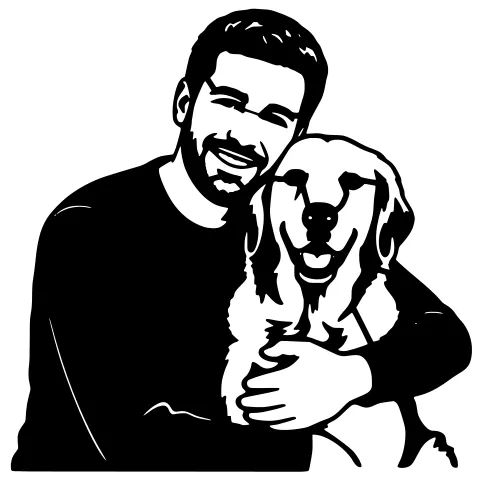
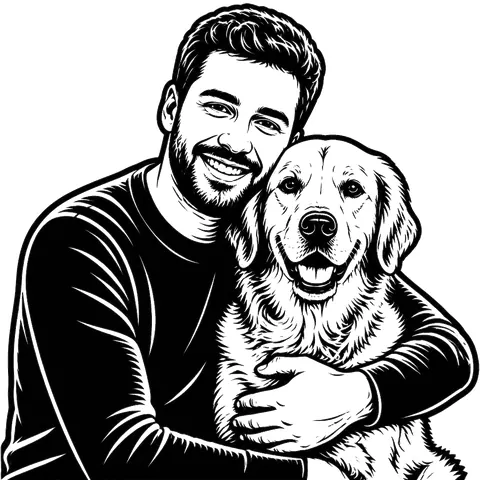
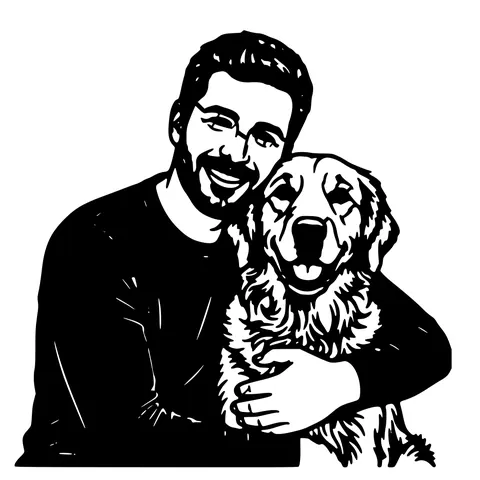
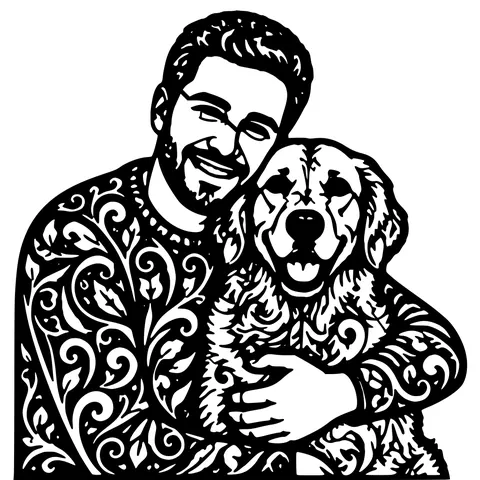
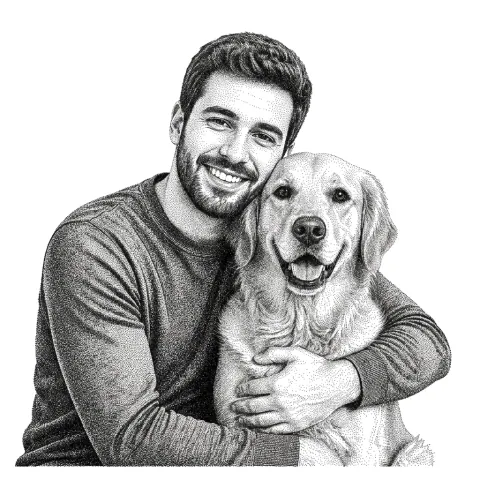
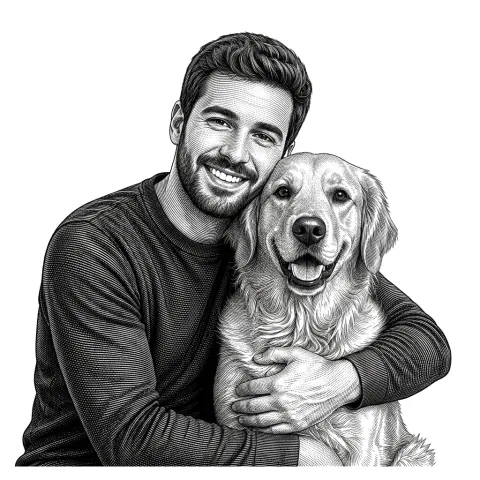
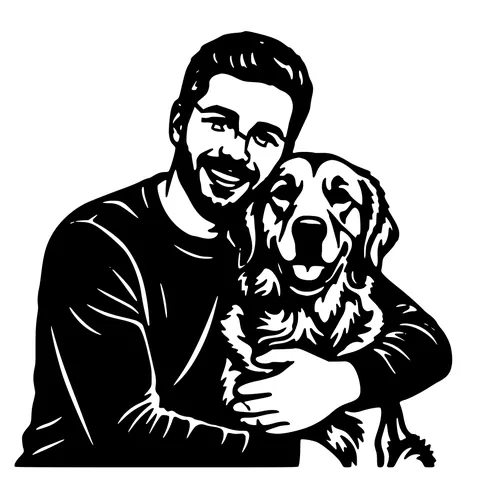
The same photo in every style. Swipe through or let it play.


Ready to convert?
Drop in your file and download a laser-ready vector in seconds.
Open the Converter →Frequently Asked Questions
Can I convert a picture from my iPhone or Android?
Yes. Open the page in Safari, Chrome, or any mobile browser, tap the upload button, pick from your camera roll, and download the SVG when ready. No app install required.
Does it handle iPhone HEIC photos?
Yes. HEIC files are converted to RGB during upload, so iPhone photos work as well as JPG.
Do I need to install Inkscape, Illustrator, or anything else?
No. The converter runs entirely in the browser. The output SVG can be opened in any app that reads SVG, or used directly in Cricut Design Space, LightBurn, the Glowforge App, etc.
What kinds of pictures convert best?
High-contrast images with clear silhouettes: logos, icons, line art, black-and-white drawings, screenshots of UI elements. Photos of real-world scenes are harder. use the AI photo-to-stencil tool for those.
Is the SVG editable?
Yes. It opens in Inkscape, Illustrator, Figma, Affinity Designer, and Sketch as editable paths. You can recolour, simplify, or modify individual paths.
How long does conversion take?
Typically 10 to 30 seconds. Larger pictures and intricate edges take a bit longer.
Will it work for laser cutting?
Yes. Output is auto-bridged for stencils and bundled with an R12 DXF that imports cleanly into LightBurn, RDWorks, and Fusion 360.
Is it really free?
5 conversions per IP per day with no account. 30 per day with a free signup. After that, 1 credit per extra conversion.
What about my picture after I upload it?
Processed in memory; binaries are deleted from our servers within 24 hours. We don't train AI on uploads.
Related tools
Image to SVG Converter. One Tool For Every Format
Drop in a PNG, JPG, WEBP, or even a screenshot and get a clean scalable SVG back. The converter auto-tunes itself to the input format, so you don't pick threshold sliders or trace settings.
Photo to Stencil Generator. AI Background Removal Built In
Photos are the hardest input for a stencil maker. busy backgrounds, soft edges, multiple subjects. This tool removes the background, isolates the subject, adds bridges, and hands you a one-piece laser-ready cutout.
PNG to SVG Converter. Built for Transparent Logos and Icons
Drop in a PNG, get back a scalable SVG that keeps the alpha exactly where it was. Best for logos, icons, line art, and screenshots where the transparent background is part of the design.
AI Image to SVG. Detects the Subject Before Tracing
A traditional vectorizer traces every edge it sees, including every shadow and background object. This one isolates the subject first using a trained segmentation model, then traces. Cleaner SVG, fewer stray paths, less cleanup.