Image to Laser-Cut-Ready File. Free
Any raster image becomes a bridged, sized, machine-ready cut file. Drop SVG and DXF straight into LightBurn or Glowforge.
Convert any image to a laser-cut-ready file online, free, in your browser. StencilCut accepts PNG, JPG, or WEBP, then runs the full prep pipeline: vector trace, background removal, auto-bridging, machine sizing, and a preflight safety check. The output SVG and DXF are ready to cut on the first try, with no manual cleanup in Inkscape or LightBurn first.
Ready in seconds
Typical conversion finishes in under 30 seconds, no install, no CAD knowledge required.
Auto-bridged paths
Floating islands are detected and bridged so your stencil cuts as one clean piece.
Laser-ready geometry
Output is sized at 150mm wide and scales cleanly in Lightburn, RDWorks, AutoCAD, and Inkscape.
Free every day
No watermark, no email grabs, no paywall. 5 free conversions a day with no account, 30 a day with a free one.
How to use the image to laser-cut-ready file. free
- 1
Upload your image
Drag a JPG, PNG, or WEBP into the converter, or pick one from your phone or computer. Files up to 15 MB work.
- 2
Pick what to make
Choose Cut a stencil, Engrave, or Coaster. The AI tunes the pipeline for the format you picked.
- 3
Let the AI process
Background is removed, contrast is tuned, floating islands are auto-bridged, and a preview is rendered. Usually 30 seconds or less.
- 4
Download the laser-ready file
Get an SVG and a DXF for cutting, plus a PNG for engraving. Drop the files straight into LightBurn, RDWorks, Glowforge, or xTool.
Image-to-ready, without the AI photo step
When your image is already clean (no background to remove, no subject to isolate), the AI photo pipeline is overkill. This is the direct version: vector trace, path-close pass, auto-bridging, then the same preflight check the photo pipeline runs. Skip the GPU step, keep the safety net.
The preflight check, plain English
After tracing, a stage walks the geometry: any segment narrower than the configured minimum (default 1 mm), any closed contour smaller than the minimum cut area (these fall through bed slats during cutting), and the total bounding box against your target bed size. Warnings appear in plain text before download. Adjust thresholds or bridge width and re-run preflight before spending the cut time.
Material-aware sizing hints
The preflight defaults assume 3 mm plywood (1 mm minimum line, 1 mm bridge). For thinner materials (paper, cardstock, 1.5 mm acrylic) lower the minimum to 0.5 mm. For thicker stock (6 mm plywood, MDF), raise it to 2 mm. The bridge thickness should be roughly the same as the material thickness. that gives the parts enough purchase to hold without making the bridges visible in the finished piece.
When SVG, when DXF
Both formats download in every conversion. Use SVG with LightBurn 1.4+, the Glowforge App, xTool Creative Space, Cricut Design Space, Silhouette Studio. Use DXF for older LightBurn builds, RDWorks, AutoCAD, Fusion 360, Vectric VCarve, or any plasma-table CAM tool. The R12 / AC1009 DXF reads on every CAD package and laser-controller firmware released since 1992.
When you should use the AI photo path instead
If your image is actually a photo (real background, complex subject, uneven lighting), the photo-to-laser-cut-ready-file tool will produce better results because it runs AI background removal first. This direct tool is for images that are already clean.
Free, no signup, files stay yours
5 conversions per IP per day with no account. 30 per day with a free signup. Past that, 1 credit per extra conversion. No watermark, no recurring charge. Uploaded images are processed in memory and deleted from our servers within 24 hours.
See it in action
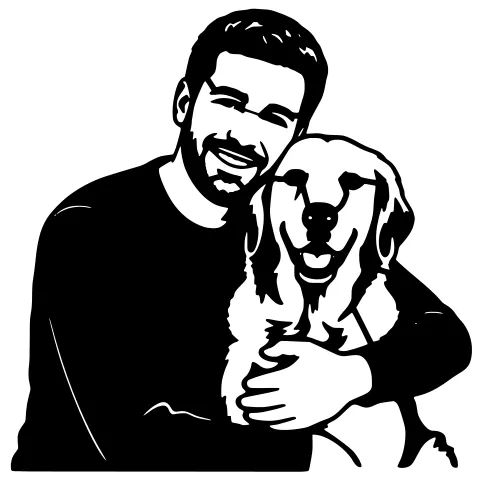
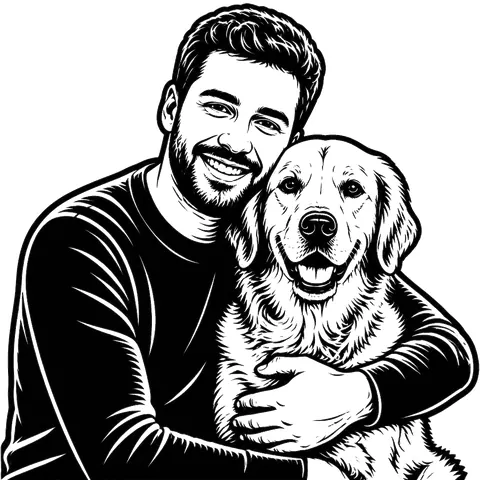
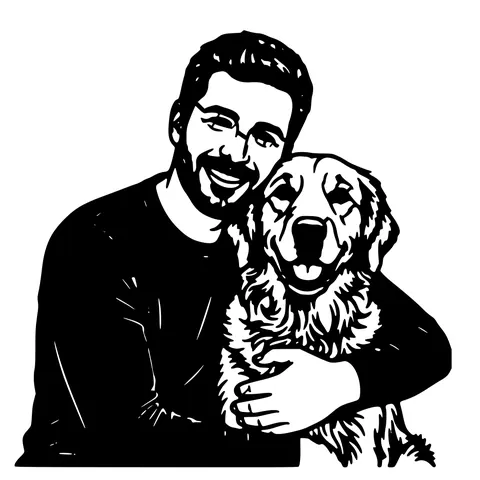
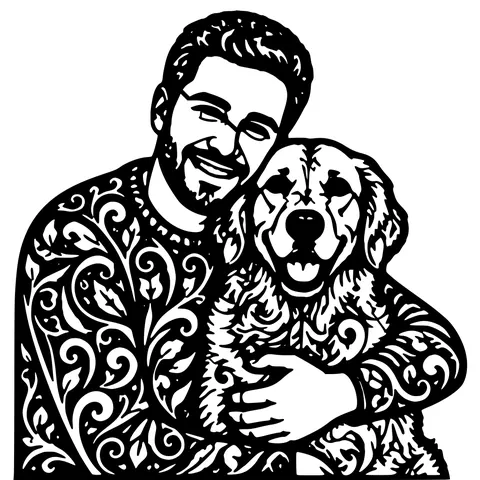
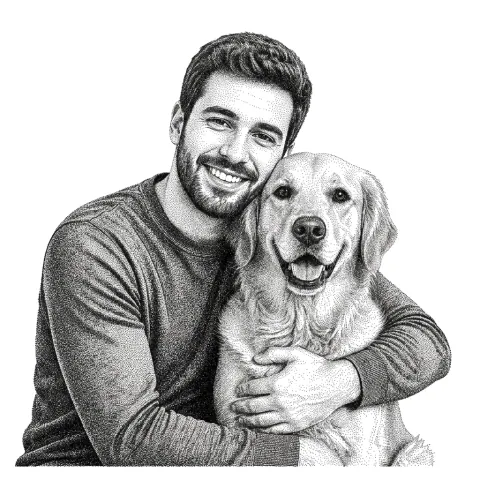
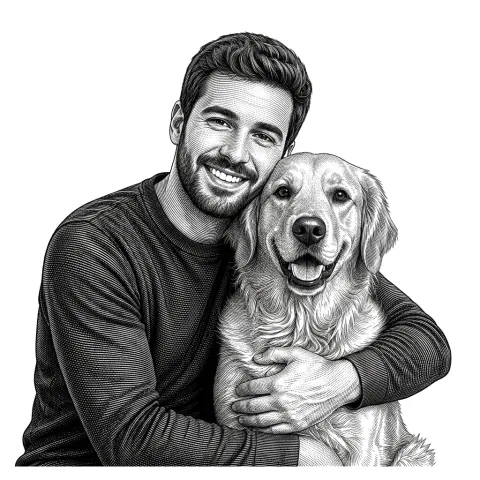
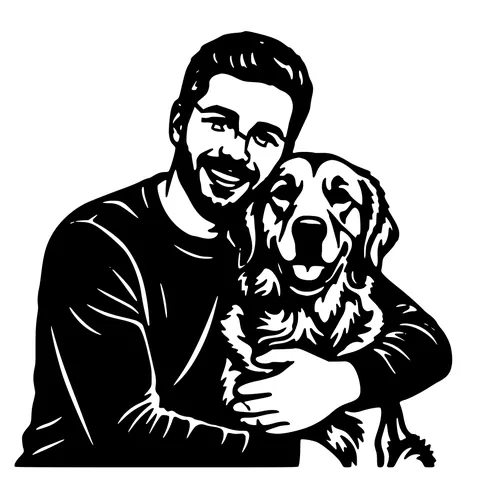
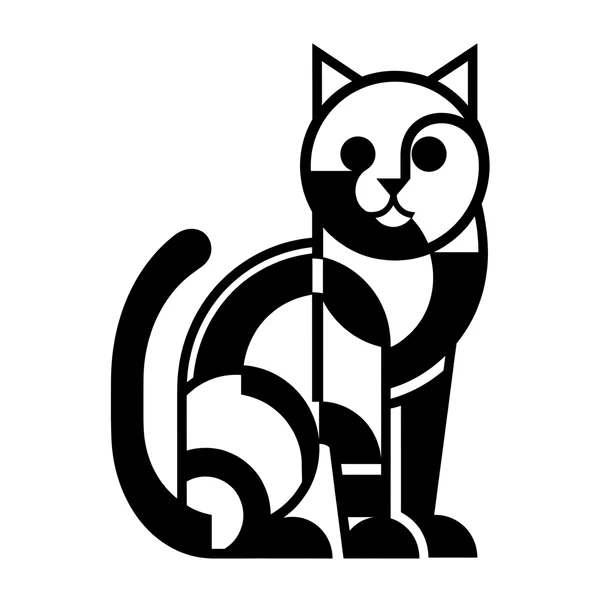
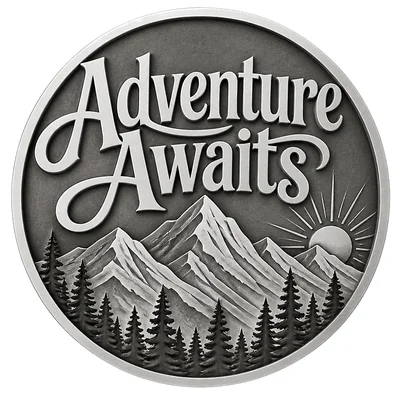
The same photo in every style. Swipe through or let it play.


Ready to convert?
Drop in your file and download a laser-ready vector in seconds.
Open the Converter →Frequently Asked Questions
How is this different from "image to laser cut file"?
Same trace + auto-bridge pipeline, plus a preflight pass. The preflight flags thin lines, orphan dots, and bed-fit issues before you spend the cut time. Same output formats (SVG + R12 DXF), same default size (150 mm wide).
What does the preflight actually check?
Minimum line width vs configurable threshold (default 1 mm for 3 mm plywood), minimum closed-contour area (anything smaller falls through bed slats), and the bounding box vs your target bed size.
Can I tune the thresholds for my material?
Yes. Default thresholds assume 3 mm plywood. Lower the minimum to 0.5 mm for thin materials (paper, cardstock), raise to 2 mm for thicker stock (6 mm plywood, MDF). Bridge thickness should match material thickness.
When should I use the AI photo path instead?
When your input is a real photo with a background to remove. For clean inputs (logos, scanned drawings, icons, screenshots), this direct tool is faster and the result is equivalent.
What about transparent PNG?
Handled natively. Transparent pixels become the cutout boundary, so PNGs with transparent backgrounds produce silhouettes with the right outer outline.
Will it work on a Chromebook or tablet?
Yes. The whole tool is browser-based and runs on any modern browser on any platform.
Will the output cut on a CO2 and a diode laser?
Yes. The vector files are machine-agnostic. Tune speed and power per material in your laser software for the actual machine.
Is it free?
5 conversions per IP per day with no account. 30 per day with a free signup. Past that, 1 credit per extra conversion.
Related tools
Photo to Laser-Cut-Ready File. With a Preflight Check
"Laser-cut-ready" means more than vectorized. It means bridged, sized, with paths closed and a preflight pass that warns you about lines too thin for the material before you spend the cut time.
Image to Laser Cut File. Direct Path, No AI Step Needed
When your image is already clean (logo, scanned drawing, icon), you don't need background removal or style swapping. just a fast vectorizer that produces a laser-ready SVG and DXF. This is that tool.
Image to DXF Converter. R12 Output, Auto-Bridged
A DXF you can drop straight into LightBurn, RDWorks, Fusion 360, or AutoCAD. R12 / AC1009 flavour for universal compatibility, sized at 150 mm wide, auto-bridged for stencil cutting.
LightBurn DXF Converter. R12, Closed, mm-Unit
A DXF you can drop into LightBurn without the "unclosed paths" warning. R12 / AC1009 with closed POLYLINE entities, written in millimetres so "Use file units" lands at the correct physical size.