Photo to Laser-Cut-Ready File. With a Preflight Check
"Laser-cut-ready" means more than vectorized. It means bridged, sized, with paths closed and a preflight pass that warns you about lines too thin for the material before you spend the cut time.
A photo-to-laser-cut-ready-file pipeline that adds a preflight step on top of the standard photo conversion. After the AI removes the background and traces the subject, a check runs through the geometry: minimum line width vs your material thickness, orphan-dot detection (anything too small to survive on the bed), and bed-size verification. Anything that would fail at the laser shows up as a warning before you download. 3 free designs anon, 5 with signup, then 1 credit each.
Preflight check
Thin-line warning, orphan-dot detection, bed-size fit. Flagged before download, not after a wasted cut.
AI background removal
Subject segmentation runs first so the cut file carries the subject only.
Auto-bridged stencils
Floating islands connected to the main outline with thin bridges. Default 1 mm, adjustable.
SVG + DXF + PNG
Three files in one download. Vector for cutting, raster for engraving or sharing.
How to use the photo to laser-cut-ready file. with a preflight check
- 1
Upload your photo
JPG, PNG, WEBP, HEIC up to 15 MB. Same input as the standard photo-to-cut-file tool.
- 2
AI prep pipeline
Background removal, subject isolation, contrast tuning, trace, auto-bridging. takes 30-60 seconds total.
- 3
Preflight runs
Minimum line-width check, orphan-dot detection, bed-size verification. Warnings shown in plain English before download.
- 4
Resolve and download
Adjust thresholds or bridge widths in response to warnings, re-run preflight, then download SVG + DXF + PNG preview.
What "ready" means beyond "vectorized"
A vectorized photo is the start of a laser-cut-ready file, not the end. A truly ready file is one you can drop into your laser software and cut on the first try without finding problems mid-job. The differences are: every path is closed (or the controller routes it as engrave by mistake), floating islands are bridged (or they fall out during cutting), the bed-fit is verified (or you discover it's too big when LightBurn warns you), and minimum line widths are checked against your material thickness (or thin features burn through and the part is scrap). This pipeline runs all four.
The preflight pass
After tracing and bridging, a preflight stage walks the geometry and reports back: any segment narrower than the configured minimum (default 1 mm for 3 mm plywood, configurable), any closed contour smaller than the minimum cut area (these usually fall through the bed slats), and the total bounding box against a target bed size. Warnings show as plain text alongside the preview. you can adjust bridge width or threshold and re-run the preflight before download, so the file you get is one that will actually cut.
When the preflight warns about thin lines
Thin lines below ~0.5 mm tend to burn through on plywood and acrylic, leaving a hole instead of a cut feature. The preflight flags any path narrower than that. The fix is usually one of: choose a heavier style (solid silhouette over minimalist contour), increase the bridge width (which dilates strokes locally), or downscale the design to a smaller bed size where the same proportional line becomes thicker in absolute units.
Photos that produce ready files cleanly
A "ready file" is easier to produce when the source photo is clean to begin with: subject filling most of the frame, daylight or even artificial lighting, contrasting background. Pet portraits, school photos, profile shots all hit these criteria. Tricky photos (a kid in long grass at dusk, a black dog against a dark sofa) still produce a file but the preflight is more likely to flag thin features. you can re-run with adjustments or pick a heavier style.
Pricing and ownership
Three free designs to try without an account, five with a free signup, then 1 credit per generation. Credit packs never expire. You own the output. we don't claim any rights, watermark, or resell user designs. Uploaded photos are processed in memory and binaries are deleted from our servers within 24 hours.
See it in action
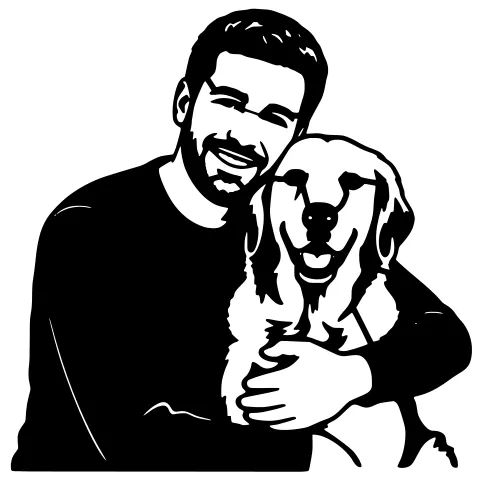
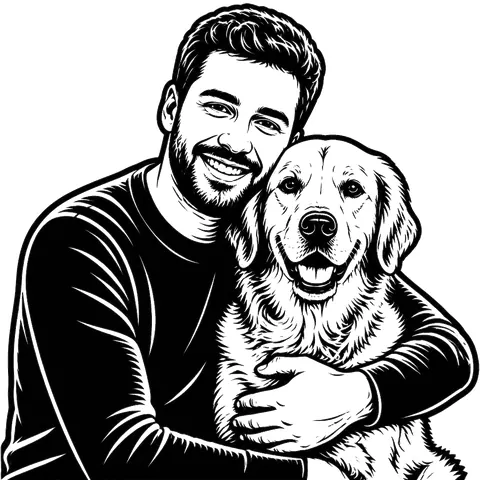
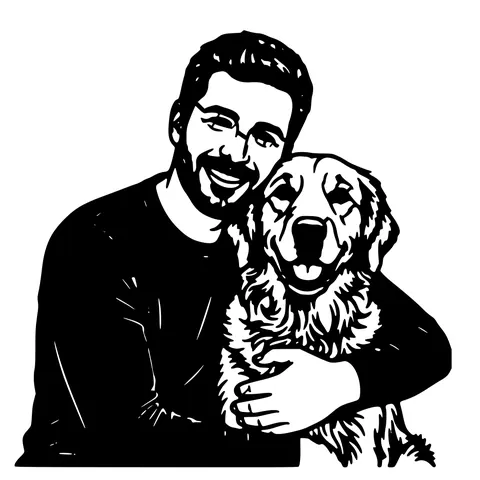
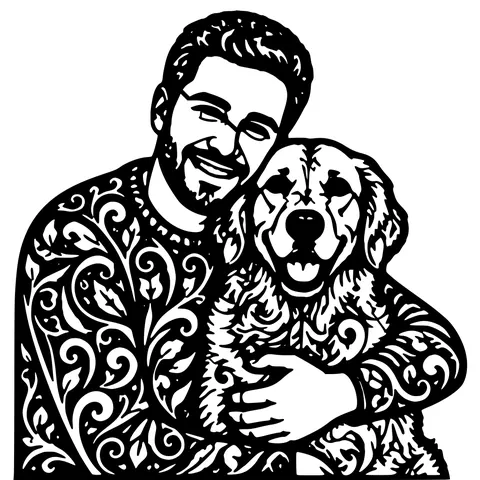
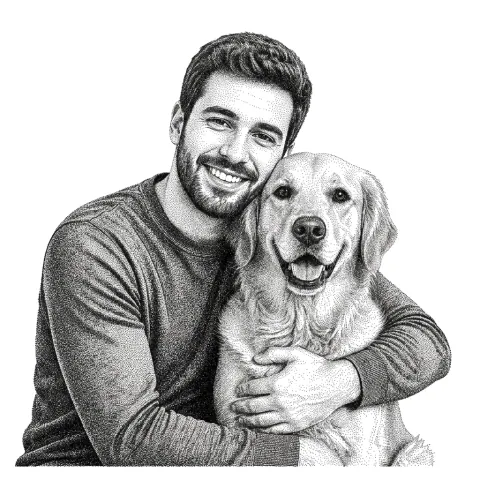
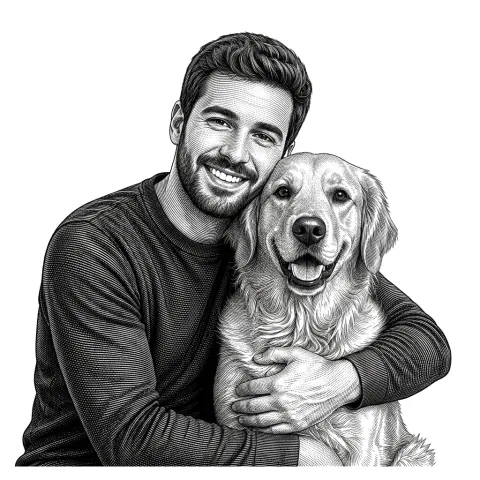
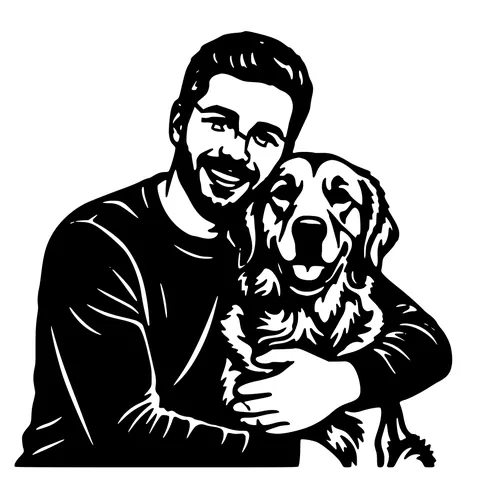
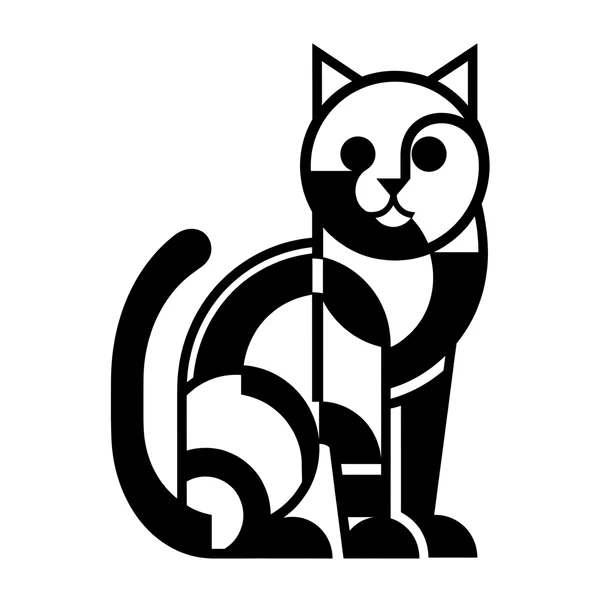
The same photo in every style. Swipe through or let it play.


Frequently Asked Questions
How is "ready" different from the regular photo converter?
Same AI prep pipeline (background removal, tracing, bridging) plus a preflight pass that checks minimum line width, orphan-dot survivability, and bed-size fit. Warnings show before download so you can adjust and re-run without spending credits on a file that wouldn't cut.
What does the preflight actually check?
Three things: any path segment narrower than the configured minimum (default 1 mm, which is safe for 3 mm plywood), any closed contour smaller than the minimum cut area (those fall through bed slats), and the total bounding box against your target bed size.
Can I adjust the preflight thresholds?
Yes, in the Advanced settings. Minimum line width, bridge width, and target bed size are all configurable.
What if my photo triggers a thin-line warning?
Three fixes: choose a heavier cut style (solid silhouette over minimalist contour), increase the bridge width which dilates strokes locally, or downscale the design.
What machines is the file ready for?
Every laser cutter that reads SVG or DXF: Glowforge, xTool, LightBurn-driven CO2 and diode machines, Ruida-controller laser cutters, plus CNC routers and plasma tables that accept DXF.
Can I edit the file after download?
Yes. SVG opens in Inkscape, Illustrator, Affinity Designer, Figma. DXF opens in AutoCAD, Fusion 360, LibreCAD, and most CAM packages.
How much does it cost?
3 free anon, 5 free with a signup, then 1 credit per generation. Credits never expire.
How long does it take?
Usually 30-60 seconds for the AI prep plus 1-2 seconds for the preflight. If preflight flags warnings and you adjust thresholds, the re-run is fast because the AI step is cached.
Related tools
Photo to Laser Cut File. AI Background Removal Built In
Real phone photos have backgrounds, multiple subjects, and uneven lighting. A naive vectorizer chokes on all three. This tool segments the subject first, drops the rest, then traces. you get a recognizable cut file instead of confetti.
Image to Laser-Cut-Ready File. Free
Any raster image becomes a bridged, sized, machine-ready cut file. Drop SVG and DXF straight into LightBurn or Glowforge.
Photo to Stencil Generator. AI Background Removal Built In
Photos are the hardest input for a stencil maker. busy backgrounds, soft edges, multiple subjects. This tool removes the background, isolates the subject, adds bridges, and hands you a one-piece laser-ready cutout.
LightBurn DXF Converter. R12, Closed, mm-Unit
A DXF you can drop into LightBurn without the "unclosed paths" warning. R12 / AC1009 with closed POLYLINE entities, written in millimetres so "Use file units" lands at the correct physical size.