Sculpfun File Converter, Photo to SVG & DXF
Turn any photo into a clean SVG or DXF for LightBurn or LaserGRBL on your Sculpfun, auto-bridged and sized in millimetres.
The Sculpfun file converter turns any photo into a laser-ready SVG and DXF for LightBurn or LaserGRBL, the software Sculpfun diode lasers run. It removes the background, builds clean connected cut paths, auto-bridges floating pieces, and sizes in millimetres. Works with the Sculpfun S9, S10, S30, and iCube. First conversion is free, no signup.
Diode-tuned output
Bold connected shapes that a diode laser cuts cleanly, no fragile slivers that stall on thin diode kerfs.
Auto-bridged cuts
Loose pieces connected automatically so your stencil cuts as one piece on the S9, S10, or S30.
Millimetre accurate
Sized in mm so the design imports at the real size in LightBurn or LaserGRBL.
Free to try
First conversions free, no email, no watermark. SVG and DXF downloads always free.
How to use the sculpfun file converter, photo to svg & dxf
- 1
Upload your photo
Drag in a JPG, PNG, or WEBP. The AI removes the background and isolates the subject.
- 2
Choose cut or engrave
Cut a stencil (SVG/DXF) or engrave (grayscale image), the pipeline tunes for your Sculpfun.
- 3
Preview and bridge
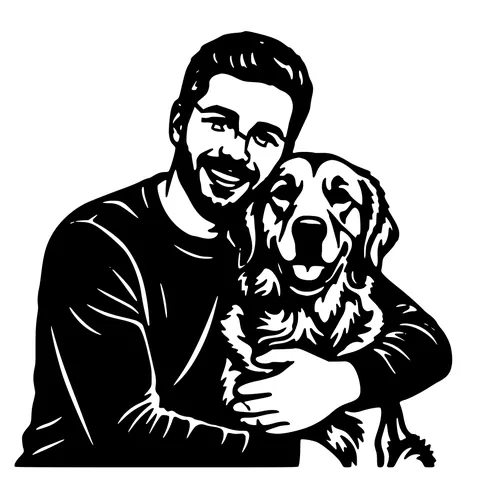
Floating islands are auto-bridged so the cut holds as one piece. Preview, then download.
- 4
Open in LightBurn
Import the SVG/DXF into LightBurn or LaserGRBL, set diode power and speed, and run.
Built for Sculpfun + LightBurn / LaserGRBL
Sculpfun diode lasers run LightBurn or the free LaserGRBL, both of which open SVG and DXF. A raw photo traced generically becomes a dense mess or a flat blob. This converter isolates the subject, simplifies it into bold connected shapes, and exports geometry that imports as clean cut lines, ready for a diode cut or engrave layer.
Engraving is where diodes shine
Diode lasers excel at engraving wood, leather, slate, and dark-coated metal. Pick an engrave style and you get a clean grayscale image to scan, darker areas burn deeper. For cutting thin plywood or acrylic, the auto-bridged SVG keeps the piece in one part.
True sizing on a budget machine
The files are written in millimetres, so a 120mm design imports as 120mm, no scaling math. That matters on smaller diode beds where every millimetre of the work area counts.
See it in action
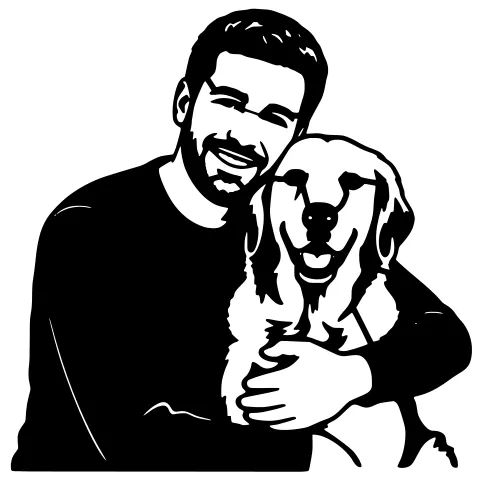
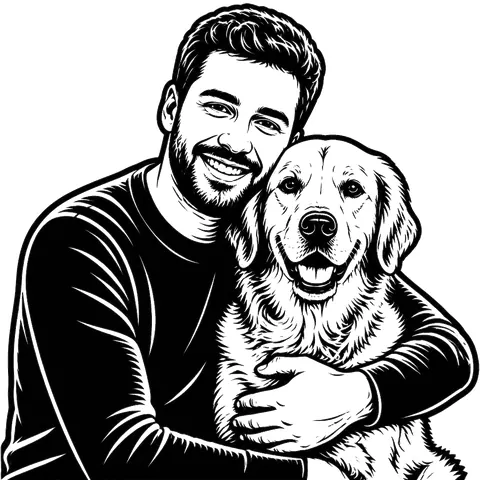
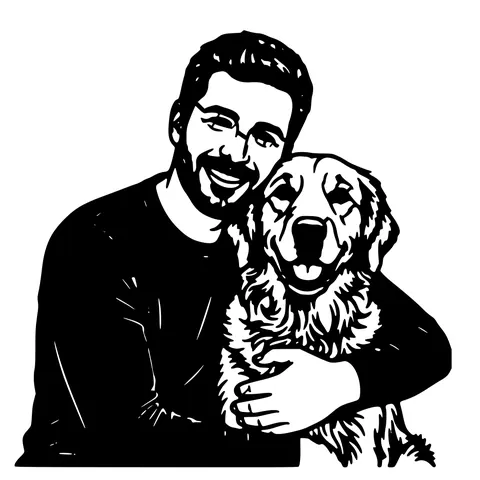
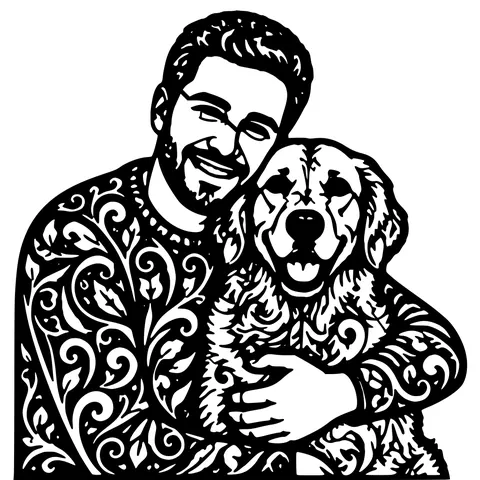
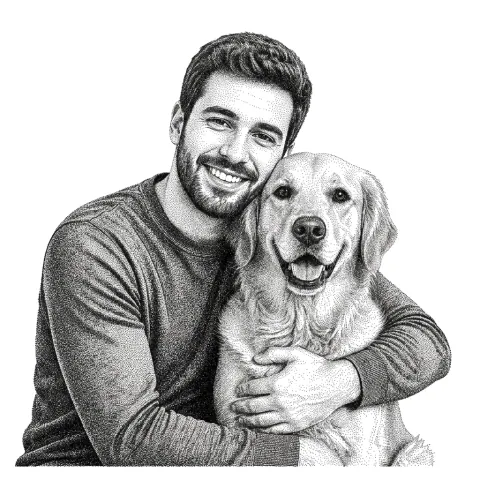
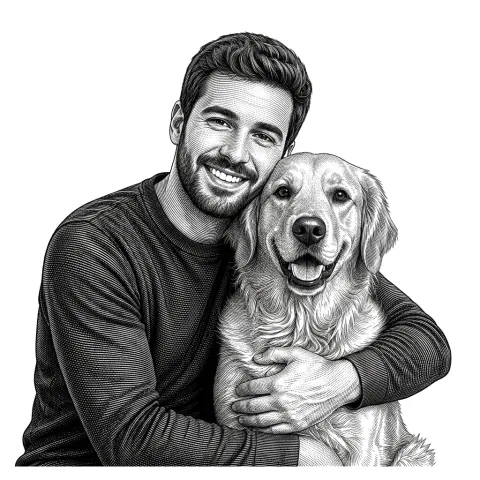
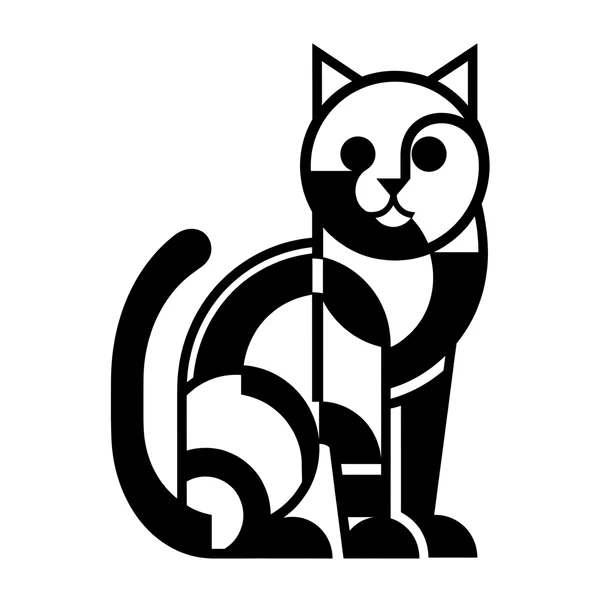
The same photo in every style. Swipe through or let it play.


Ready to convert?
Drop in your file and download a laser-ready vector in seconds.
Open the Converter →Frequently Asked Questions
Does Sculpfun use LightBurn?
Sculpfun lasers work with LightBurn (paid) and LaserGRBL (free). Both open the SVG and DXF this converter produces.
Can a diode laser engrave photos?
Yes, pick an engrave style for a clean grayscale image. Diodes engrave wood, leather, slate, and dark-coated metal very well.
Will thin plywood cut cleanly?
Yes, the cut paths are auto-bridged and simplified into bold shapes so a diode can cut the piece as one part without fragile slivers.
Which Sculpfun machines work?
Any that run LightBurn or LaserGRBL, the S9, S10, S30 series, and the iCube. The files are standard SVG/DXF.
Is it free?
First conversions are free with no account. After that, pay-as-you-go credits; SVG/DXF downloads are always free.
Related tools
LightBurn DXF Converter. R12, Closed, mm-Unit
A DXF you can drop into LightBurn without the "unclosed paths" warning. R12 / AC1009 with closed POLYLINE entities, written in millimetres so "Use file units" lands at the correct physical size.
Photo to Laser Engraving. Tonal Output From Real Photos
Photos carry uneven lighting, blown-out highlights, and busy backgrounds. all of which scorch as artefacts on a laser bed. This tool re-balances exposure, removes the background, and applies a material-tuned tonal curve before the engrave file is rendered.
Photo to Stencil Generator. AI Background Removal Built In
Photos are the hardest input for a stencil maker. busy backgrounds, soft edges, multiple subjects. This tool removes the background, isolates the subject, adds bridges, and hands you a one-piece laser-ready cutout.