Laser Engraving Image Converter. Sane Defaults, Overridable
A laser engraving image converter that picks every setting for you on the first run and lets you override any of them on the second. Defaults that work for 90% of jobs, advanced controls for the other 10%.
A laser engraving image converter built around the observation that most users want defaults that just work, and the few who want to tweak want every knob exposed. The default flow is two clicks: pick a material, drop an image. The AI picks the contrast curve, shading style, threshold, and bridge defaults from the material. Advanced settings expose every knob (threshold, blur, dilation, kerf, scorch intensity, tonal normalization) for users who want manual control. Free up to 5 conversions per IP per day, no signup.
Per-material defaults
One material toggle sets the contrast curve, style, and threshold so the first run lands close.
Every knob exposed
Advanced settings expose threshold, blur, dilation, kerf, scorch intensity, tonal normalization, and output DPI for users who want manual control.
PNG + SVG output
Transparent PNG for image-layer engraving in LightBurn or Glowforge, SVG wrapper for vector workflows.
Faster than Photoshop
30 seconds default vs 10 minutes of hand-curve work in Photoshop or GIMP. The result is comparable.
How to use the laser engraving image converter. sane defaults, overridable
- 1
Pick your material
One toggle (wood, leather, slate, acrylic, glass, anodized aluminum, cardstock). Everything else picks itself.
- 2
Upload your image
PNG, JPG, WEBP, GIF up to 15 MB. Subject detection runs, background drops out, the right contrast curve applies for the material.
- 3
Default tonal output renders
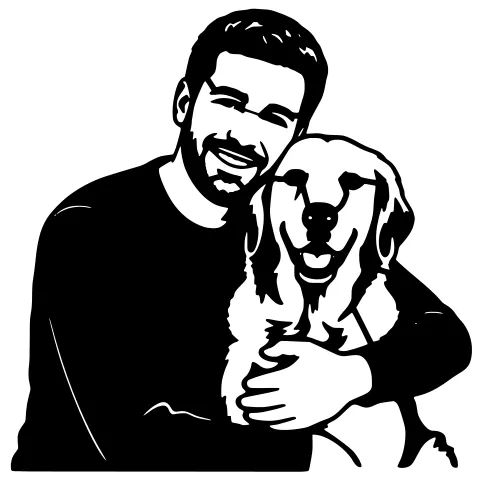
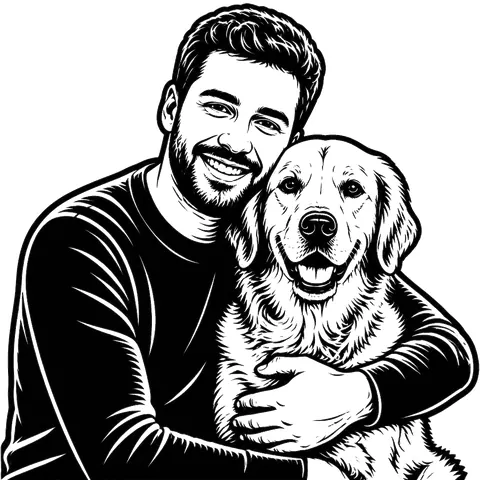
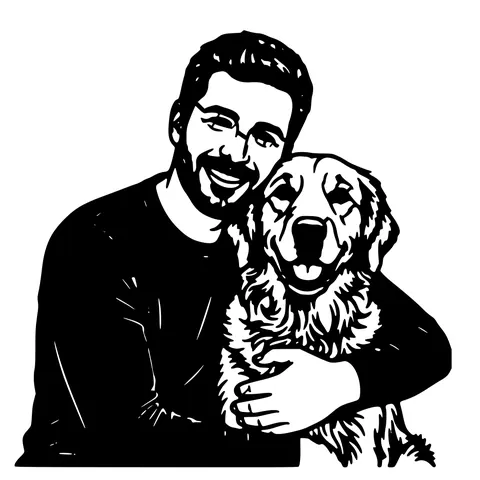
The AI picks a default style based on input type (Pencil Depth for photos, Classic Etching for logos, Carbon Trace for line art).
- 4
Override in Advanced (optional)
Threshold, blur, dilation, kerf, scorch intensity, tonal normalization, output DPI. all exposed. Defaults work for 90% of users.
- 5
Download PNG + SVG
Transparent PNG for LightBurn Image layer, SVG wrapper for vector workflows. Optionally include a red cut outline.
Why defaults matter for engraving
Hand-tuning engraving settings in Photoshop or GIMP works. but each image takes 10 minutes of curve adjustments, and the result depends on how patient you are. A dedicated laser engraving image converter encodes the material-specific curves once (learned from a corpus of test engravings on each material) and applies them automatically. The first run lands within 90% of where a careful hand-tune would have landed, in 30 seconds instead of 10 minutes. For the 10% of jobs where defaults aren't right, Advanced settings let you tweak.
What the defaults are tuned for
Wood (basswood, plywood, walnut): mid-contrast curve that preserves three-dimensional volume in portraits while keeping line work sharp. Leather: slightly higher contrast because leather scorches in a narrower tonal range. Slate: inverted curve so the engrave shows white-on-black against the dark substrate, with a sharper threshold than wood. Acrylic and glass: lower power, sharper contrast jumps for clean frosting. Anodized aluminum: removes the anodization layer, contrast tuned to the specific anodized colour. Each material curve is set per-material, not a one-size-fits-all.
When defaults aren't right
A few situations where the defaults need adjustment: very dark or very light source images (raise or lower exposure rebalance in Advanced), unusual materials (closest material match + adjust scorch intensity), specialty content (text-heavy designs benefit from raising the threshold to keep letterforms crisp). The Advanced settings let you change one variable at a time so you can see what each one does. saved presets remember your tweaks for future runs.
Compared to the regular image-to-engraving tools
This page is the "I want defaults that just work" framing. The same engine powers convert-image-to-laser-engraving (step-by-step walkthrough), photo-to-laser-engraving (photo-specific lighting guidance), and image-to-laser-engraving (input-aware pipeline). Same output, different documentation framing.
Subject detection runs automatically
Before the tonal curve applies, a subject detection pass isolates the foreground. so a portrait engraves cleanly without the background scorching as muddy noise. For images that are already clean (logos on white, scanned line art) this step is a no-op and adds no time. For real photos with backgrounds, it's the single biggest reason the defaults look good without manual cleanup.
Pricing
5 free anon conversions per IP per day, 30 per day with a free signup, then 1 credit per generation. Credit packs are pay-as-you-go and never expire.
See it in action
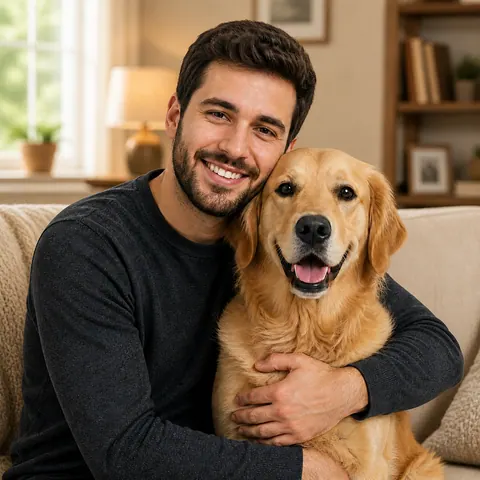
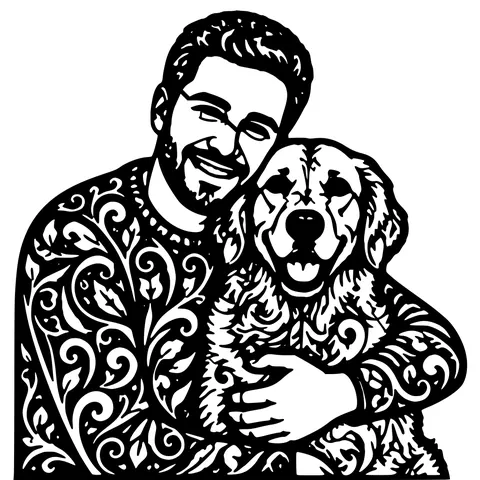
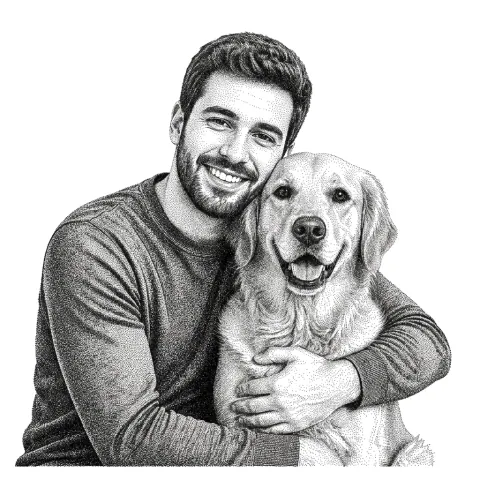
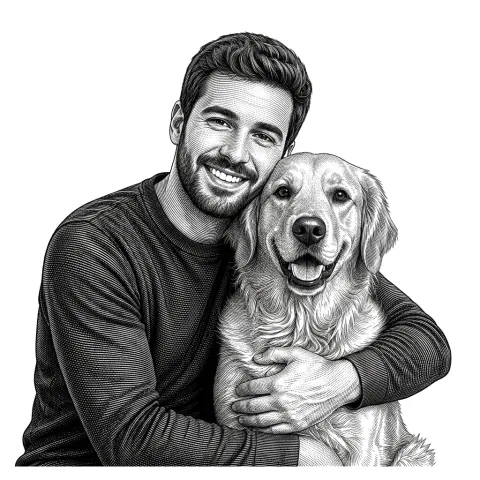
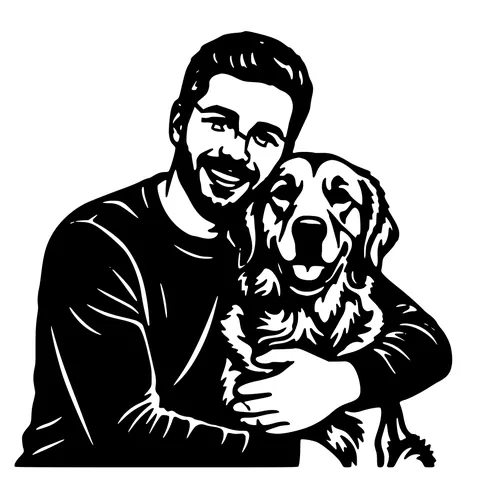
The same photo in every style. Swipe through or let it play.

Frequently Asked Questions
Why use this instead of Photoshop curves?
Speed and consistency. Hand-tuning in Photoshop takes 10 minutes per image and depends on your skill. The converter encodes material-specific curves once and applies them in 30 seconds. Output is within 90% of a careful hand-tune.
Can I override the defaults?
Yes. Advanced settings expose threshold, blur, dilation, kerf, scorch intensity, tonal normalization, and output DPI. Defaults work for 90% of users; the rest get every knob.
Which materials does it tune for?
Wood (basswood, plywood, walnut, cherry, maple), leather, slate, acrylic, glass, anodized aluminum, and cardstock. Each has its own curve learned from test engravings.
Does it support colour separation for multi-pass engraving?
Not yet. Output is single-channel tonal. For multi-colour designs, generate each channel separately and combine in Inkscape, or assign separate operations in LightBurn after import.
Will the output drop into LightBurn cleanly?
Yes. The transparent PNG drops in as an Image layer ready for engraving. SVG wrapper opens for vector-only workflows. R12 DXF available as a companion when you also want a cut outline.
Will it work on slate, glass, anodized aluminum?
Yes to all three. Slate engraves white-on-black; glass etches by frosting; anodized aluminum reveals the underlying metal. Each gets a different contrast curve.
How is this different from convert-image-to-laser-engraving?
Same engine. this page emphasizes the "defaults work" framing, the other is a step-by-step walkthrough. Pick whichever matches how you like to learn.
Is it free?
5 free anon per IP per day, 30 per day with a free signup, then 1 credit per generation. Credits never expire.
Related tools
Convert Image to Laser Engraving. A Walk Through
The step-by-step version: pick a material, drop in your image, the AI applies a material-tuned contrast curve, and you download a tonal PNG plus an SVG wrapper that LightBurn imports as an Image layer.
Photo to Laser Engraving. Tonal Output From Real Photos
Photos carry uneven lighting, blown-out highlights, and busy backgrounds. all of which scorch as artefacts on a laser bed. This tool re-balances exposure, removes the background, and applies a material-tuned tonal curve before the engrave file is rendered.
Image to Laser Engraving. Any Raster, Right Pipeline
Different inputs need different prep before the tonal map. A logo wants threshold-clean output; a photo wants exposure rebalance; a scanned drawing wants noise cleanup. The converter detects which and runs the right one.
Image to Laser-Cut-Ready File. Free
Any raster image becomes a bridged, sized, machine-ready cut file. Drop SVG and DXF straight into LightBurn or Glowforge.