OMTech File Converter, Photo to SVG & DXF for LightBurn
Turn any photo into a clean SVG or DXF that drops straight into LightBurn for your OMTech CO2 or fiber laser, auto-bridged and sized in millimetres.
The OMTech file converter turns any photo into a laser-ready SVG and DXF for LightBurn, the software most OMTech lasers run. It removes the background, builds clean connected cut paths, auto-bridges floating pieces, and sizes everything in millimetres. Works with OMTech CO2 desktop and large-format machines and the fiber line. First conversion is free, no signup.
LightBurn-ready layers
Clean SVG/DXF that import into LightBurn as cut paths, ready to assign to an OMTech layer.
Auto-bridged cuts
Loose pieces connected automatically so your stencil cuts as one piece on a CO2 or fiber bed.
Millimetre accurate
Sized in mm so the design lands at the real size in LightBurn, no guesswork on a large bed.
Free to try
First conversions free, no email, no watermark. SVG and DXF downloads always free.
How to use the omtech file converter, photo to svg & dxf for lightburn
- 1
Upload your photo
Drag in a JPG, PNG, or WEBP. The AI removes the background and isolates the subject.
- 2
Choose cut or engrave
Cut a stencil (SVG/DXF) or engrave (grayscale image). The pipeline tunes for your choice.
- 3
Preview and bridge
Floating islands are auto-bridged so the cut holds as one piece. Preview, then download.
- 4
Open in LightBurn
Import the SVG or DXF into LightBurn, assign your OMTech cut or scan layer, set power and speed, and run.
Built for the OMTech + LightBurn workflow
Most OMTech CO2 lasers run LightBurn (or RDWorks), and both open SVG and DXF. The problem is a raw photo: traced generically it becomes a dense mess or a flat blob. This converter isolates the subject, simplifies it into bold connected shapes, and exports geometry LightBurn reads as clean cut lines you can drop onto a cut or scan layer for your OMTech.
CO2 and fiber, cut and engrave
For cutting you get SVG and DXF with auto-bridged paths so nothing falls out of acrylic, wood, or leather. For engraving you get a clean grayscale image to scan on wood, slate, anodized aluminium, or coated metal, which is where OMTech fiber machines shine.
Large beds, true sizing
OMTech beds run large, so size accuracy matters. The files are written in millimetres, so a 300mm design imports as 300mm in LightBurn and you are not eyeballing scale on a big sheet.
See it in action
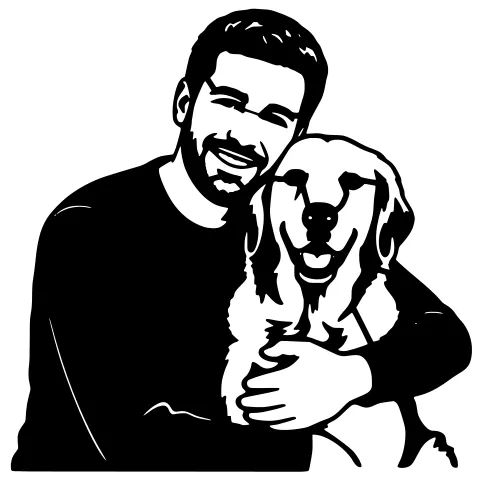
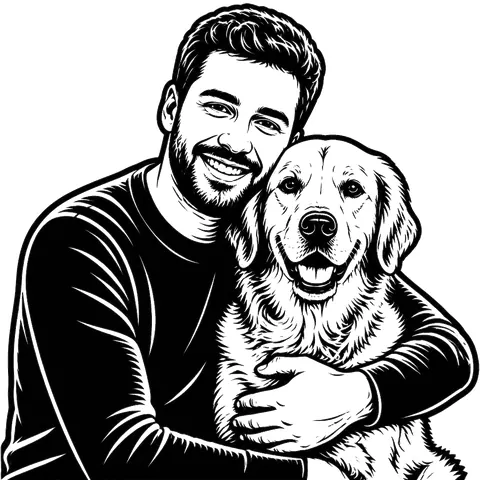
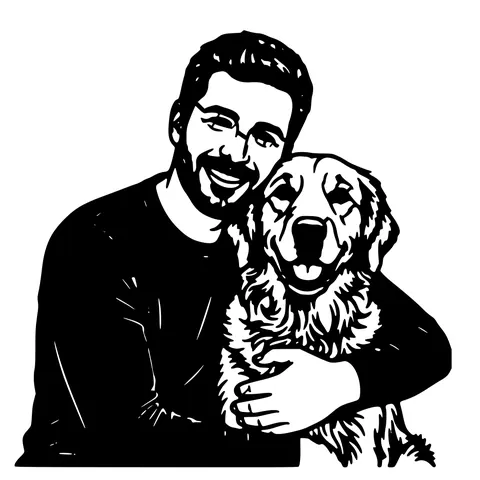
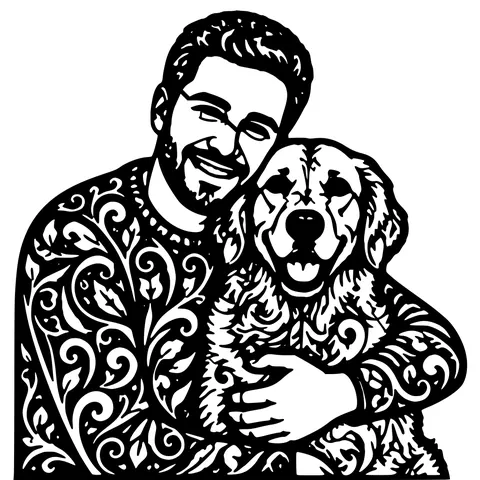
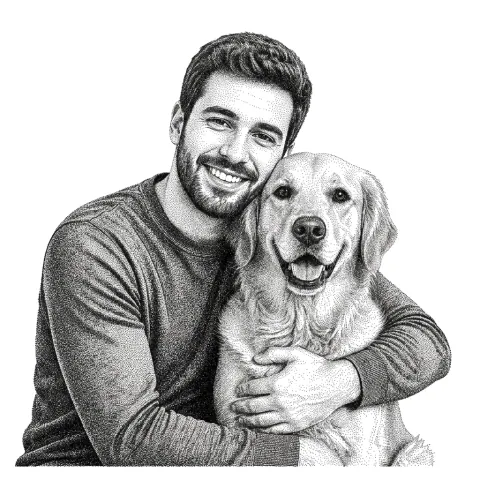
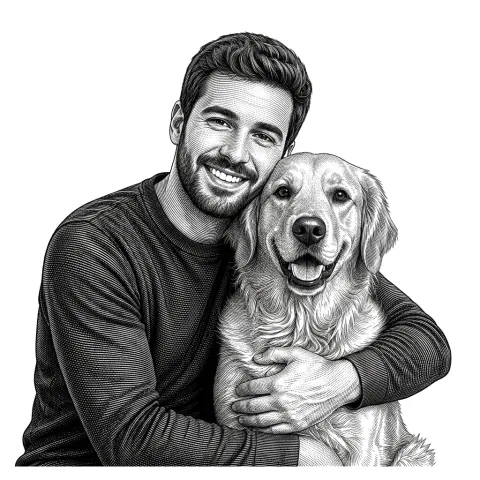
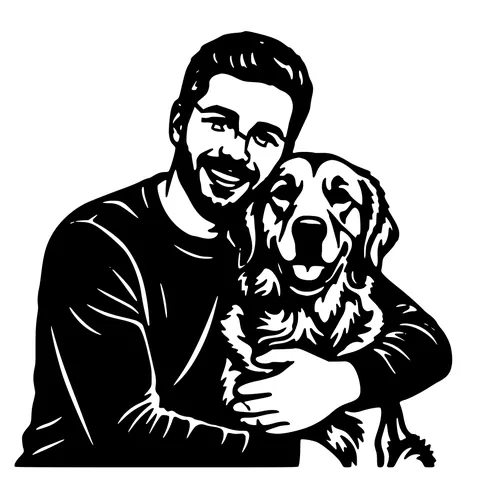
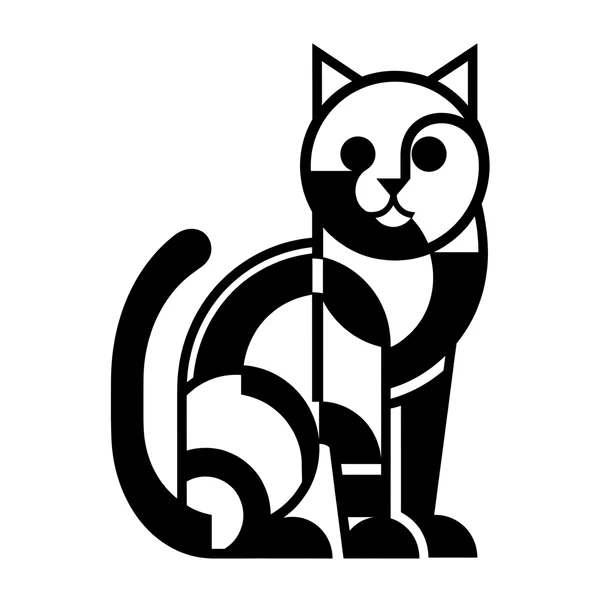
The same photo in every style. Swipe through or let it play.


Ready to convert?
Drop in your file and download a laser-ready vector in seconds.
Open the Converter →Frequently Asked Questions
Does OMTech use LightBurn?
Most OMTech CO2 and fiber lasers run LightBurn; some ship with RDWorks. Both open the SVG and DXF this converter produces.
Will the size be right in LightBurn?
Yes. SVG and DXF are written in millimetres, so the design imports at the real physical size, important on OMTech's larger beds.
Can I engrave photos on my OMTech?
Yes, choose an engrave style for a clean grayscale image. CO2 engraves wood, slate, and leather; fiber engraves coated and bare metal.
Which OMTech machines work?
Any that open SVG/DXF in LightBurn or RDWorks, the CO2 desktop line (Polar, K40-style, 50W–100W) and the fiber engravers.
Is it free?
First conversions are free with no account. After that, pay-as-you-go credits; SVG/DXF downloads are always free.
Related tools
LightBurn DXF Converter. R12, Closed, mm-Unit
A DXF you can drop into LightBurn without the "unclosed paths" warning. R12 / AC1009 with closed POLYLINE entities, written in millimetres so "Use file units" lands at the correct physical size.
Photo to Laser Engraving. Tonal Output From Real Photos
Photos carry uneven lighting, blown-out highlights, and busy backgrounds. all of which scorch as artefacts on a laser bed. This tool re-balances exposure, removes the background, and applies a material-tuned tonal curve before the engrave file is rendered.
Glowforge File Converter. Standard SVG, Drops Into the App
A vectorizer tuned to produce SVGs the Glowforge App reads without complaint. Closed filled paths, no rendering tricks, sized at 150 mm so it lands inside the Basic, Plus, Pro, or Aura bed at a sane scale.