Laser Cut Pet Portrait, From Photo to Laser-Ready File
Upload a photo of your dog, cat, or horse and get a clean, laser-ready pet portrait, SVG and DXF for cutting, plus a grayscale image for engraving.
A laser cut pet portrait turns a photo of your pet into a laser-ready file: the AI removes the background, captures the face and pose, bridges floating pieces so it cuts as one clean piece, and exports SVG and DXF sized in millimetres. Make it in wood, acrylic, or metal on a Glowforge, xTool, LightBurn, or any laser. First portrait is free, no signup.
Tuned for pets
The pipeline keeps the eyes, ears, muzzle, and expression so it actually looks like your pet.
Cuts as one piece
Floating pieces are auto-bridged so a wood or acrylic portrait holds together on the cut.
Cut or engrave
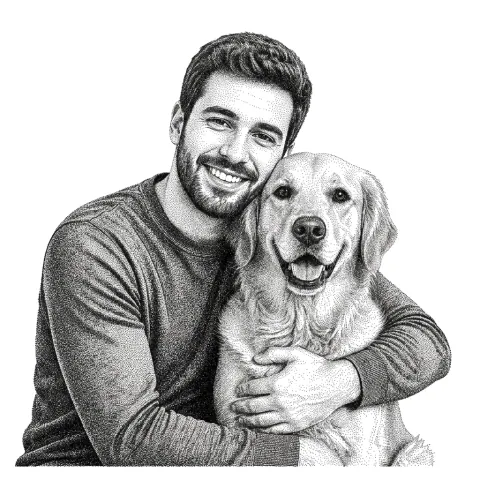
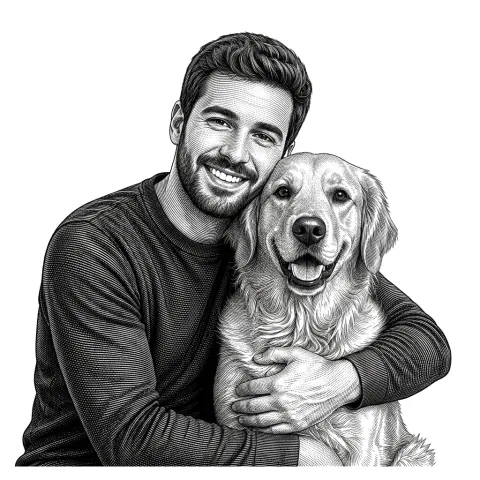
Bold silhouette to cut, or a grayscale engrave to capture fur and detail on wood and slate.
Free to try
First portraits free, no email. A great custom gift, or a product to sell.
How to use the laser cut pet portrait, from photo to laser-ready file
- 1
Upload your pet photo
A clear, front-facing photo with good light works best. Drag in a JPG, PNG, or WEBP.
- 2
Pick a style
Choose a bold cut style for a silhouette piece, or an engrave style for fur and detail on wood.
- 3
Preview
The background is removed and the face captured. Floating pieces auto-bridge so it cuts as one.
- 4
Download and cut
Get SVG and DXF for cutting, or a grayscale PNG for engraving, ready for your laser.
A keepsake from a single photo
A pet portrait is one of the most-requested laser projects, and it usually means hours in Illustrator tracing fur by hand. This tool does the heavy part: it isolates your pet from the background, captures the face and pose, and outputs clean laser-ready geometry. Upload a photo and you have a cuttable or engravable portrait in under a minute.
Cut a silhouette or engrave the detail
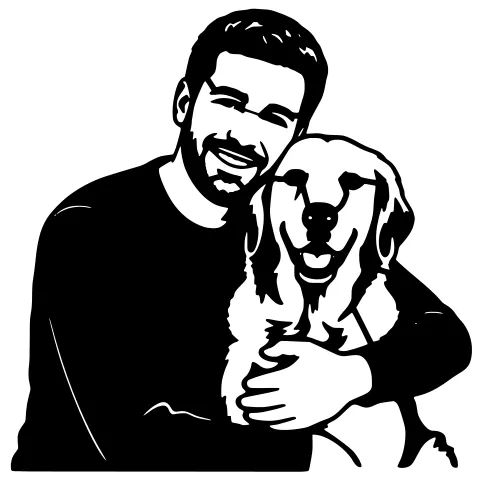
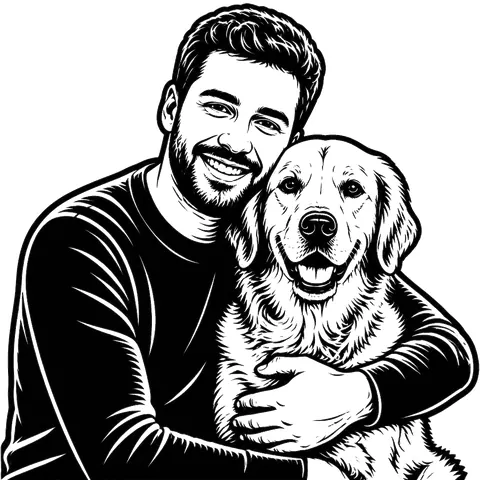
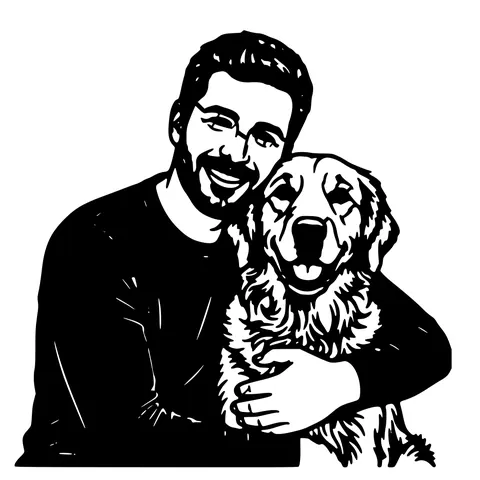
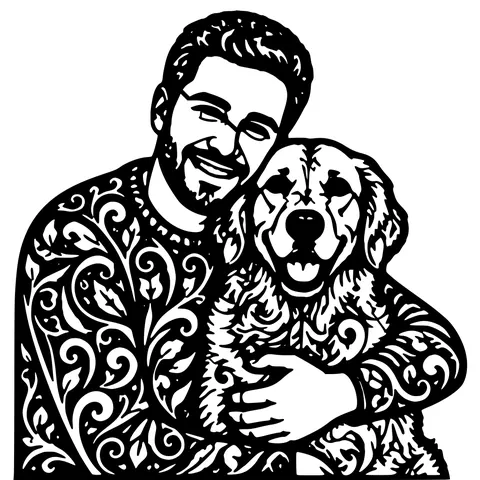
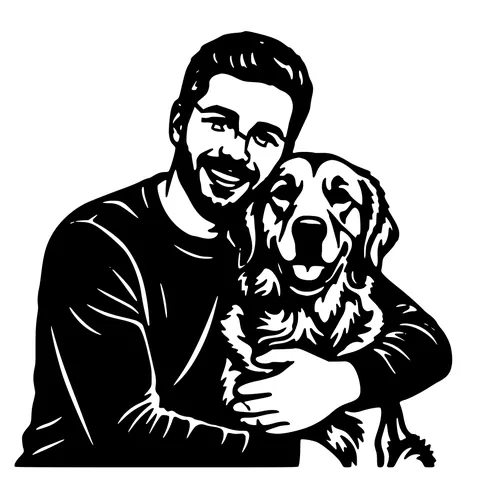
For a bold piece that reads from across the room, use a cut style, your pet becomes a solid connected shape you cut from wood, acrylic, or metal. For a lifelike keepsake, use an engrave style, the photo becomes a grayscale image that burns fur and shading onto wood, slate, or leather. Many makers sell both.
Best photos to use
A clear, well-lit, front-facing photo gives the best result. Avoid heavy shadows on the face, busy backgrounds (they are removed anyway, but a clean subject helps), and very low-resolution images. Cats, dogs, horses, and most pets all work.
See it in action
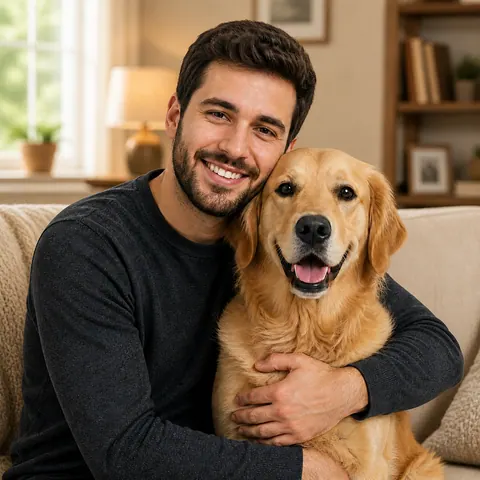
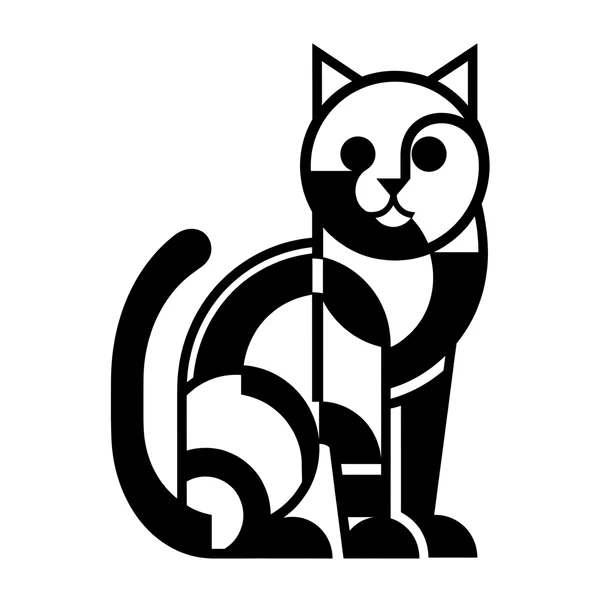
The same photo in every style. Swipe through or let it play.


Ready to convert?
Drop in your file and download a laser-ready vector in seconds.
Open the Converter →Frequently Asked Questions
What photo works best for a pet portrait?
A clear, front-facing, well-lit photo of your pet's face. The background is removed automatically, so the most important thing is a sharp, well-exposed subject.
Can I engrave the portrait on wood?
Yes, pick an engrave style and you get a grayscale image that burns fur and detail onto wood, slate, or leather. Darker areas engrave deeper.
Will it cut as one piece?
Yes. Cut styles auto-bridge floating pieces so the portrait holds together as one solid piece on wood, acrylic, or metal.
What machines does it work with?
Any laser that opens SVG, DXF, or a PNG image: Glowforge, xTool, LightBurn (OMTech, Sculpfun), and more.
Is it free?
Your first portraits are free with no account. After that, pay-as-you-go credits; SVG, DXF, and PNG downloads are always free.
Related tools
Photo to Stencil Generator. AI Background Removal Built In
Photos are the hardest input for a stencil maker. busy backgrounds, soft edges, multiple subjects. This tool removes the background, isolates the subject, adds bridges, and hands you a one-piece laser-ready cutout.
Photo to Laser Engraving. Tonal Output From Real Photos
Photos carry uneven lighting, blown-out highlights, and busy backgrounds. all of which scorch as artefacts on a laser bed. This tool re-balances exposure, removes the background, and applies a material-tuned tonal curve before the engrave file is rendered.
Pet Memorial Laser File, A Keepsake From a Photo
Turn a favourite photo of a pet who has passed into a laser-ready memorial, to cut or engrave on wood, acrylic, slate, or metal.
Turn Customer Photos into Products You Can Sell
Take a customer's photo, get a clean cut or engrave file in about a minute, and ship personalized orders without spending your evenings tracing.