Pet Memorial Laser File, A Keepsake From a Photo
Turn a favourite photo of a pet who has passed into a laser-ready memorial, to cut or engrave on wood, acrylic, slate, or metal.
A pet memorial laser file turns a cherished photo into a keepsake you can cut or engrave: the AI gently isolates your pet, captures the face and pose, and exports a clean SVG, DXF, and engraving image sized for any laser. Add a name and dates in the editor. A meaningful gift for someone grieving a pet, and a kind product for makers to offer. First one is free.
A gentle keepsake
Captures the face and expression so the memorial truly looks like them.
Add name and dates
Use the free editor to add a name and dates in clean, laser-ready text.
Any material
Cut or engrave on wood, acrylic, slate, leather, or metal, whatever fits the keepsake.
Free to try
First memorials free, no email. A thoughtful gift, or a caring product to sell.
How to use the pet memorial laser file, a keepsake from a photo
- 1
Upload a favourite photo
Choose a clear photo that captures their face. Drag in a JPG, PNG, or WEBP.
- 2
Pick cut or engrave
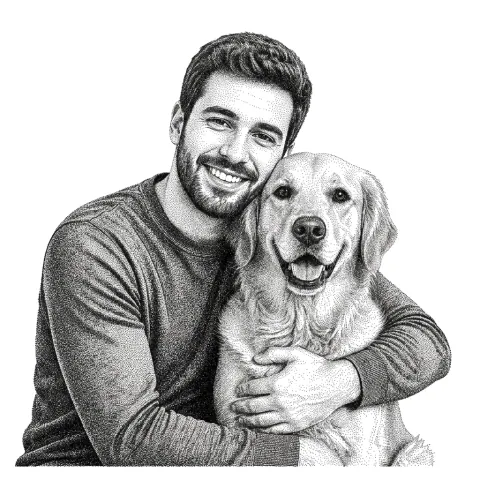
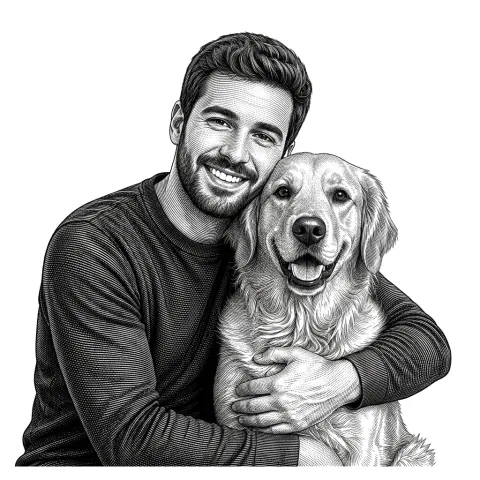
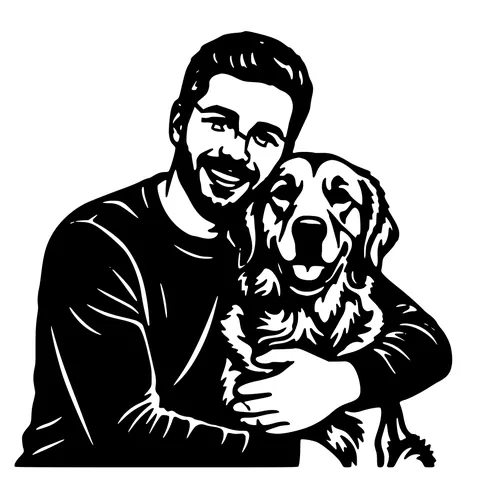
A bold silhouette to cut, or a soft grayscale engrave to capture their fur and expression.
- 3
Add a name and dates
Open the editor to add the pet's name and dates, sized in millimetres for your material.
- 4
Download and make
Get SVG, DXF, and a PNG, ready to cut or engrave on wood, acrylic, slate, or metal.
A way to remember a companion
Losing a pet is hard, and a handmade memorial means a lot. This tool turns a favourite photo into a laser-ready keepsake without hours of tracing: it isolates your pet, captures the face and pose, and gives you clean geometry to cut or a soft grayscale image to engrave. Add their name and dates in the editor for a finished piece.
Engrave for warmth, cut for a silhouette
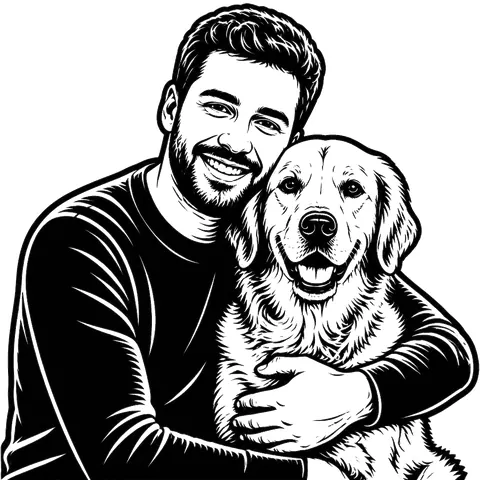
An engrave style renders fur and expression as soft tones on wood or slate, gentle and lifelike. A cut style makes a bold silhouette ornament or plaque from wood or acrylic. Both pair well with a name and a small date line, and both are popular as sympathy gifts.
For makers offering memorial pieces
Pet memorials are a meaningful, steady seller for laser shops. Because the file is ready in under a minute from a customer's photo, you can offer custom memorials without spending an evening tracing each one. Cut, engrave, and ring-mounted keychain options all come from the same upload.
See it in action
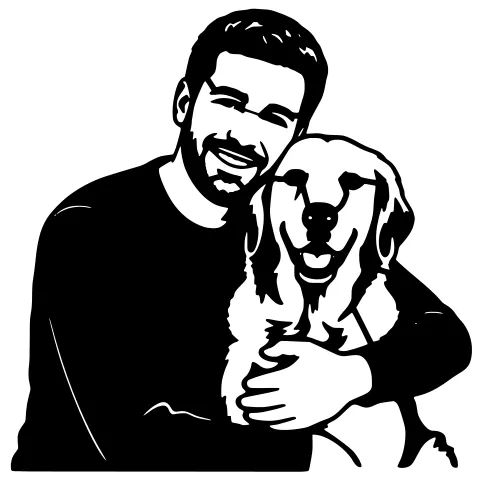
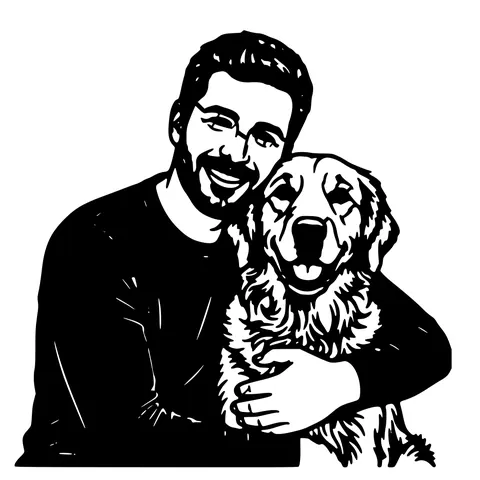
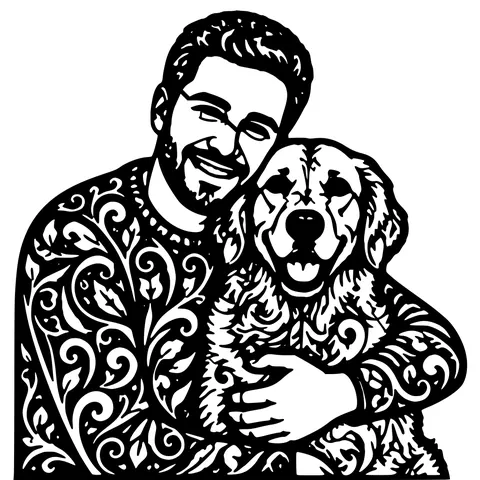
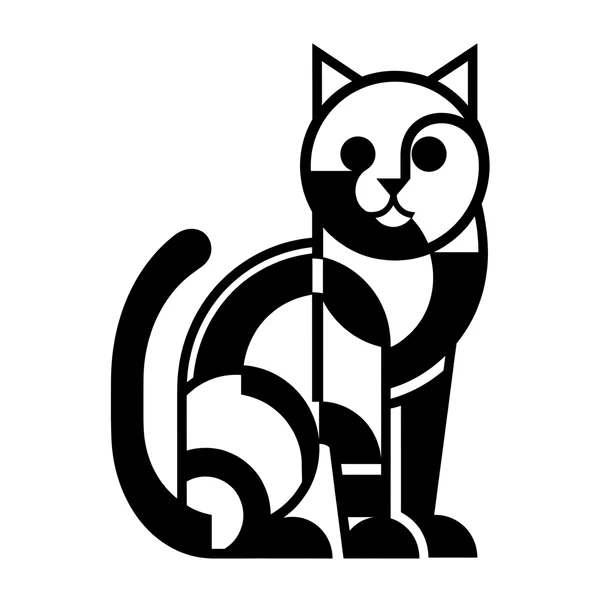
The same photo in every style. Swipe through or let it play.



Ready to convert?
Drop in your file and download a laser-ready vector in seconds.
Open the Converter →Frequently Asked Questions
What photo should I use for a pet memorial?
A clear, well-lit photo that captures their face and expression. The background is removed automatically, so a sharp subject matters most.
Can I add the pet's name and dates?
Yes, open the free editor to add a name and dates in clean laser-ready text, sized in millimetres for your material.
What can I make it from?
Wood, acrylic, slate, leather, or metal. Engrave for a soft lifelike keepsake, or cut a silhouette ornament or plaque.
Which lasers work?
Any that open SVG, DXF, or a PNG image, Glowforge, xTool, LightBurn (OMTech, Sculpfun), and more.
Is it free?
Your first memorials are free with no account. After that, pay-as-you-go credits; downloads are always free.
Related tools
Laser Cut Pet Portrait, From Photo to Laser-Ready File
Upload a photo of your dog, cat, or horse and get a clean, laser-ready pet portrait, SVG and DXF for cutting, plus a grayscale image for engraving.
Photo to Laser Engraving. Tonal Output From Real Photos
Photos carry uneven lighting, blown-out highlights, and busy backgrounds. all of which scorch as artefacts on a laser bed. This tool re-balances exposure, removes the background, and applies a material-tuned tonal curve before the engrave file is rendered.
Photo to Stencil Generator. AI Background Removal Built In
Photos are the hardest input for a stencil maker. busy backgrounds, soft edges, multiple subjects. This tool removes the background, isolates the subject, adds bridges, and hands you a one-piece laser-ready cutout.
Turn Customer Photos into Products You Can Sell
Take a customer's photo, get a clean cut or engrave file in about a minute, and ship personalized orders without spending your evenings tracing.