Turn Customer Photos into Products You Can Sell
Take a customer's photo, get a clean cut or engrave file in about a minute, and ship personalized orders without spending your evenings tracing.
StencilCut turns a customer's photo into a laser-ready file for personalized products: pet portraits, couple keepsakes, memorial pieces, name signs. Upload the photo they send you, and the AI removes the background, simplifies it into clean cut or engrave art, bridges floating pieces, and exports SVG, DXF, and an engraving image. What used to be an evening of tracing per order becomes about a minute, which is what makes custom listings profitable.
A minute per order, not an evening
The trace-and-clean work that eats custom-order margins happens automatically: background removal, simplification, bridging, sizing.
The bestselling personalized products
Pet portraits, couple keepsakes, memorial pieces, and name signs, the customization Etsy buyers actually pay a premium for.
Production-ready files
SVG and DXF sized in mm, floating islands bridged, plus an engraving PNG. Opens cleanly in LightBurn, Glowforge, and xTool.
Works with what customers send
Phone photos with busy backgrounds are fine. If a photo is too blurry to work, you find out in a minute, not after an hour of tracing.
How to use the turn customer photos into products you can sell
- 1
Customer sends a photo
The photo from their phone is usually enough. Clear subject, decent light. The background does not matter, it gets removed.
- 2
Upload and pick the product
Cut stencil, engrave, coaster, or keychain outline. The AI tunes the pipeline for what you are making.
- 3
Get the production file
A clean SVG and DXF for cutting, plus an engraving PNG, auto-bridged and sized in millimetres. Add names or a date in the free editor.
- 4
Cut, ship, repeat
Drop the file into LightBurn, Glowforge, or xTool and run the job. The same workflow handles every order that comes in.
Why custom photo products are the best laser listings
Generic designs compete with a thousand identical listings. A product made from the customer's own photo cannot be price-shopped, which is why personalized pet portraits, couple pieces, and memorial gifts carry the strongest margins in laser goods. The catch has always been labour: every order needs its photo turned into clean cut or engrave art. That preparation step is what this tool automates.
From order message to production file
A buyer purchases your listing and messages you a photo. You upload it, pick cut or engrave, and get back a bridged, mm-sized SVG and DXF or a tuned engraving image. Add the pet's name or a date in the free text editor, check the preview, and send the job to your laser. There is no vector software to learn and nothing to install.
Consistency across every order
Hand-tracing produces different quality on a good day and a tired day. A pipeline produces the same clean result every time, which matters when your shop reviews depend on order fifty looking as good as order one. Styles let you keep a consistent product look, bold cut silhouettes for one listing, soft engraved portraits for another.
What it costs a working shop
Your first designs are free without an account, so you can test it on real customer photos before it touches your workflow. After that it is pay-as-you-go credits, one credit per AI design, and downloads of your results are always free. For a product selling at a personalized-gift price, the file cost is a rounding error against the time it replaces.
Products this workflow covers
Pet portraits and pet memorial pieces, couple and wedding keepsakes, custom name signs, photo coasters on slate or wood, engraved ornaments, and keychain outlines with a balanced ring hole. One upload can feed several listings: the same photo becomes a cut silhouette, an engraved portrait, and a keychain.
See it in action
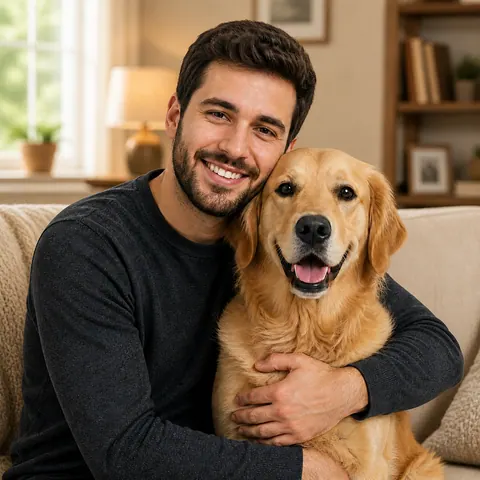
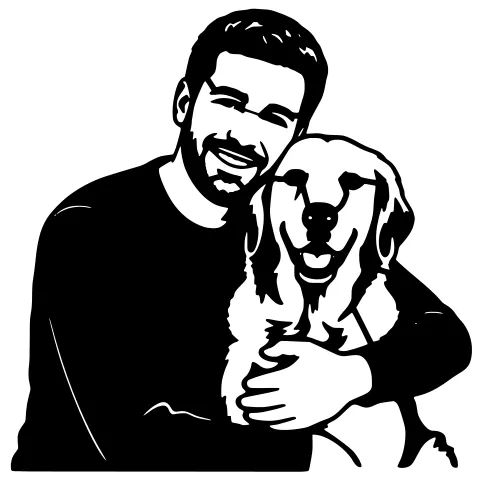
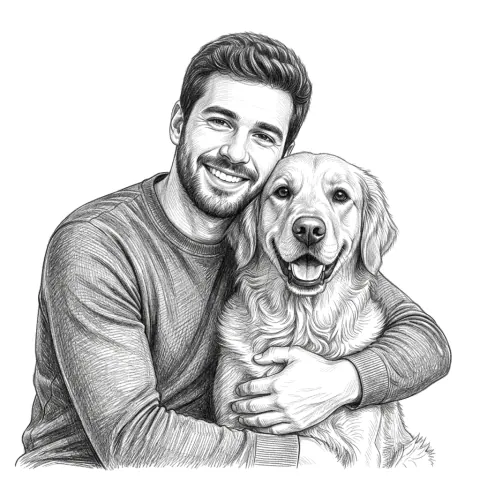
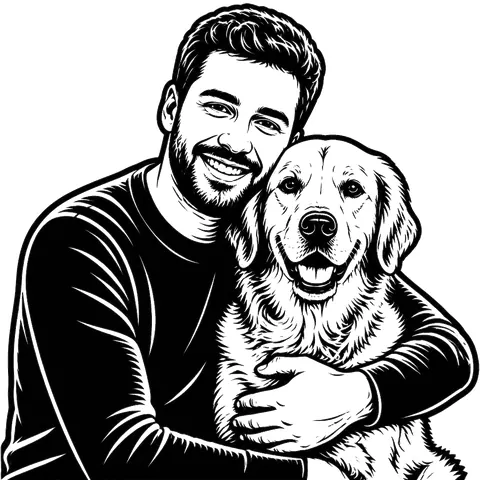
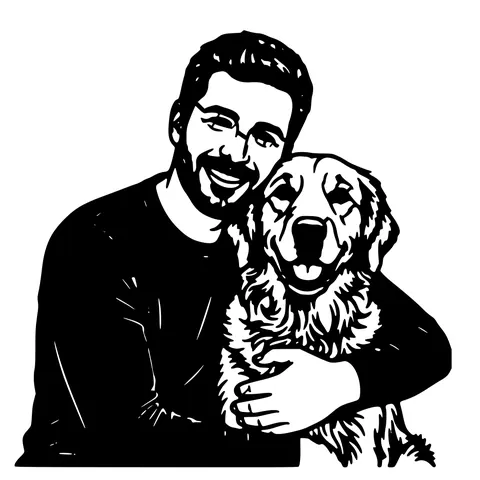
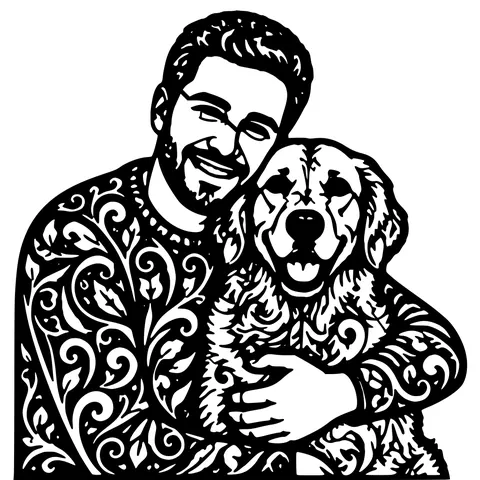
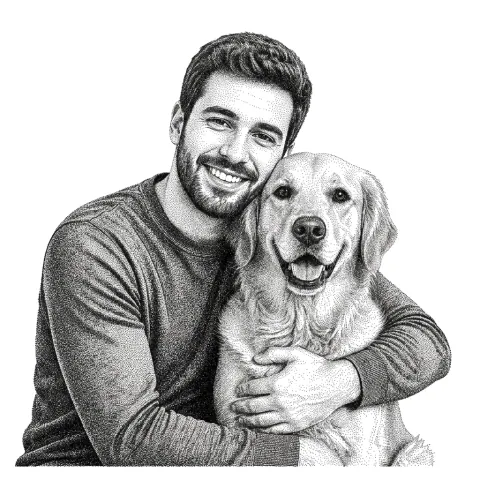
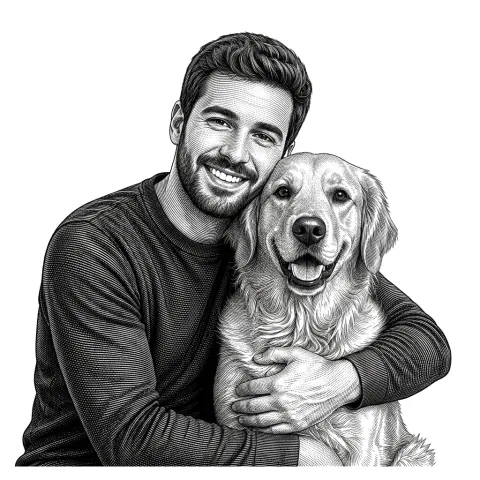
The same photo in every style. Swipe through or let it play.
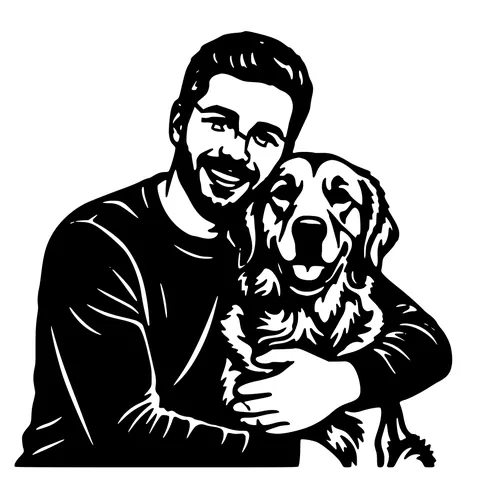
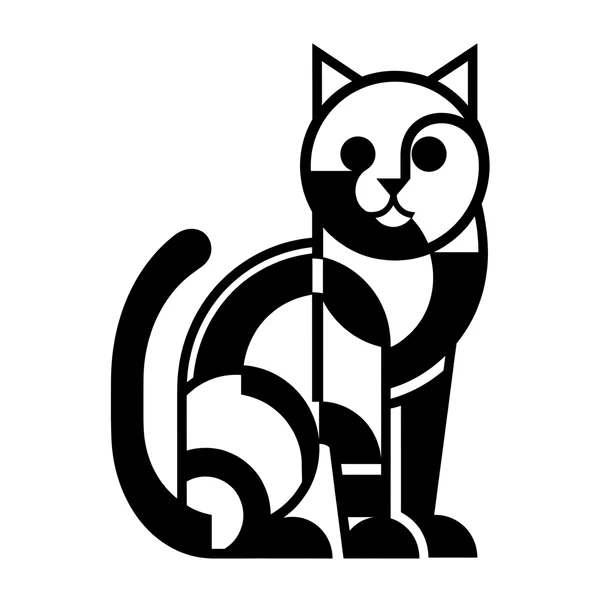
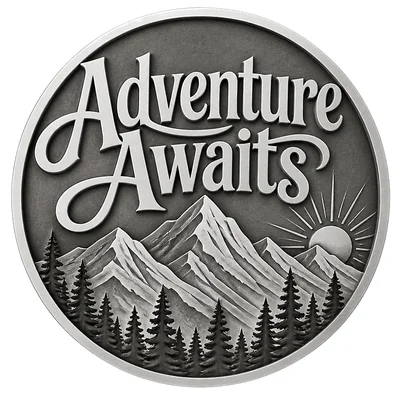
Ready to convert?
Drop in your file and download a laser-ready vector in seconds.
Open the Converter →Frequently Asked Questions
Can I sell products made from the files?
Yes. Designs you generate from your own or your customer's photos are yours to cut and sell as physical products. Make sure you have the customer's permission to use their photo, which a custom order implies.
What photos work from customers?
Normal phone photos work well: a clear subject and decent light matter most. Busy backgrounds are removed automatically. If a photo is genuinely too blurry, you will see it in the preview within a minute and can ask the customer for another.
How fast can I turn an order around?
The file itself takes about a minute. Most sellers go from the customer's message to a running laser job in under ten minutes including layout.
Do the files work with my laser?
The SVG and DXF open in LightBurn, Glowforge, xTool Creative Space, RDWorks, and Inkscape, sized in millimetres. Engraving jobs get a tuned PNG.
Is there a watermark on downloads?
No. Downloads are clean production files with no watermark, and downloading your results is always free.
What does it cost per order?
Your first designs are free with no account. After that, pay-as-you-go credits at one credit per AI design, with packs from $2.99 for 15 credits. Credits you buy never expire.
Related tools
Laser Cut Pet Portrait, From Photo to Laser-Ready File
Upload a photo of your dog, cat, or horse and get a clean, laser-ready pet portrait, SVG and DXF for cutting, plus a grayscale image for engraving.
Personalized Wedding Gift Files for Your Laser
Turn a couple's photo into a personalized wedding or anniversary gift, a clean cut or engrave file with names and a date, ready for any laser.
Custom Name Sign Maker for Laser Cutting
Make a clean, connected name sign that cuts as one piece, SVG and DXF sized in millimetres for wood or acrylic, ready for any laser.
Pet Memorial Laser File, A Keepsake From a Photo
Turn a favourite photo of a pet who has passed into a laser-ready memorial, to cut or engrave on wood, acrylic, slate, or metal.