Personalized Wedding Gift Files for Your Laser
Turn a couple's photo into a personalized wedding or anniversary gift, a clean cut or engrave file with names and a date, ready for any laser.
Personalized wedding gift files turn a couple's photo into a laser-ready keepsake: the AI isolates the couple, captures the pose, and exports a clean SVG, DXF, and engraving image. Add names and the date in the editor for a finished wedding or anniversary piece in wood, acrylic, or slate. A heartfelt gift, and a high-margin seller for makers. First one is free, no signup.
From their photo
Turns a real photo of the couple into a recognisable keepsake, not generic clip art.
Names and date
Add names and the wedding or anniversary date in clean, connected laser-ready text.
Cut or engrave
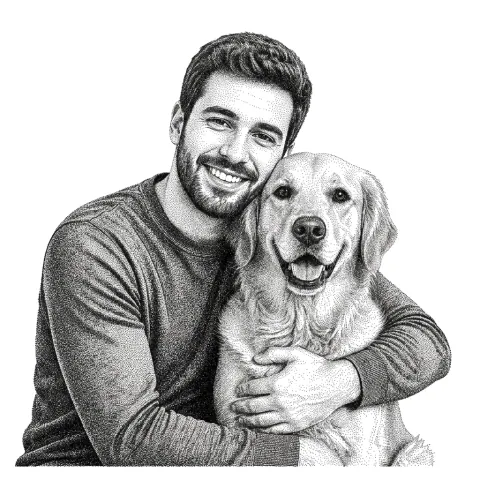
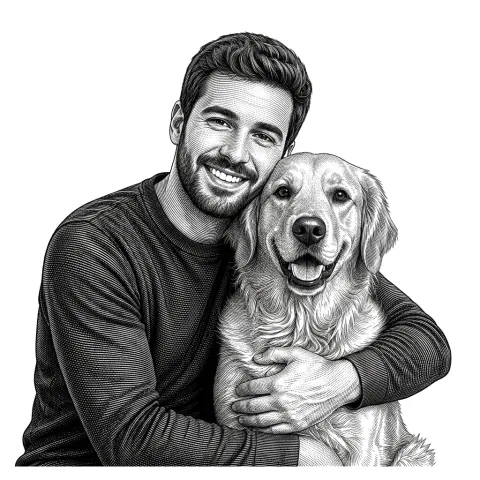
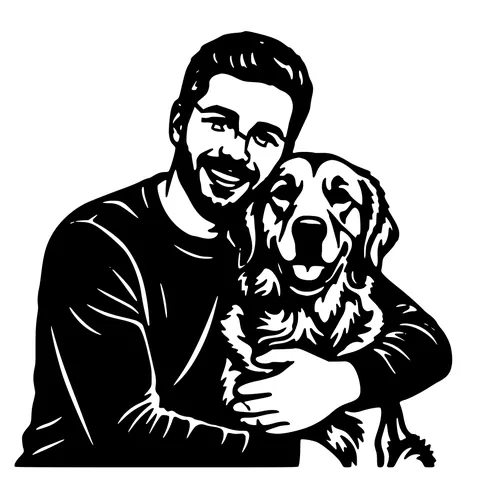
A bold silhouette plaque to cut, or a soft engraved portrait on wood, acrylic, or slate.
Free to try
First gifts free, no email. A heartfelt present and a high-margin product to sell.
How to use the personalized wedding gift files for your laser
- 1
Upload the couple's photo
A clear photo of the couple works best. Drag in a JPG, PNG, or WEBP.
- 2
Pick cut or engrave
A bold silhouette to cut, or a soft grayscale engrave to capture the moment in detail.
- 3
Add names and a date
Open the editor to add their names and the wedding date in clean laser-ready text.
- 4
Download and make
Get SVG, DXF, and a PNG, ready to cut or engrave on wood, acrylic, or slate.
A gift made from their photo
A personalized wedding gift means more when it is actually them. This tool turns a couple's photo into a laser-ready keepsake: it isolates the couple, captures the pose, and gives you a clean cut file or a soft grayscale engrave. Add their names and the date in the editor for a finished plaque, sign, or ornament.
Weddings, anniversaries, engagements
The same workflow covers wedding gifts, anniversary keepsakes, engagement presents, and save-the-date pieces. Cut a bold silhouette for a modern look, or engrave a soft portrait for a warm, detailed keepsake on wood or slate.
A high-margin product for makers
Personalized couple portraits are a strong, year-round seller. Because the file is ready in under a minute from a customer's photo, you can offer custom wedding and anniversary pieces without spending an evening tracing. Names, dates, and a ring-mount option all come from the same upload.
See it in action
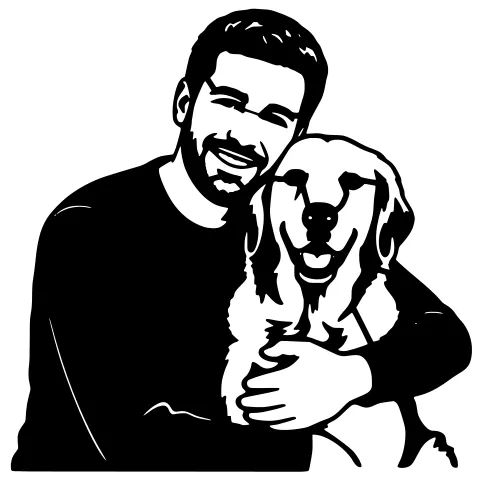
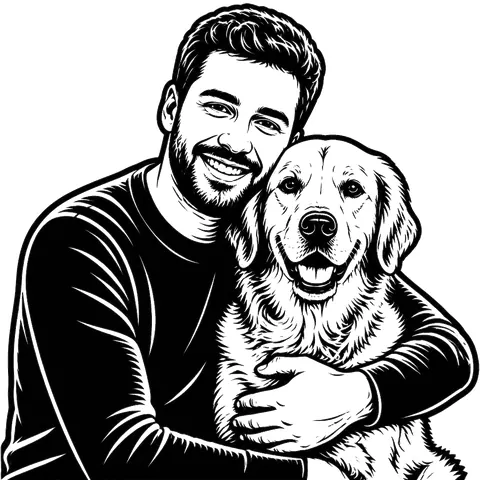
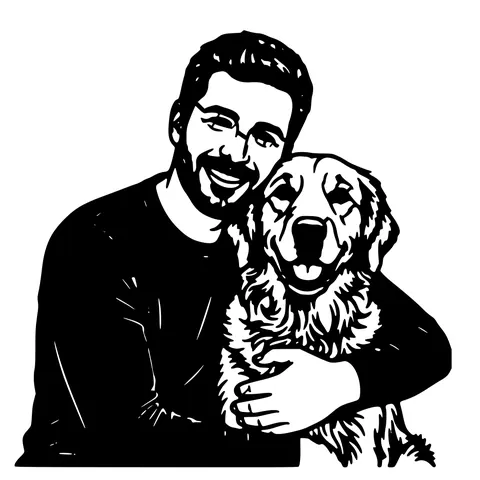
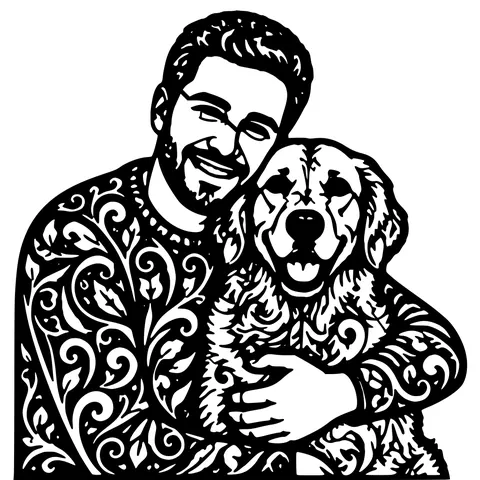
The same photo in every style. Swipe through or let it play.


Ready to convert?
Drop in your file and download a laser-ready vector in seconds.
Open the Converter →Frequently Asked Questions
What photo works best for a wedding gift?
A clear, well-lit photo of the couple. The background is removed automatically, so a sharp subject matters most.
Can I add their names and the date?
Yes, use the free editor to add names and the wedding or anniversary date in clean, connected laser-ready text.
Can I engrave it on wood or slate?
Yes, choose an engrave style for a soft grayscale portrait that burns detail onto wood, slate, or acrylic.
Which lasers work?
Any that open SVG, DXF, or a PNG image, Glowforge, xTool, LightBurn (OMTech, Sculpfun), and more.
Is it free?
Your first gifts are free with no account. After that, pay-as-you-go credits; downloads are always free.
Related tools
Custom Name Sign Maker for Laser Cutting
Make a clean, connected name sign that cuts as one piece, SVG and DXF sized in millimetres for wood or acrylic, ready for any laser.
Laser Cut Pet Portrait, From Photo to Laser-Ready File
Upload a photo of your dog, cat, or horse and get a clean, laser-ready pet portrait, SVG and DXF for cutting, plus a grayscale image for engraving.
Photo to Laser Engraving. Tonal Output From Real Photos
Photos carry uneven lighting, blown-out highlights, and busy backgrounds. all of which scorch as artefacts on a laser bed. This tool re-balances exposure, removes the background, and applies a material-tuned tonal curve before the engrave file is rendered.
Turn Customer Photos into Products You Can Sell
Take a customer's photo, get a clean cut or engrave file in about a minute, and ship personalized orders without spending your evenings tracing.