Image to Cricut SVG Converter, Photo to Cut File
Turn a photo into a clean SVG cut file that uploads straight into Cricut Design Space, ready to cut on a Maker or Explore.
The Cricut SVG converter turns any photo or image into a clean SVG cut file for Cricut Design Space. It removes the background, simplifies the image into bold single-colour cut shapes, and keeps the pieces connected so they weed and cut cleanly on a Cricut Maker or Explore. Upload the SVG straight into Design Space. First conversion is free, no account needed.
Design Space ready
Clean SVG that uploads straight into Cricut Design Space as a cut layer, no flattening or repair.
Easy to weed
Simplified into bold shapes with connected pieces, so vinyl and iron-on weed without tiny bits lifting.
Single-colour cut
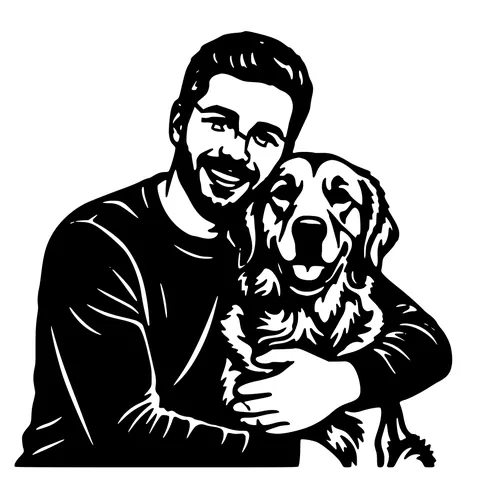
Photos become clean one-colour silhouettes, perfect for HTV, cardstock, and stencil vinyl.
Free to try
First conversions free, no email, no watermark. SVG download is always free.
How to use the image to cricut svg converter, photo to cut file
- 1
Upload your photo
Drag in a JPG, PNG, or WEBP. The background is removed and the subject isolated.
- 2
Pick a cut style
Choose a bold silhouette or single-piece style so the design cuts and weeds cleanly on vinyl, cardstock, or iron-on.
- 3
Preview the cut
Check the shapes and connections before you download. Loose pieces are connected so they hold together.
- 4
Upload to Design Space
Download the SVG and use Upload in Cricut Design Space, it comes in as a cut layer ready to size and Make It.
Why convert a photo to a Cricut SVG
Cricut Design Space cuts SVGs, but a photo cannot be cut directly, a blade needs clean single-colour shapes, not continuous tones. This converter turns a photo into bold, connected cut shapes: it removes the background, simplifies the subject, and keeps everything joined so the design holds together when you weed and cut on a Maker or Explore.
Great for vinyl, HTV, and cardstock
The single-colour silhouette output is ideal for adhesive vinyl decals, heat-transfer (iron-on) shirts, stencil vinyl, and cardstock. Because the pieces stay connected, small details do not lift off the mat or float away when you weed.
Cut on Maker or Explore
The SVG uploads through Design Space's Upload button and lands as a standard cut layer you can resize and Make It. Works on the Maker, Maker 3, Explore Air 2, and Explore 3. For laser cutting the same design, grab a DXF from our other tools.
See it in action
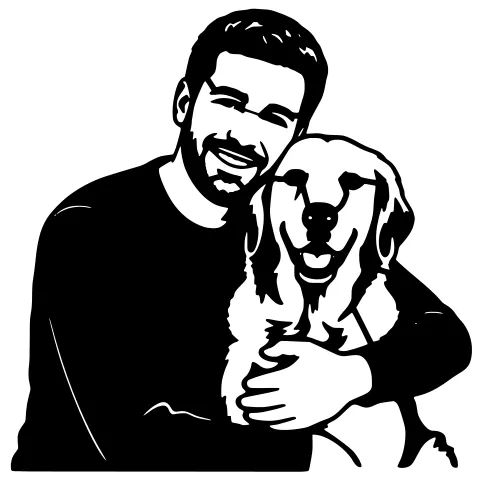
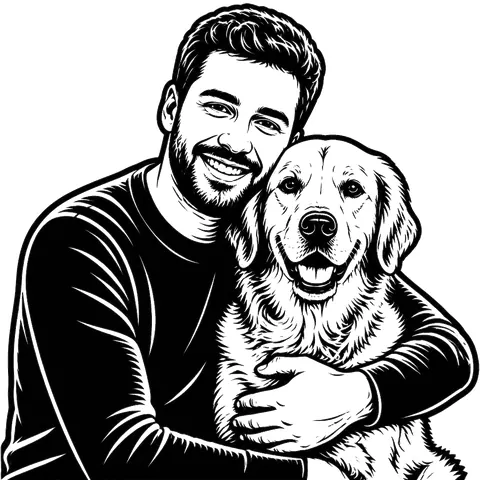
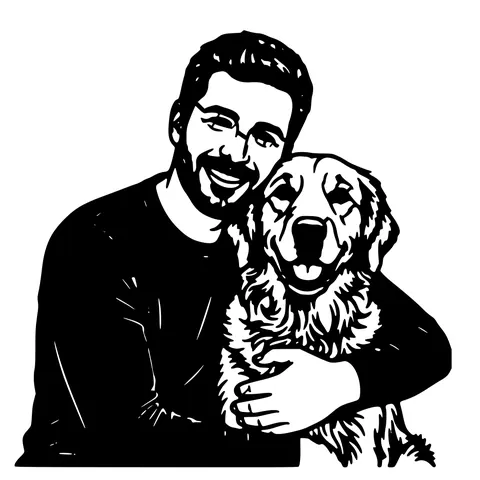
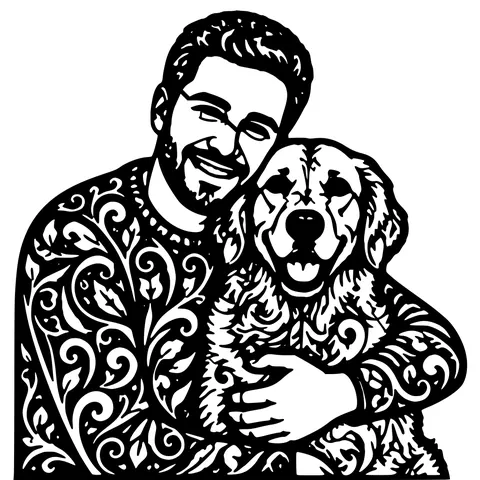
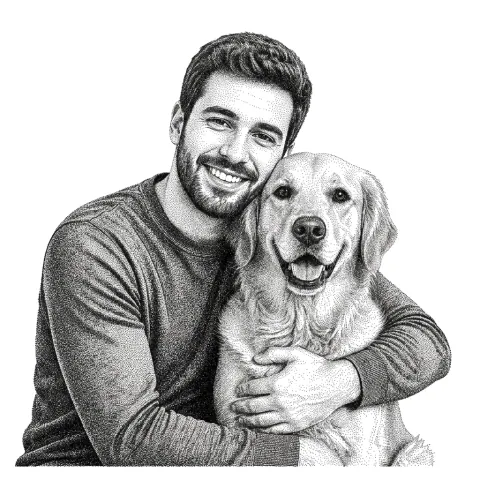
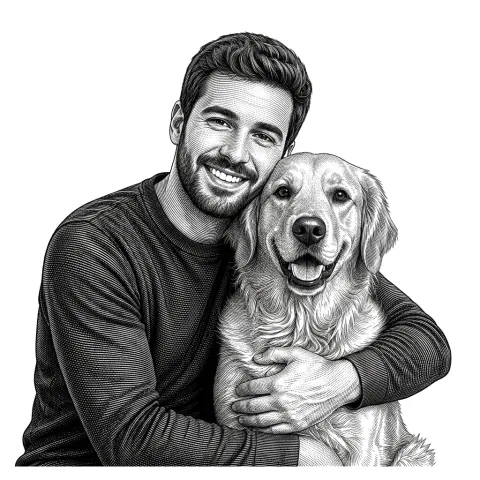
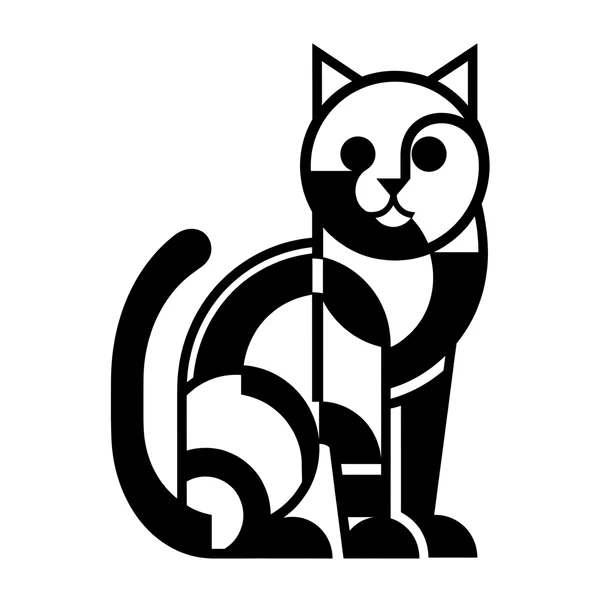
The same photo in every style. Swipe through or let it play.


Ready to convert?
Drop in your file and download a laser-ready vector in seconds.
Open the Converter →Frequently Asked Questions
How do I get an SVG into Cricut Design Space?
Use the Upload button in Design Space, choose the SVG, and it comes in as a cut layer you can resize and Make It. No Access subscription is needed to upload your own SVG.
Can Cricut cut a photo directly?
No, a blade needs clean single-colour shapes. This converter turns the photo into a cut-ready SVG silhouette first.
Will it weed cleanly?
Yes. The design is simplified into bold connected shapes, so tiny pieces do not lift when you weed vinyl or iron-on.
Which Cricut machines work?
Any that use Design Space, Maker, Maker 3, Explore Air 2, and Explore 3. The SVG is standard, so all of them accept it.
Is it free?
First conversions are free with no account. After that, pay-as-you-go credits; the SVG download is always free.
Related tools
PNG to SVG Converter. Built for Transparent Logos and Icons
Drop in a PNG, get back a scalable SVG that keeps the alpha exactly where it was. Best for logos, icons, line art, and screenshots where the transparent background is part of the design.
Image to SVG Converter. One Tool For Every Format
Drop in a PNG, JPG, WEBP, or even a screenshot and get a clean scalable SVG back. The converter auto-tunes itself to the input format, so you don't pick threshold sliders or trace settings.
Photo to Stencil Generator. AI Background Removal Built In
Photos are the hardest input for a stencil maker. busy backgrounds, soft edges, multiple subjects. This tool removes the background, isolates the subject, adds bridges, and hands you a one-piece laser-ready cutout.
JPG to SVG Converter. Built for Compressed Photos
JPGs carry a layer of compression noise PNG doesn't. This converter does a JPEG-aware cleanup pass before tracing, so photo logos and scanned sketches come out as crisp paths instead of confetti.