
Video tutorials
Short narrated walkthroughs recorded on the live site. Each one has captions and a written transcript. The designs shown are example results made from demo files.
AI stencils and engravings
From a photo to a cut or engrave file with the AI Builder.
 0:40
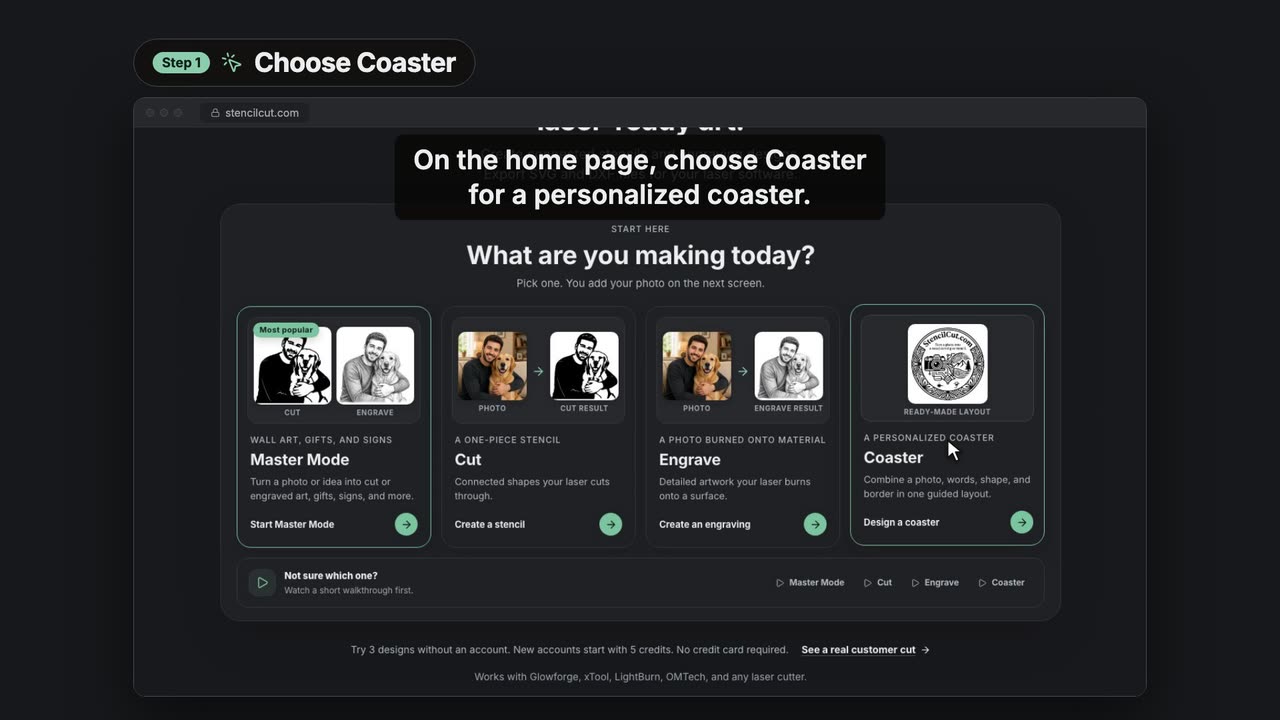
0:40Design a photo coaster for your laser
Describe the art, add your words, pick a style and download a coaster design ready to engrave on slate, wood or cork.
 0:54
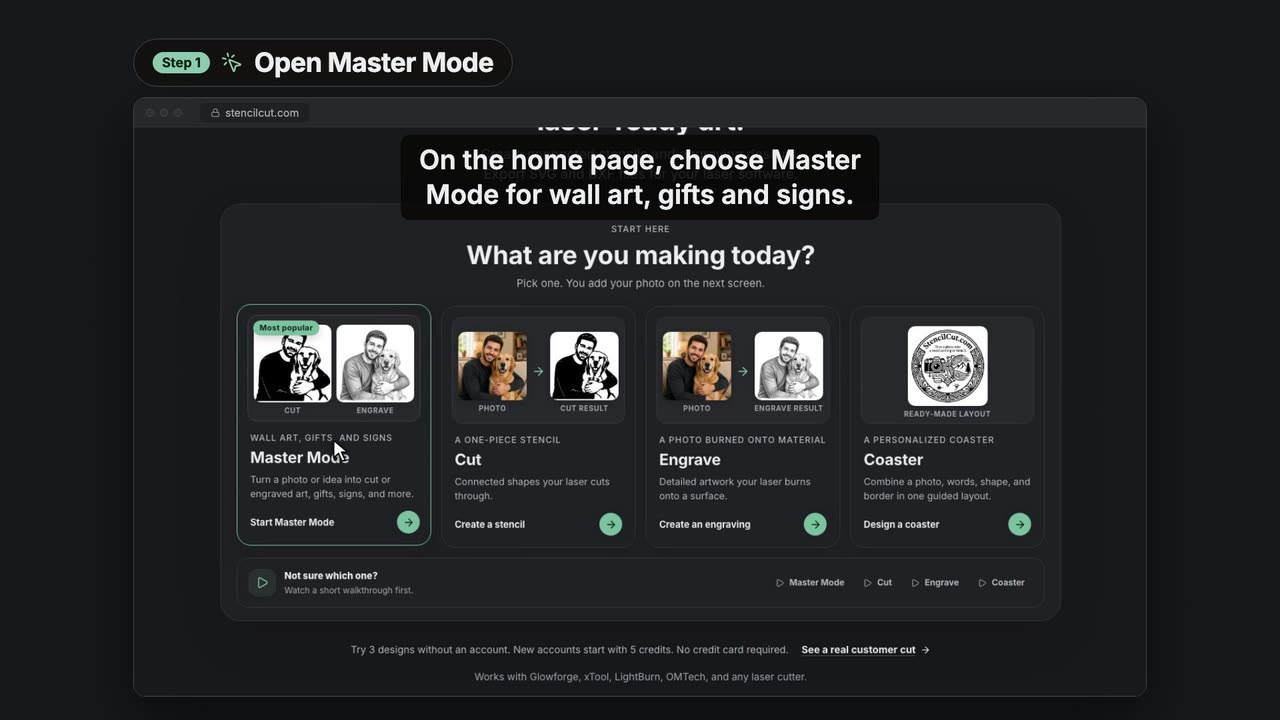
0:54Make cut wall art from a photo in Master Mode
Pick Cut, add a photo, describe the piece, choose words, a frame and a style, and get cut-ready wall art as SVG or DXF.
 0:54
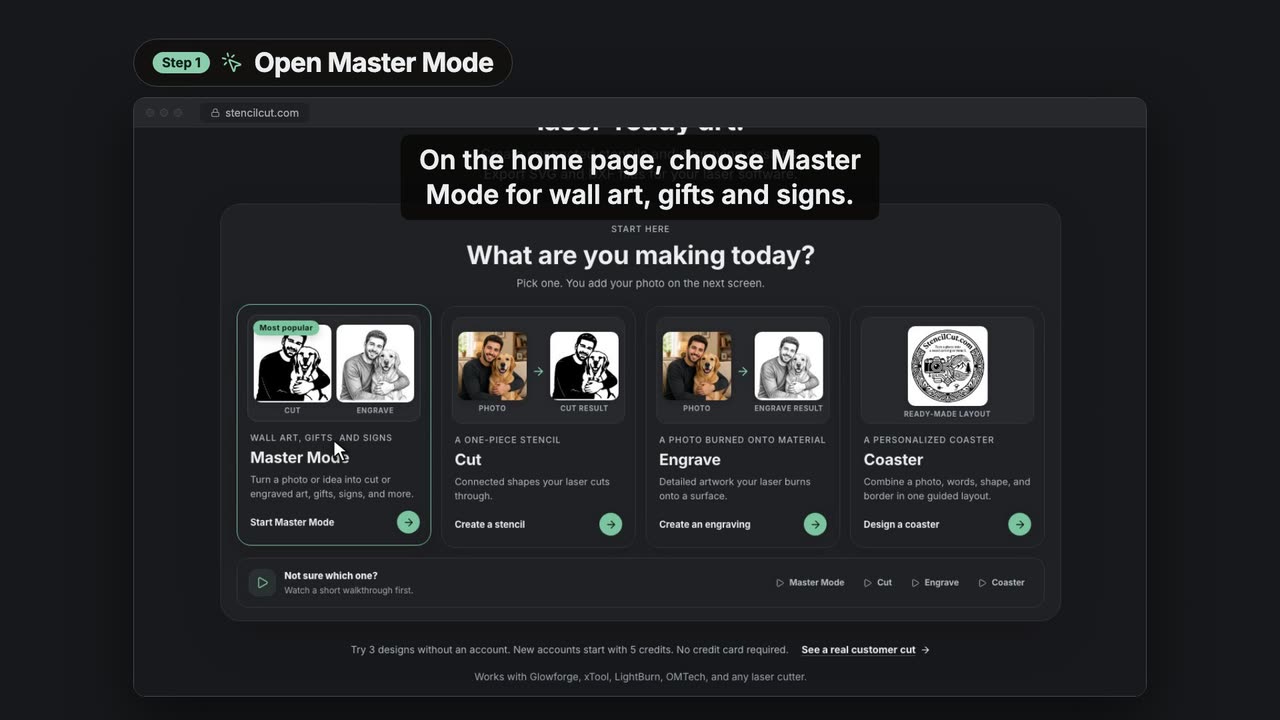
0:54Make engraved wall art from a photo in Master Mode
Pick Engrave, add a photo, describe the piece, choose words, a frame and a style, and get shaded artwork ready to engrave.
 0:51
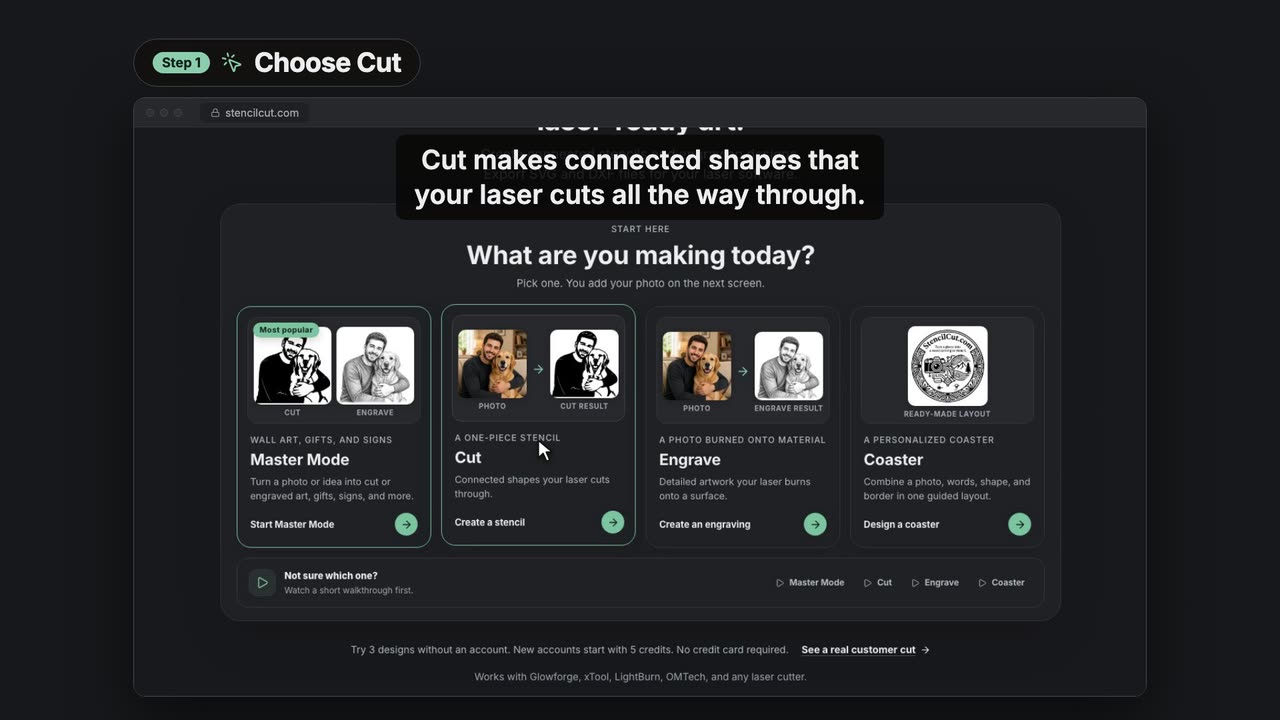
0:51Turn a photo into a laser cut file
Choose Cut, add a photo, pick a style and download a connected SVG or DXF for your laser.
 0:45
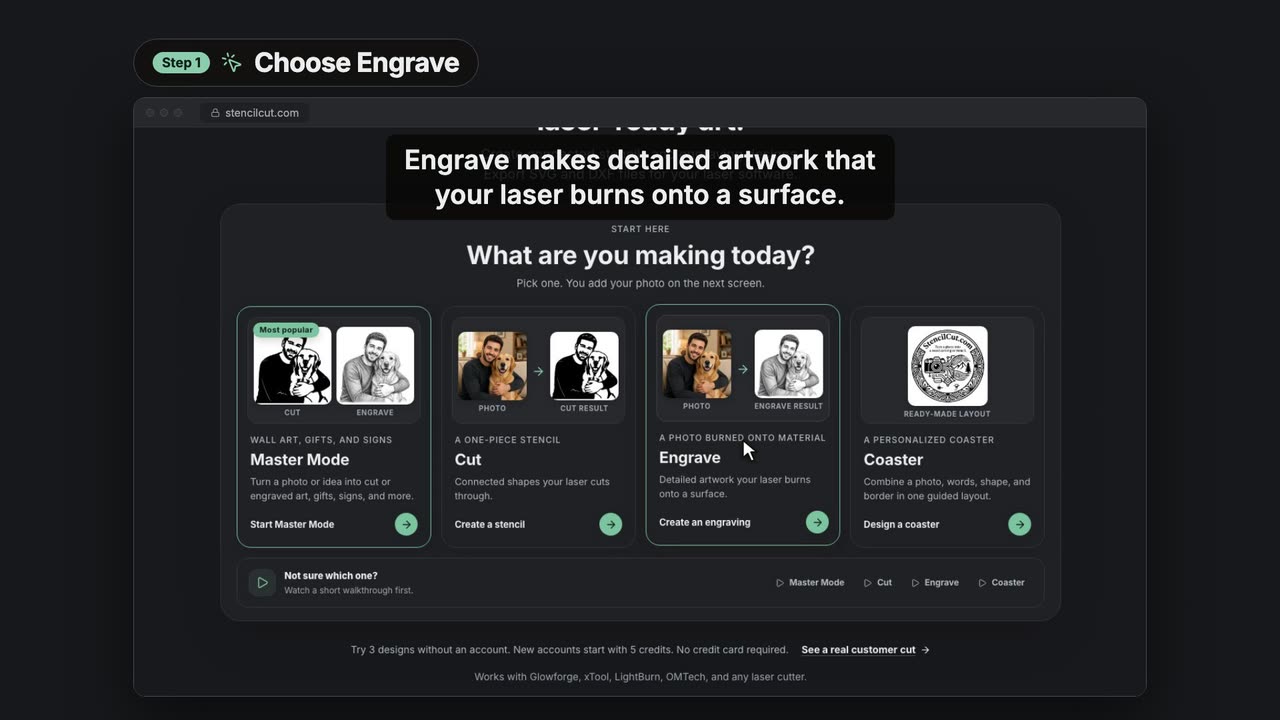
0:45Turn a photo into a laser engraving
Choose Engrave, add a photo, pick a shading style and download artwork your laser burns onto wood, slate or acrylic.
Laser editor
Design, check and export laser files in the browser.
 0:49
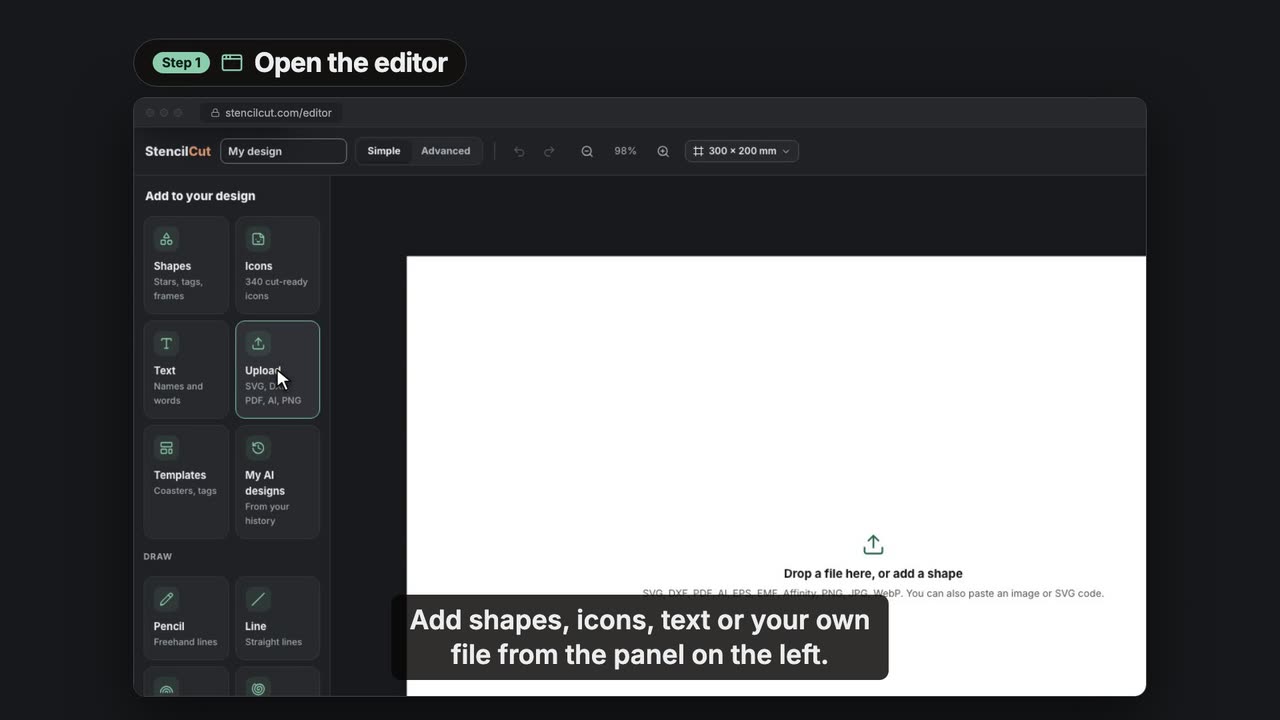
0:49Design a named keychain in the StencilCut laser editor
Start from a template, add a name, set it to engrave, run the laser check and export an SVG, DXF or LightBurn file, all in your browser.
 0:36
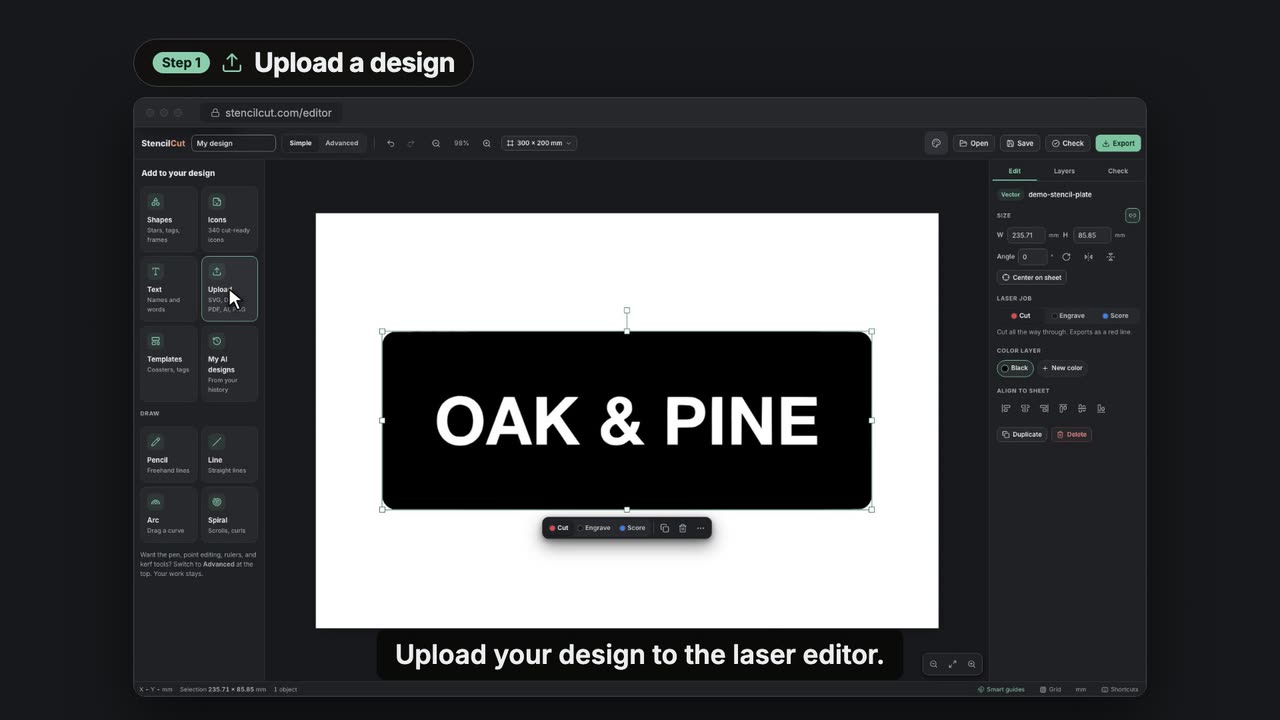
0:36Find floating pieces and add bridges in the laser editor
Upload a stencil, run the laser check to find pieces that would fall out, add bridges, check again and export at true size.
 0:33
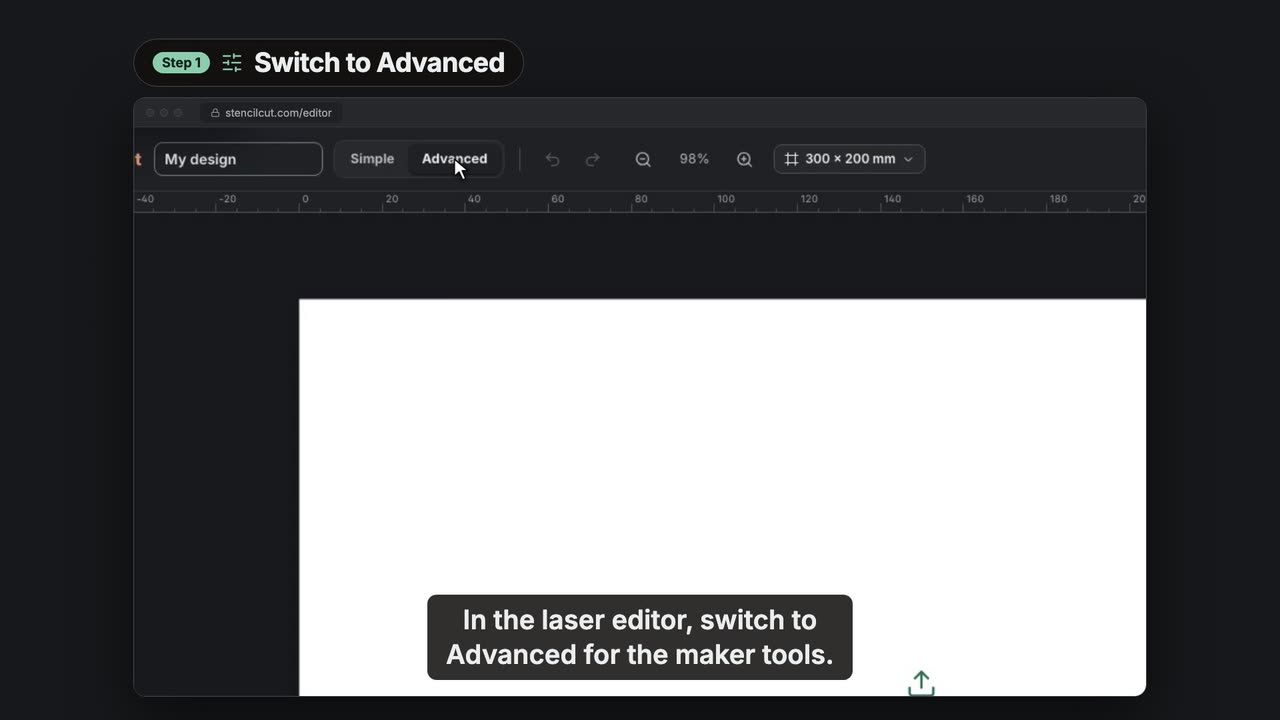
0:33Make a finger-joint box with the StencilCut Box maker
Switch to Advanced, open the Box maker, type the outside size and material thickness, choose a closed or open box and add every panel to your sheet.
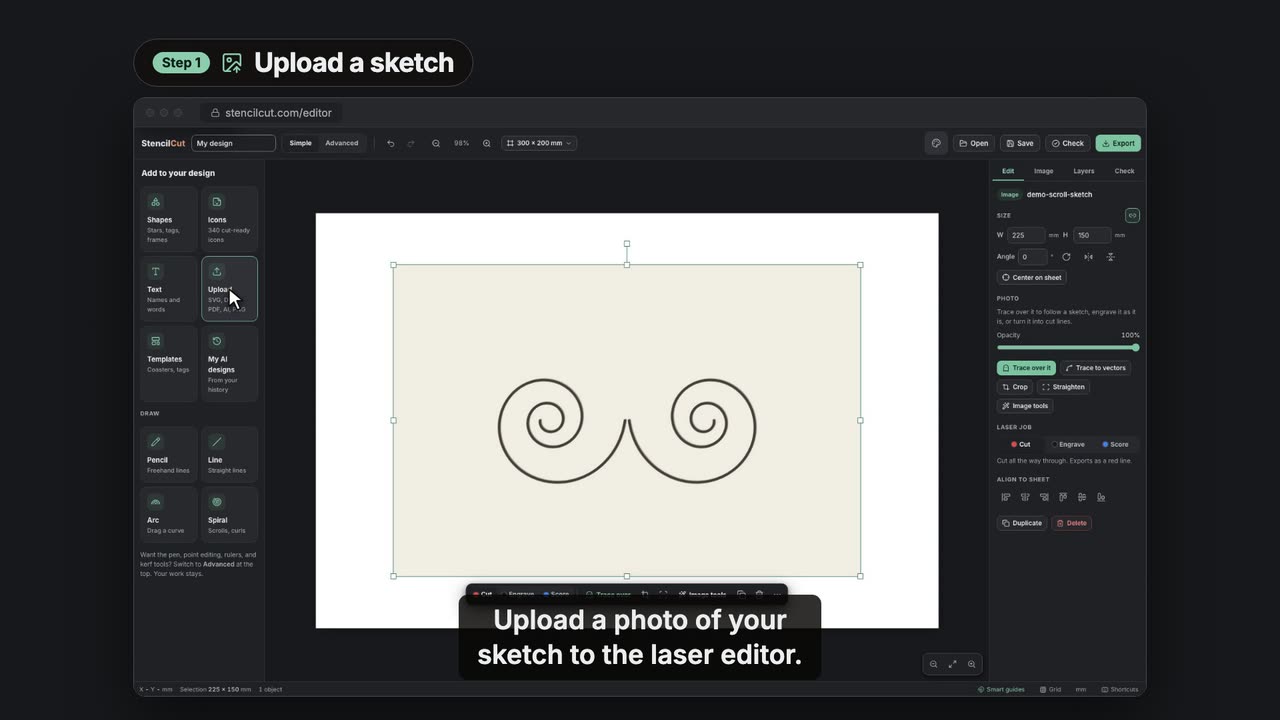 0:35
0:35Trace over a sketch in the StencilCut laser editor
Upload a sketch, turn it into a faded tracing guide, draw scrolls over it with the Spiral tool, make the lines solid and export without the guide.
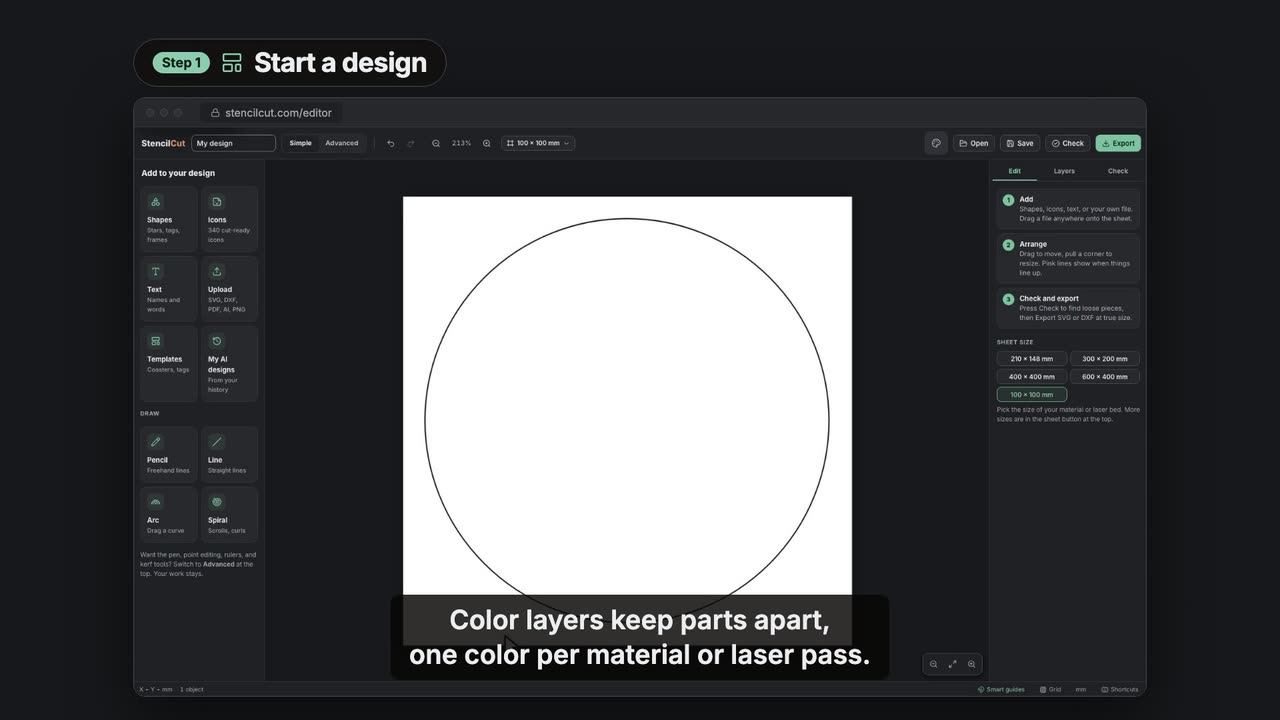 0:33
0:33Use color layers for each laser pass in the StencilCut editor
Add a color layer, put parts on it, name it for its laser pass and export the layers together or as separate files.
Free tools
Quick jobs that run in your browser.
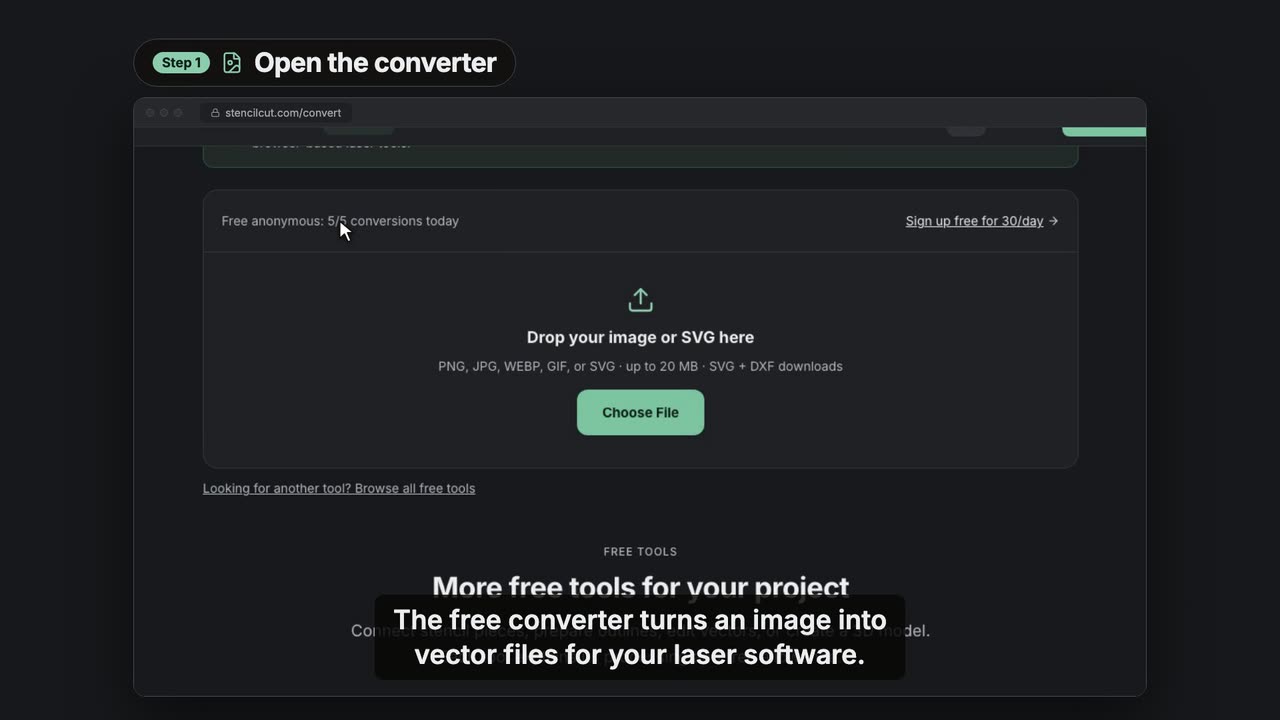 0:33
0:33Convert an image to SVG and DXF for your laser, free
Upload a black and white image, download a traced SVG and a DXF sized in millimetres, then add bridges so floating pieces stay attached.
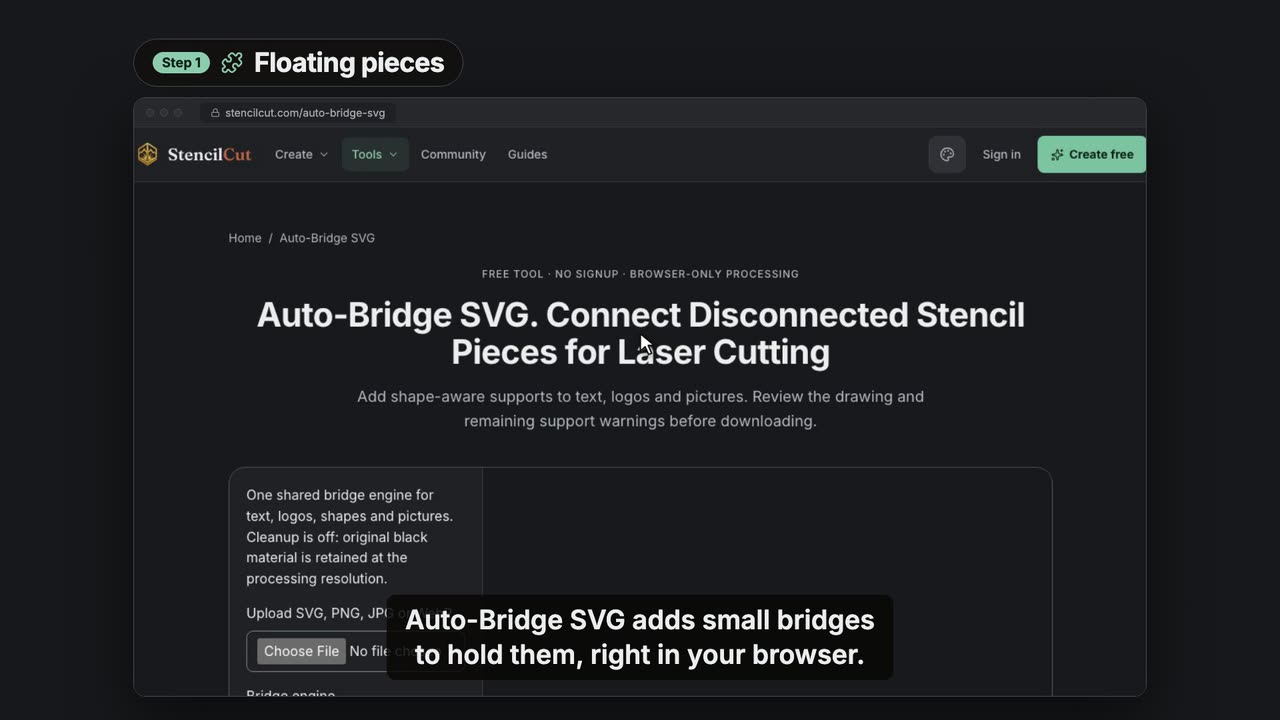 0:43
0:43Join floating stencil pieces with Auto-Bridge SVG
Upload a design with floating pieces, choose the Artisan bridge engine and size, add bridges in your browser and download the SVG, DXF or PNG.
 0:38
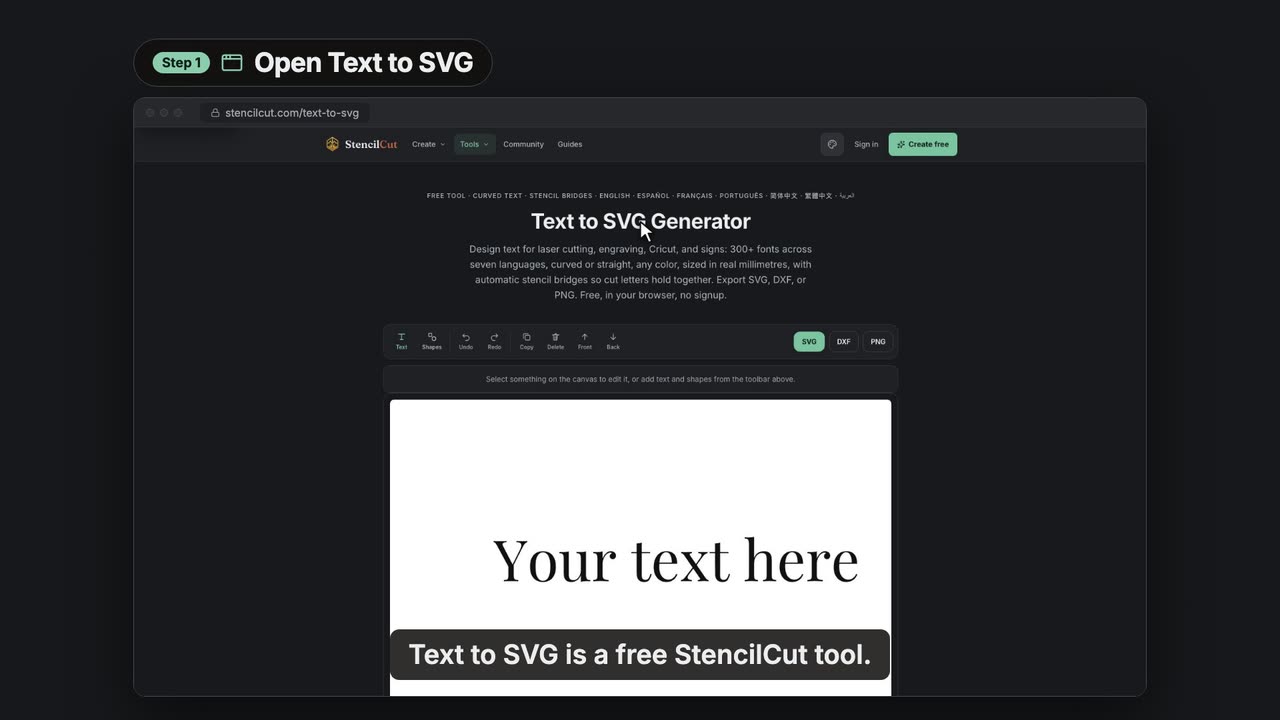
0:38Make cut-ready lettering with the free Text to SVG tool
Type your words, pick a font, curve the line, add stencil tabs and download an SVG, DXF or PNG, free in your browser with no signup.
 0:33
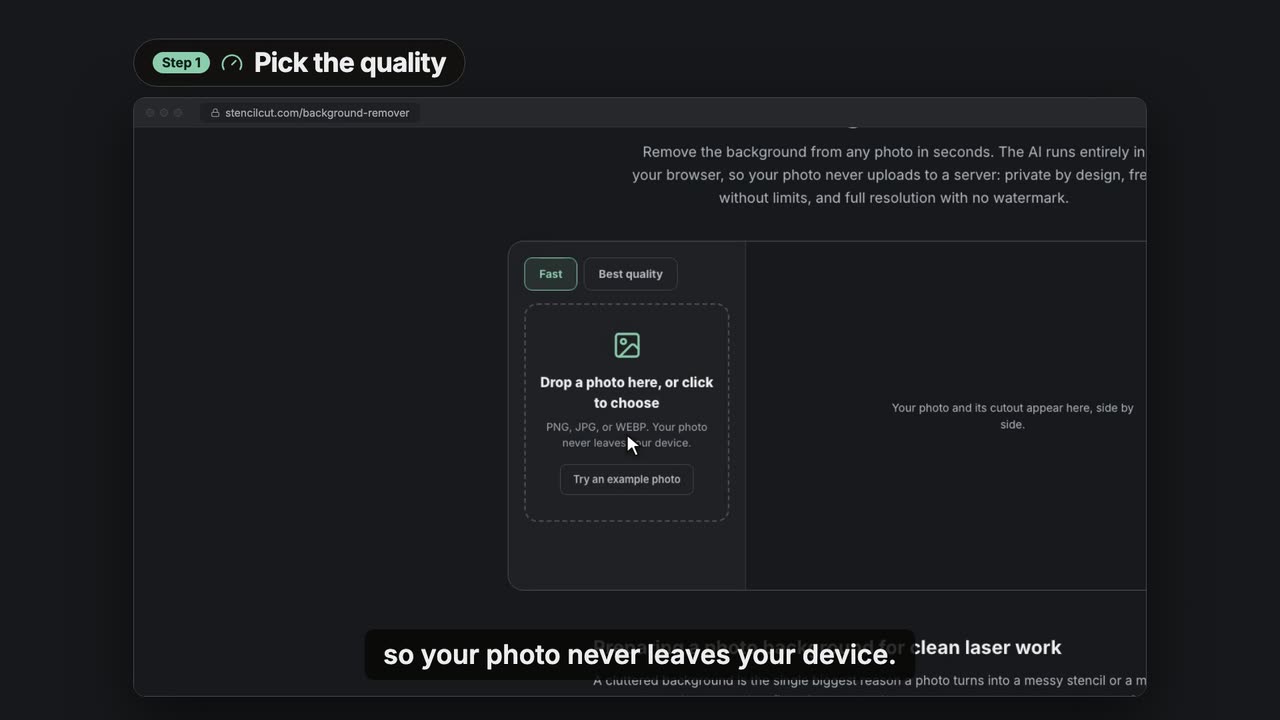
0:33Remove a photo background for free, in your browser
Pick a quality, drop in a photo, compare the cutout with the original and download a transparent PNG, a PNG on white or a JPG. Your photo stays on your device.
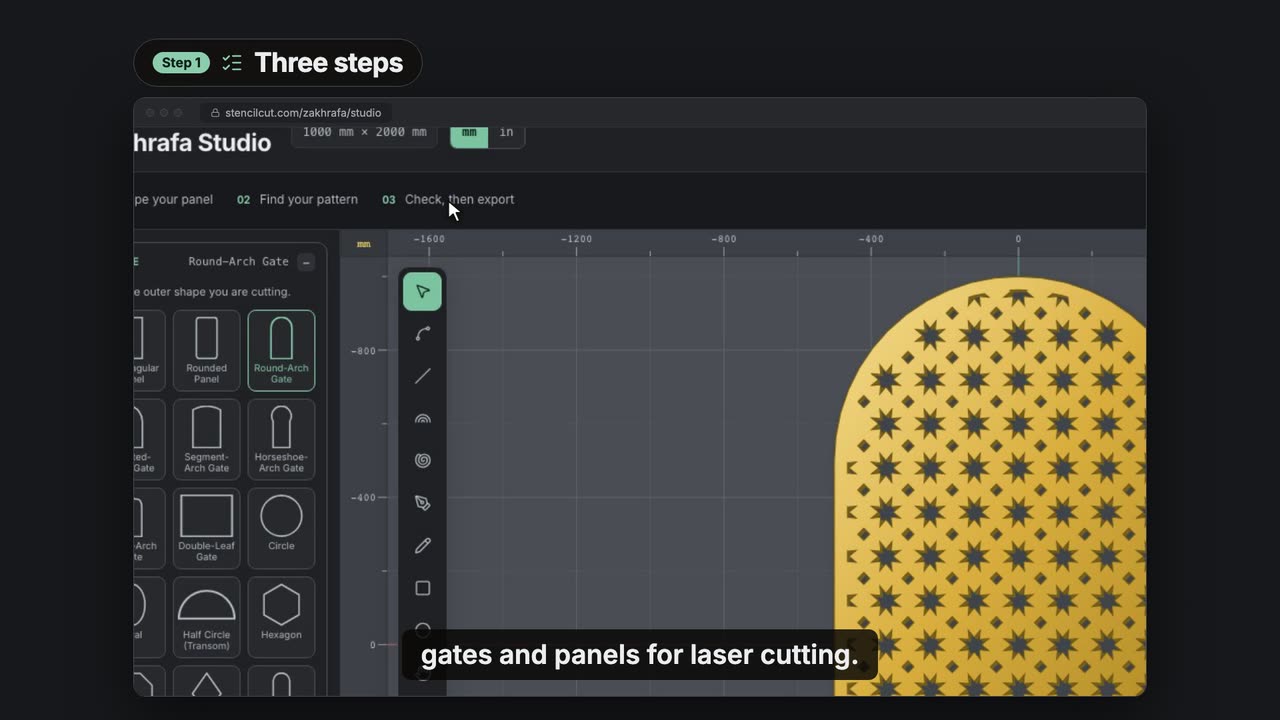
Zakhrafa Studio
Geometric pattern panels, cut as one piece.
Community
Find a design, remix it and make it yours.
 0:28
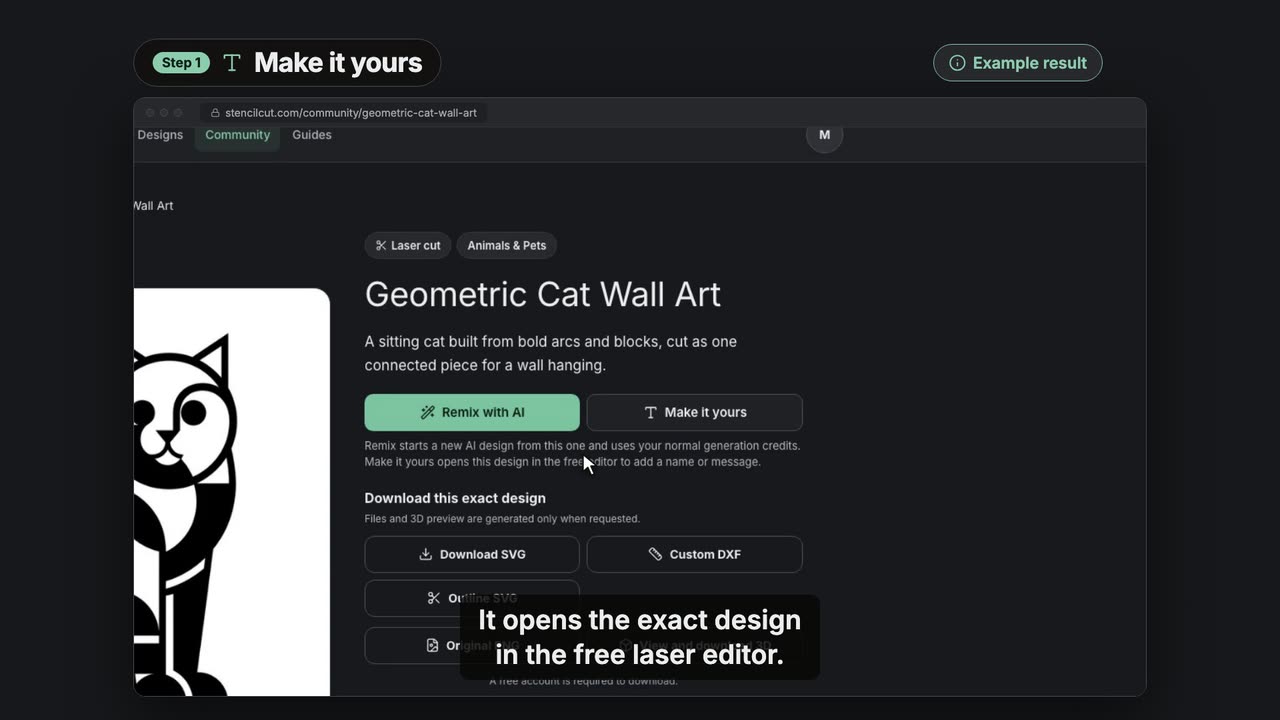
0:28Add a name to a Community design with Make it yours
Open a Community design in the free laser editor with Make it yours, type a name, place it, choose the laser job and export at true size.
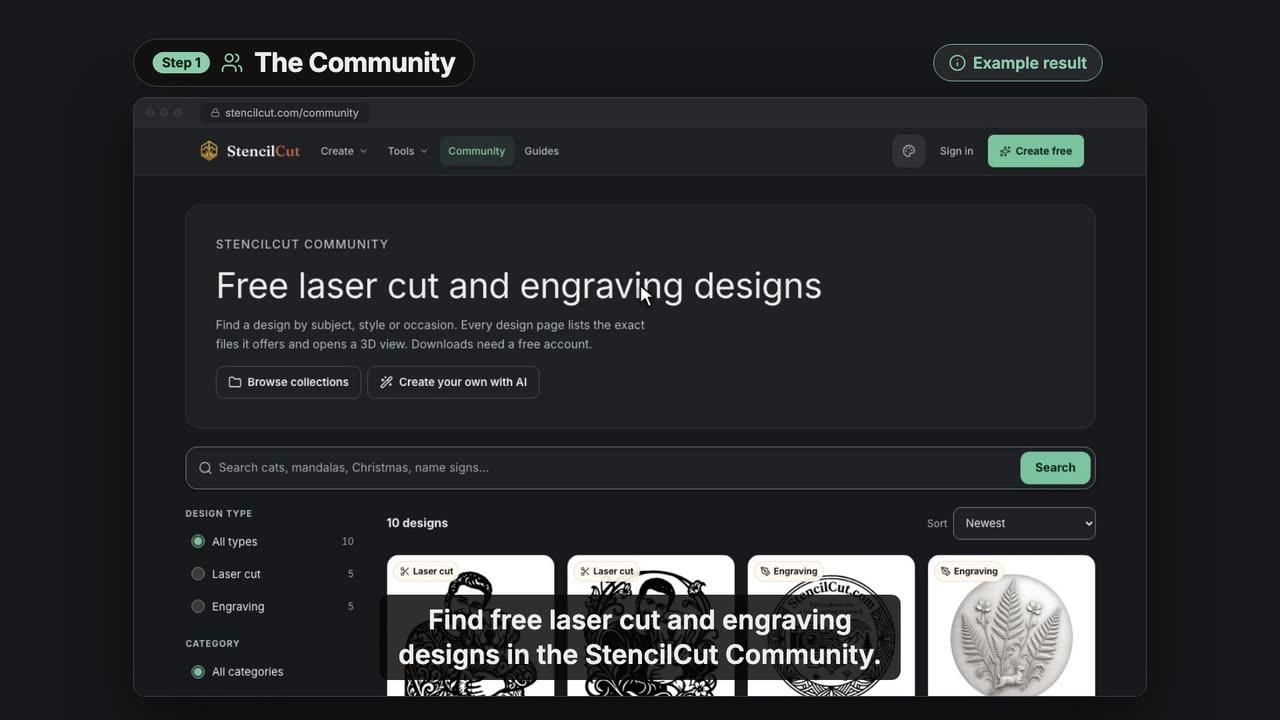 0:37
0:37Find a free laser design in the StencilCut Community
Search the Community, filter laser cut or engraving designs, check a design's cut outline and 3D model, and see what you need to download it.
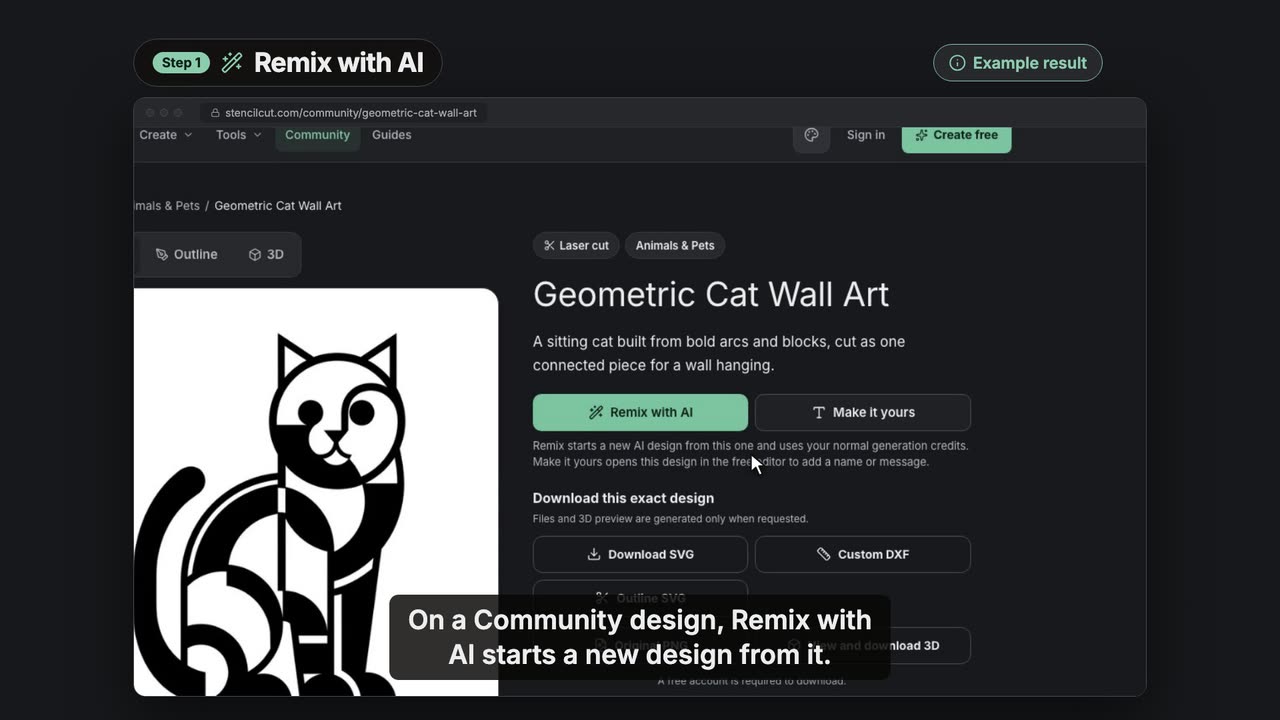 0:39
0:39Remix a Community design with AI on StencilCut
Start a new AI design from a Community design: edit the brief made from its public text, pick a style and generate fresh versions.